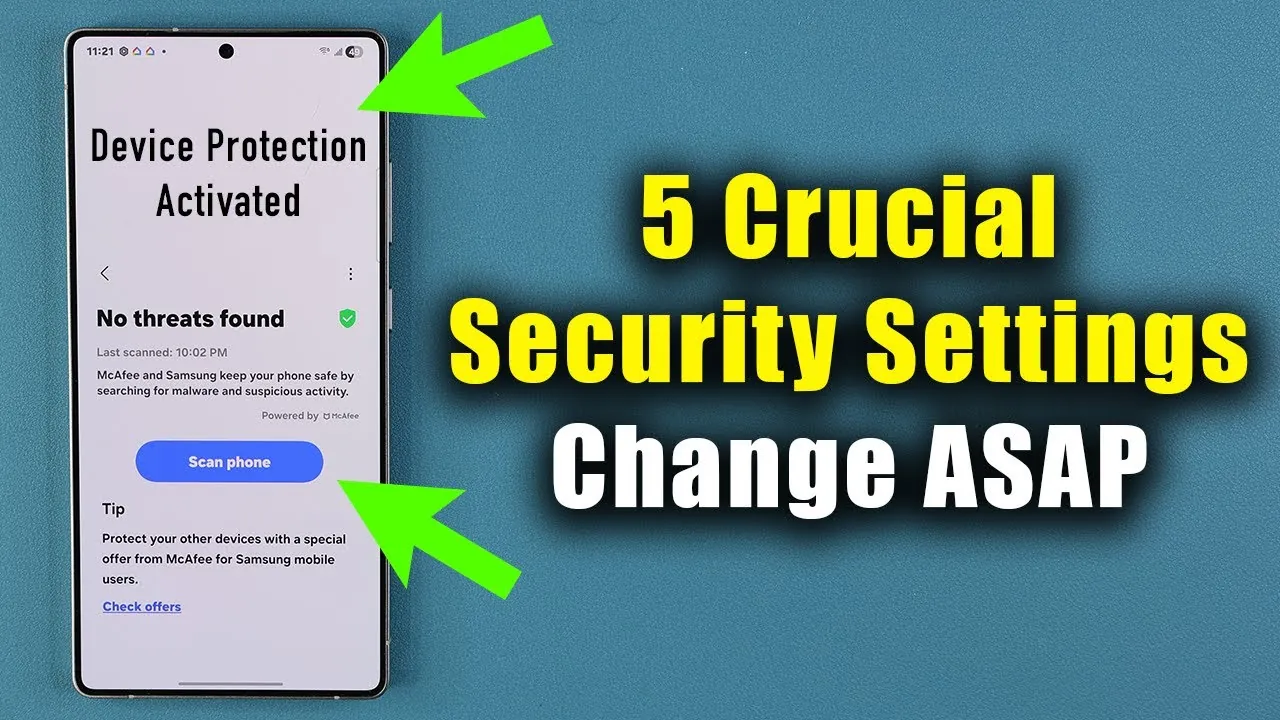
Your Samsung Galaxy smartphone is a powerful tool, but its security depends on how you use and configure it. Without proper precautions, your device could be vulnerable to unauthorized access, malware, and data breaches. By implementing a few essential security measures, you can significantly enhance your phone’s safety and protect your personal information. In the video below, Sakitech explores five critical steps to safeguard your device and ensure a more secure digital experience.
1. Manage App Permissions
Apps on your Samsung Galaxy often request access to sensitive features such as your camera, microphone, and location. While some permissions are necessary for functionality, others may be excessive or unnecessary. Managing these permissions is a vital step in protecting your privacy.
- Set permissions to “allow only while using the app” or “ask every time” for features like location, camera, and microphone.
- Switch to imprecise location sharing for apps that don’t require your exact location to function.
- Review and deny permissions for apps that request access to data or features they don’t need.
By regularly auditing app permissions, you can reduce the risk of apps collecting or misusing your personal data, making sure greater control over your privacy.
2. Enable Google Advanced Protection
Google’s Advanced Protection Program is a robust security feature designed to shield your device from online threats such as phishing attacks and malicious apps. This program is particularly useful for users who handle sensitive information on their devices.
- Activate the Advanced Protection Program through your Google account settings to enable features like app safety and scam prevention.
- Take advantage of enhanced detection and blocking of suspicious activities, such as unauthorized login attempts.
This feature provides an additional layer of defense, making it harder for cybercriminals to compromise your device or access your personal information.
3. Use App Protection Scanning
Malware and suspicious apps remain a persistent threat to smartphone users. Samsung’s Device Care feature includes an app protection tool that scans your device for potential risks and helps you address them effectively.
- Run app protection scans regularly to identify and remove malware or suspicious applications.
- Ensure the security engine is updated frequently to detect the latest threats.
By using app protection scanning, you can proactively defend your device against malicious software, reducing the likelihood of data breaches or performance issues.
4. Activate Lost Device Protection
Losing your smartphone can be a stressful and potentially costly experience. Samsung’s “Find My Mobile” feature offers a comprehensive set of tools to help you locate and secure your device in case it’s lost or stolen.
- Enable “Find My Mobile” to track your phone’s location in real time.
- Activate features like offline finding, sending the last known location, and allowing the phone to be found even when it’s turned off.
- Use the Samsung Find website to remotely lock your device, display a message, or erase its data if recovery isn’t possible.
These tools empower you to act quickly in the event of loss or theft, minimizing the risk of unauthorized access to your personal data.
5. Stay Updated with Security Patches
Keeping your Samsung Galaxy updated is one of the simplest yet most effective ways to maintain its security. Regular updates from Samsung address vulnerabilities, enhance performance, and improve overall protection against emerging threats.
- Enable automatic updates for your operating system and security tools to ensure you’re always running the latest version.
- Manually check for updates periodically to avoid missing critical patches.
By staying current with updates, you can protect your device from newly discovered vulnerabilities and ensure it operates at peak performance.
Take Control of Your Device’s Security
Your Samsung Galaxy’s security is largely determined by the precautions you take. By managing app permissions, allowing Google Advanced Protection, using app protection scanning, activating lost device features, and staying updated with security patches, you can significantly reduce vulnerabilities and enhance your phone’s safety. These steps not only protect your personal data but also provide peace of mind in an increasingly connected world. Take charge of your device’s security today to enjoy a safer and more private smartphone experience.
Check out more relevant guides from our extensive collection on Samsung Galaxy security settings that you might find useful.
- Important Samsung Galaxy Security Settings You Need To Change
- Samsung Galaxy S24 Ultra Security Settings
- Samsung Galaxy SECURITY ALERT! Disable This NOW!
- 20 Essential Security Tips for Samsung Galaxy S25 Users
- 10 Essential iPhone Security Settings You Need To Change
Source & Image Credit: sakitech
Disclosure: Some of our articles include affiliate links. If you buy something through one of these links, Geeky Gadgets may earn an affiliate commission. Learn about our Disclosure Policy.
