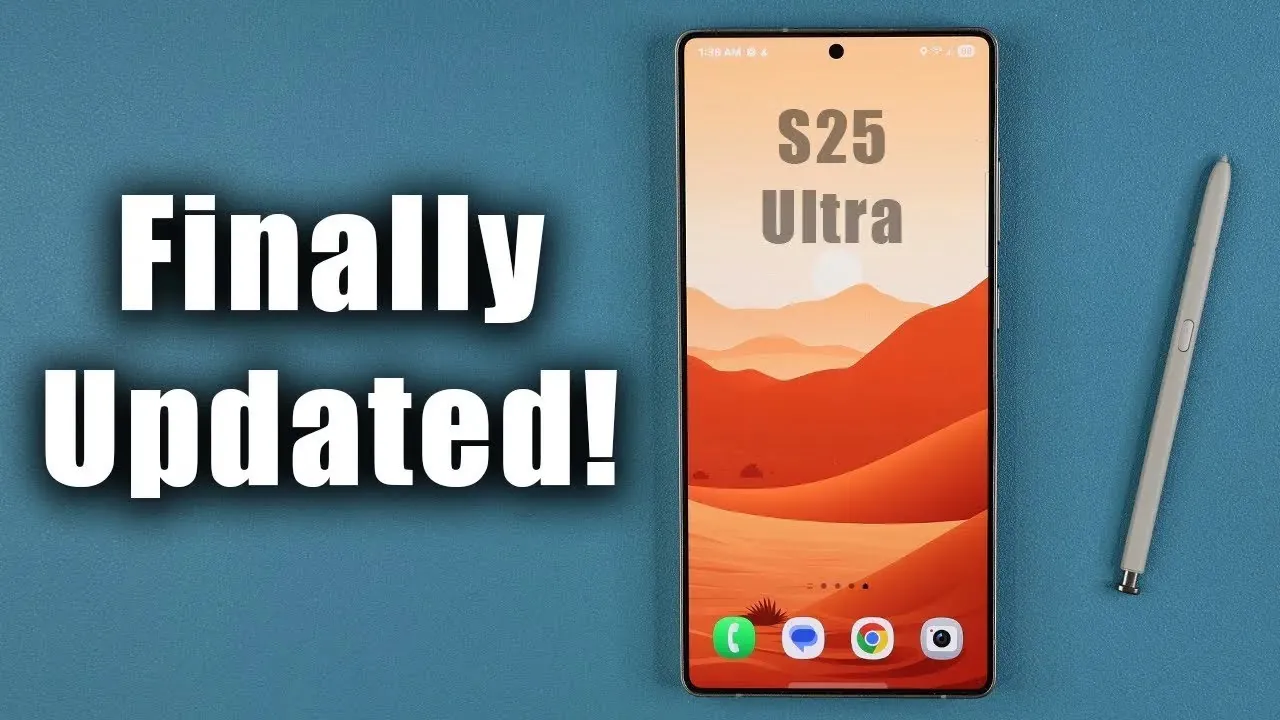
Samsung has released a new software update for the Galaxy S25 Ultra, focusing on enhancing security, improving performance, and making sure system stability. This update, powered by One UI 8.0 and based on Android 16, does not introduce new features but instead prioritizes system optimization and vulnerability fixes. Below is a detailed overview of what this update offers and how it impacts your device in a new video from Sakitech.

Key Highlights of the Update
The latest update, with a file size of 554 MB, includes the January 2026 security patch. Its primary focus is to address critical vulnerabilities, enhance security measures, and improve overall device performance. Samsung has taken steps to ensure that your Galaxy S25 Ultra remains protected against emerging threats, reinforcing its commitment to user safety and device reliability.
Security Enhancements: What’s Been Fixed?
Security improvements are at the forefront of this update. Samsung has resolved multiple critical and high-level vulnerabilities, including those that could potentially allow unauthorized access to system privileges. These fixes are designed to fortify your device’s defenses, safeguarding sensitive data and making sure a more secure user experience.
However, it’s worth noting that some Galaxy S25 Ultra devices still display outdated Google Play system updates, such as those stuck on July 2025. This highlights the importance of regularly checking and updating all system components to maintain comprehensive security. Staying vigilant about these updates ensures that your device remains protected against potential threats.
Steps to Update Your Galaxy S25 Ultra
To fully benefit from this update and maintain your device’s security and performance, follow these steps:
- Open your device’s settings and navigate to the software update menu to check for the latest update.
- Update all apps and system components through the Samsung Galaxy Store and Google Play Store.
- Ensure that any pending updates, including Google Play system updates, are applied promptly.
Completing these steps will help you maintain a secure and stable device environment, making sure optimal performance.
Performance and Stability Improvements
Although this update does not introduce visible changes to the user interface or add new features, it includes subtle yet impactful performance optimizations. These behind-the-scenes improvements enhance the overall stability of your Galaxy S25 Ultra, making sure smoother operation and a more reliable user experience. Additionally, minor bugs that could affect performance have been addressed, further contributing to the device’s stability and efficiency.
These optimizations may not be immediately noticeable, but they play a crucial role in maintaining the long-term functionality and reliability of your device. By addressing these issues, Samsung ensures that your Galaxy S25 Ultra continues to deliver a seamless and consistent experience.
Why This Update Matters
Even in the absence of new features, this update is essential for maintaining the security and functionality of your Galaxy S25 Ultra. Samsung’s focus on patching vulnerabilities and optimizing performance reflects its dedication to providing a secure and seamless experience for its users. However, the presence of outdated Google Play system updates on some devices serves as a reminder of the importance of staying proactive in device maintenance.
By applying this update, you not only protect your device from potential threats but also ensure that it operates at its best. Regular updates are a key component of maintaining a secure and optimized device environment.
Best Practices for Device Maintenance
To maximize the benefits of this update and keep your Galaxy S25 Ultra running smoothly, consider adopting the following best practices:
- Regularly check for updates across all platforms, including the operating system, Samsung Galaxy Store, and Google Play Store.
- Apply updates promptly to address vulnerabilities, improve performance, and enhance security.
- Monitor your device for outdated components, such as Google Play system updates, and take action to resolve them as soon as possible.
By staying proactive and keeping your device updated, you can enjoy a secure, optimized, and reliable experience with your Galaxy S25 Ultra. These practices not only enhance your device’s performance but also ensure that it remains protected against evolving security threats.
Browse through more resources below from our in-depth content covering more areas on Samsung Galaxy S25 Ultra.
- Samsung Galaxy S26 Ultra: Features, Specs, and Innovations
- Samsung Galaxy S25 Ultra: 13 HUGE Upgrades!
- Samsung Galaxy S25 Ultra November 2025 Update: Key Features
- iPhone 17 Pro Max vs Galaxy S25 Ultra: Full Comparison
- How to Maximize Your Samsung Galaxy S25 Ultra Camera Settings
Source & Image Credit: sakitech
Disclosure: Some of our articles include affiliate links. If you buy something through one of these links, Geeky Gadgets may earn an affiliate commission. Learn about our Disclosure Policy.
