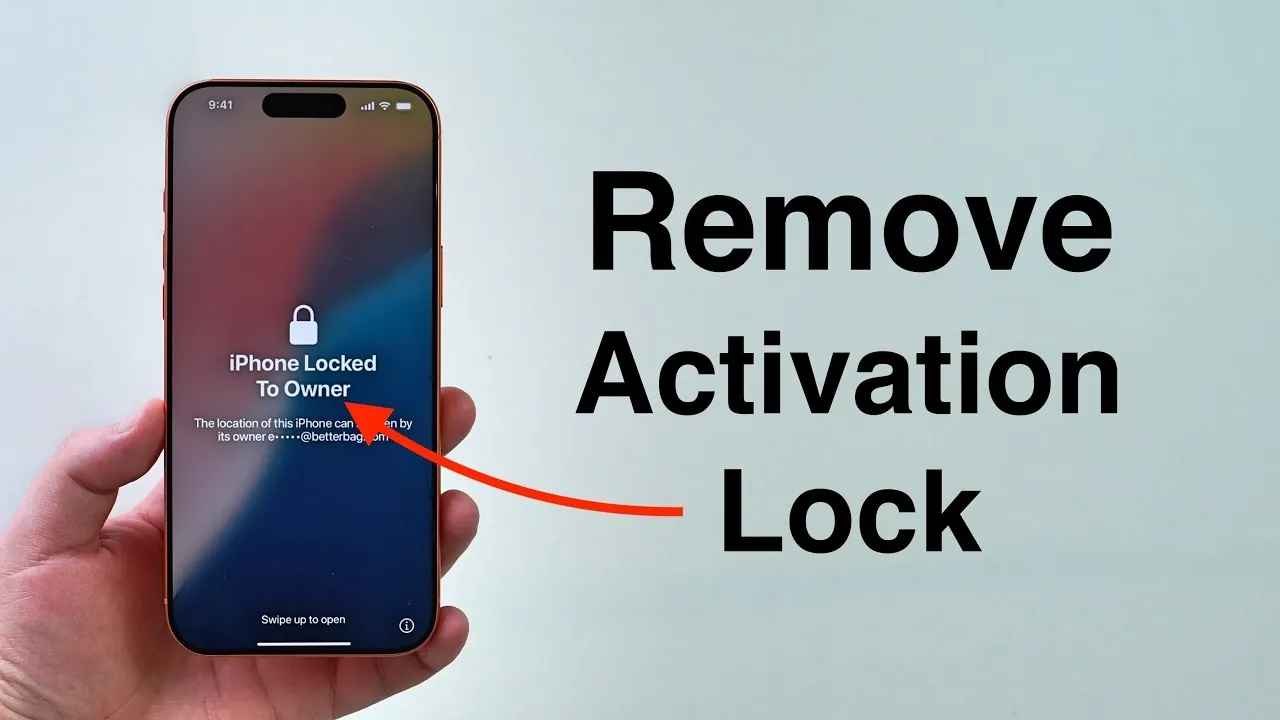
If you find yourself locked out of your iPhone due to the iCloud Activation Lock, understanding how to remove it through Apple’s official support channels is essential. The video below from Daniel About Tech outlines the steps for two common scenarios: when the device is linked to your Apple ID but you’ve forgotten your credentials and when it’s associated with a previous owner’s account. By following Apple’s structured procedures, you can regain access to your device securely and efficiently while making sure your data remains protected. The video below from Daniel About Tech shows us how to do this on your device.
What is iCloud Activation Lock?
The iCloud Activation Lock is a critical security feature designed to prevent unauthorized access to your iPhone. It is automatically activated when you enable the “Find My iPhone” feature. While this tool is invaluable for protecting your personal data in case of theft or loss, it can also inadvertently lock you out if you forget your Apple ID credentials or purchase a device still linked to someone else’s account. Fortunately, Apple provides a secure and systematic process to address these issues, making sure that only authorized users can unlock the device.
Scenario 1: Forgotten Apple ID Credentials
If you’ve forgotten your Apple ID email or password, Apple offers a straightforward recovery process to help you regain access to your account and device. Follow these steps to resolve the issue:
- Using another device with internet access, visit Apple’s password recovery page at iforgot.apple.com.
- Enter your Apple ID email address. If you don’t remember it, select the “Forgot Apple ID” option to retrieve it by providing additional details.
- Follow the on-screen instructions to reset your password. This may involve answering security questions, receiving a verification code, or confirming your identity through a trusted device.
- Once your password is successfully reset, use it to sign in to your iPhone and disable the Activation Lock.
This recovery process is designed to be secure and ensures that your personal data remains protected throughout.
Scenario 2: Device Linked to a Previous Owner
If the iPhone is still associated with a previous owner’s Apple ID, you’ll need to request assistance from Apple. This process requires proof of ownership to verify that you are the rightful owner of the device. Here’s how to proceed:
- Access Apple’s Activation Lock support page using a secondary device with internet access.
- Select the option indicating that the device is linked to another account.
- Provide proof of purchase, such as a receipt from an authorized retailer, along with the device’s IMEI and serial number. These details are essential for Apple to verify ownership.
- Submit your request and wait for Apple to review your case. If approved, Apple will unlock the device and erase all data as part of the unlocking process.
Apple’s strict verification process ensures that only legitimate owners can unlock devices, maintaining the security and integrity of the system.
Important Considerations
Before beginning the unlocking process, it’s important to keep the following points in mind to ensure a smooth and secure experience:
- A secondary device with internet access is required to complete the necessary steps.
- Apple will erase all data on the locked device during the unlocking process. If possible, ensure you have backups of any important information stored elsewhere.
- Devices in Lost Mode or those managed by organizations, such as company-owned devices, cannot be unlocked through this method. These restrictions are in place to prevent unauthorized access.
These considerations highlight the importance of preparing adequately before initiating the unlocking process.
Step-by-Step Overview
To summarize the process of removing the iCloud Activation Lock, follow these key steps:
- Visit Apple’s Activation Lock support page using a secondary device.
- Select the appropriate option based on whether the account belongs to you or a previous owner.
- Provide the required details, including proof of purchase, IMEI and serial number.
- Follow Apple’s instructions to complete the unlocking process.
By adhering to these steps, you can resolve Activation Lock issues effectively and securely, making sure that your device is accessible only to authorized users.
Making sure a Secure Unlocking Process
Removing the iCloud Activation Lock on your iPhone requires careful adherence to Apple’s official procedures. Whether you’ve forgotten your Apple ID credentials or need to unlock a device linked to a previous owner, Apple’s support system provides a reliable and secure solution. By using tools like iforgot.apple.com and submitting the necessary documentation, you can regain access to your device while maintaining its security. Always follow Apple’s guidelines to protect your data and ensure the integrity of your device.
Source & Image Credit: Daniel About Tech
Disclosure: Some of our articles include affiliate links. If you buy something through one of these links, Geeky Gadgets may earn an affiliate commission. Learn about our Disclosure Policy.
