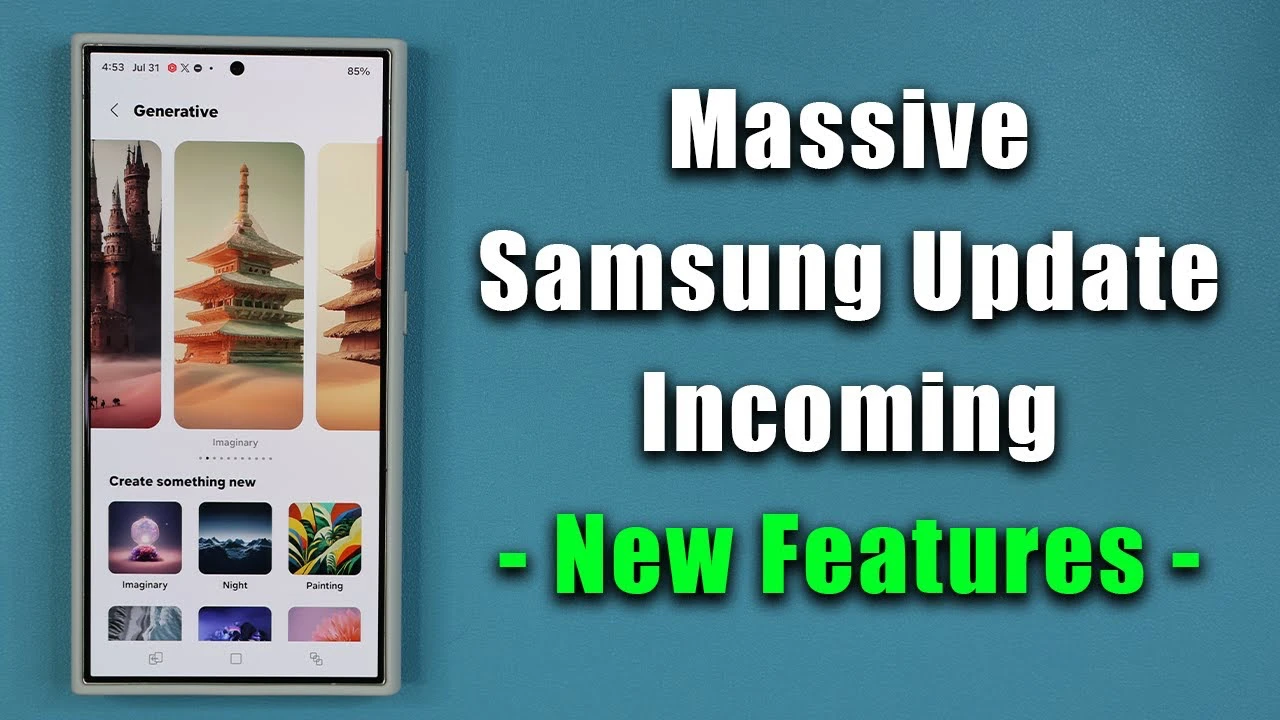
Samsung is gearing up to release the highly anticipated One UI 6.1.1 update for a range of Galaxy devices, including the S24, S23, Z Fold 5, and Z Flip 6. This update promises to bring a host of new features and improvements designed to elevate your user experience to new heights. With a focus on sound quality, AI capabilities, and creative tools, One UI 6.1.1 aims to make your Galaxy device more powerful and intuitive than ever before. The video below from Sakitech gives us more details on this update.

Sound Quality Enhancements
One of the standout features of the One UI 6.1.1 update is the significant improvements it brings to sound quality. You’ll find a new Boost Dialogue option, which intelligently enhances the clarity of spoken words in videos and calls, ensuring that you never miss a crucial detail. Additionally, the Loudness Normalization feature works behind the scenes to maintain consistent volume levels across different media, providing a more balanced and enjoyable listening experience.
- Boost Dialogue option for clearer spoken words in videos and calls
- Loudness Normalization for consistent volume levels across media
Galaxy AI Menu
Navigating and managing AI features on your Galaxy device is now more convenient than ever, thanks to the introduction of a dedicated AI menu in the main settings. This centralized hub consolidates all AI-related features, making it effortless to access and customize them according to your preferences. Whether you’re a seasoned AI enthusiast or just starting to explore its potential, the Galaxy AI menu simplifies the process of leveraging the advanced capabilities of your device.
Advanced AI Features
One UI 6.1.1 takes AI functionality to new heights with a range of advanced features designed to enhance your productivity and creativity. The Photo Editor now includes a Drawing Assist tool, which provides guidance and precision when creating sketches, making it easier than ever to bring your artistic visions to life. For S Pen users, the Sketch to Image feature is a catalyst, allowing you to effortlessly convert your sketches into detailed images. This feature is seamlessly integrated into Samsung Notes, transforming the way you capture and develop ideas.
- Drawing Assist in Photo Editor for precise sketching
- Sketch to Image feature for converting sketches to detailed images
- Integration of Sketch to Image in Samsung Notes
Profile Cards
The Contacts app receives a delightful upgrade with the introduction of AI-generated profile cards. These cards offer a new level of personalization, allowing you to customize them with various text, color, and font options. Creating unique and visually appealing contact profiles has never been easier, adding a touch of individuality to your communication experience.
Gallery Enhancements
The Gallery app undergoes significant enhancements in One UI 6.1.1, empowering you to unleash your creativity like never before. The Sketch to Image feature, previously mentioned, finds its way into the photo editing suite, allowing you to transform your sketches into stunning images directly within the Gallery app. Additionally, the new Portrait Studio offers a comprehensive set of tools for creating AI-generated content and comics, opening up a world of possibilities for creative expression.
- Sketch to Image feature available in Gallery for photo editing
- Portrait Studio for creating AI-generated content and comics
Device Compatibility
While the initial rollout of One UI 6.1.1 will be focused on the S24, S23, Z Fold 5, and Z Flip 6, Samsung has plans to extend these exciting features to a broader range of recent Galaxy devices through future updates. This commitment ensures that a wide array of users can benefit from the enhanced functionality and improved user experience that One UI 6.1.1 brings to the table.
The One UI 6.1.1 update represents a significant step forward for Samsung Galaxy devices, pushing the boundaries of what’s possible with mobile technology. By prioritizing sound quality, AI capabilities, and creative tools, Samsung aims to empower users to make the most of their devices, whether for productivity, entertainment, or self-expression. As the update rolls out, Galaxy users can look forward to a more intuitive, powerful, and engaging experience that sets a new standard for mobile innovation.
Source & Image Credit: Sakitech
Disclosure: Some of our articles include affiliate links. If you buy something through one of these links, Geeky Gadgets may earn an affiliate commission. Learn about our Disclosure Policy.
