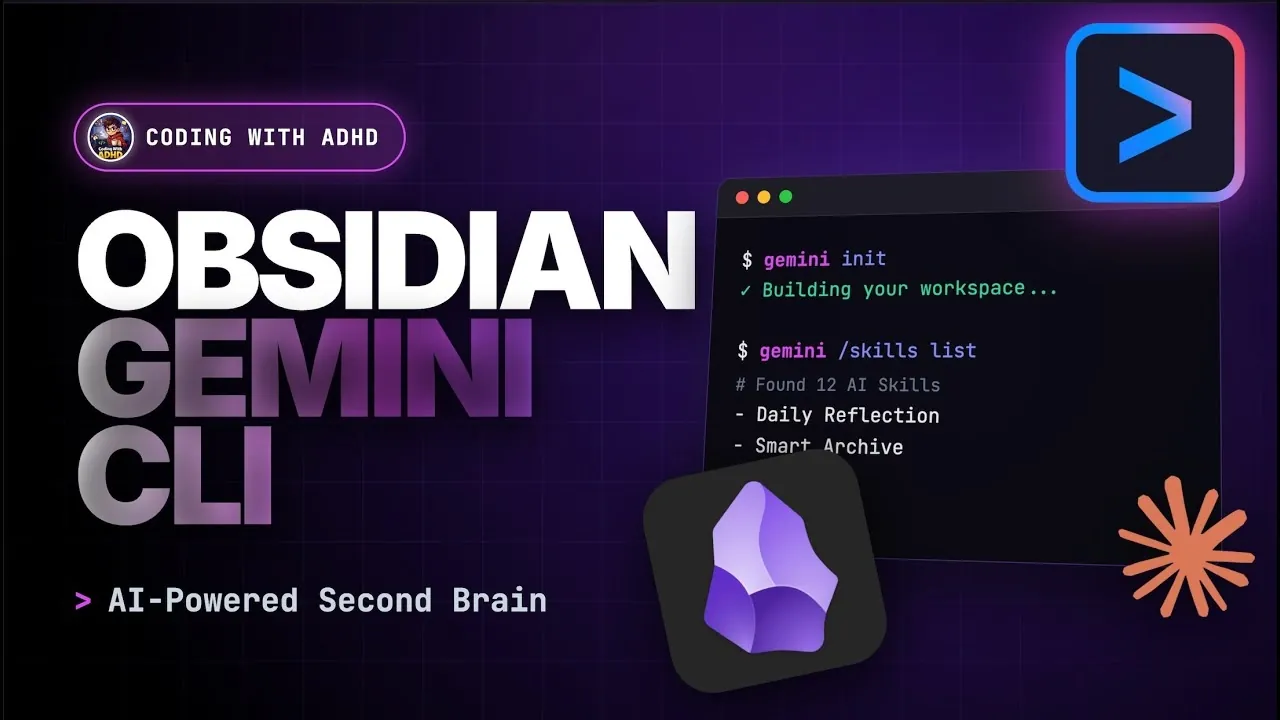
What if your note-taking system could do more than just store information, what if it could actively enhance the way you think and work? Coding With ADHD takes a closer look at how combining the versatility of Obsidian with the AI-driven power of Gemini CLI can transform knowledge management into a dynamic, intelligent process. This isn’t just about organizing your notes; it’s about creating a scalable workflow that integrates automation and artificial intelligence into your daily life. Whether you’re a developer handling intricate projects or a researcher navigating massive datasets, this explainer demonstrates how this pairing can elevate your productivity to the next level.
In this walkthrough, you’ll learn how to construct a “second brain” that’s both structured and smart. From customizing an Obsidian vault to fit your unique needs to harnessing Gemini CLI for seamless AI integration, the guide outlines a process that simplifies both manual and automated tasks. You’ll also dive into advanced techniques like using symbolic links for system synchronization and centralizing AI capabilities for greater efficiency. By bridging the gap between human creativity and machine intelligence, this workflow redefines how you engage with information, offering a glimpse into a more innovative way of working.
Obsidian & Gemini CLI
TL;DR Key Takeaways :
- Combining Obsidian and Gemini CLI creates a scalable, AI-driven knowledge management system ideal for software engineers, researchers, and knowledge workers.
- Setting up an Obsidian vault with essential plugins like Templator, Calendar, and Daily Notes enhances functionality, organization, and automation.
- Integrating Gemini CLI enables AI-driven workflows by generating a memory file, synchronizing tools, and managing symbolic links for seamless automation.
- Centralizing AI skills in a shared directory simplifies updates, ensures consistency across tools, and supports scalability for future AI integrations.
- Implementing version control with Git and organizing directories for scalability ensures a future-proof, adaptable, and efficient knowledge management system.
Building the Foundation: Vault Creation and Plugin Setup
The cornerstone of your knowledge management system is the Obsidian vault, which acts as the central repository for all your notes, files, and resources. Begin by creating a new vault tailored to your needs. Once the vault is established, enhance its functionality by installing essential plugins. These plugins extend Obsidian’s capabilities, making it more efficient and customizable. Key plugins to consider include:
- Templator: Automates repetitive tasks by allowing template-based note creation, saving time and making sure consistency.
- Calendar: Provides a visual overview of daily notes and schedules, helping you stay organized.
- Daily Notes: Simplifies the creation and organization of daily entries, making sure your workflow remains structured.
- Terminal: Integrates command-line functionality directly into Obsidian, bridging the gap between manual and automated tasks.
For a polished and visually appealing interface, consider applying a theme such as Obsidianite. These tools and customizations not only improve usability but also lay the groundwork for integrating automation and AI, allowing a streamlined and future-ready workflow.
Organizing Your Vault for Scalability
A well-structured vault is essential for maintaining an organized and scalable system. Start by creating a “system” folder within your vault, which serves as the backbone of your organizational structure. Within this folder, include subfolders for archives, attachments, and templates. This approach keeps your root directory clean and ensures that files are easy to locate.
To further refine your setup, use Gemini CLI or similar tools like Claude or Codeex to generate a directory structure that aligns with your specific workflow. For instance, you might create folders for individual projects, daily notes, or long-term knowledge repositories. Regularly reviewing and reorganizing your directories helps minimize clutter and ensures seamless navigation as your system evolves.
Configure Obsidian Plus Gemini CLI for Shared AI Skills and Sync

Discover other guides from our vast content that could be of interest on Obsidian.
- Obsidian and Home Assistant: The Perfect AI Smart Home Combo
- Notion to Obsidian: Reasons to Change & What You Will Gain
- How Obsidian Simplifies Note-Taking for Maximum Productivity
- YAML in Obsidian: A Guide to Better Metadata Management
- How to Use Google Gemini & Obsidian to Learn Faster & Smarter
- Integrate Claude AI with Obsidian for Smarter Note-Taking in 2025
- New Obsidian 1.6 update features explained
- Obsidian & Cursor AI Knowledge and Workflow Management
- 6 Essential Dataview Queries to Improve Your Obsidian Workflows
- How To Migrate To Obsidian Importer Plugin – Apple Notes OneNote
Integrating AI with Gemini CLI
The integration of Gemini CLI into your workflow serves as the backbone for AI-driven knowledge management. Begin by initializing your vault with Gemini CLI, which generates a memory file (`gemini.md`). This file acts as a reference point, allowing AI agents to understand your vault’s structure, conventions, and content.
To enhance this integration, configure symbolic links within your system. These links allow you to manage hidden system folders and edit Gemini settings directly within Obsidian. By keeping your AI tools synchronized with your vault, you create a cohesive and efficient system that bridges manual and automated processes. This integration not only improves productivity but also ensures that your workflow remains adaptable to future advancements in AI technology.
Streamlining Daily Notes with Automation
Daily notes are a fundamental component of effective knowledge management. The Daily Notes plugin allows you to create and store entries in a dedicated “daily” folder within your vault. To standardize your notes, use templates that include predefined sections for tasks, reflections, and links to related content. This consistency ensures that your notes remain organized and actionable.
Automation tools like Templator can further enhance this process by generating daily notes automatically. By reducing manual effort, these tools ensure that your notes are always up-to-date and aligned with your workflow. This automation not only saves time but also helps maintain a structured approach to knowledge management.
Centralizing AI Skills for Enhanced Functionality
AI agents such as Gemini, Claude, and Codeex rely on predefined skills to perform specific tasks. These skills act as structured instructions, allowing reliable and efficient interactions. To manage these skills effectively:
- Centralize skill definitions in a shared directory, such as a “skills” folder within your vault or a separate dot files directory.
- Use symbolic links to connect this shared directory to multiple AI agents, making sure consistency across tools and reducing redundancy.
This centralized approach simplifies updates, eliminates duplication, and supports a unified skill management system. As new AI tools are introduced, this structure ensures that your workflow remains scalable and adaptable, allowing you to integrate additional functionalities seamlessly.
Implementing Version Control and Synchronization
Version control is a critical aspect of maintaining a reliable and organized vault. By initializing your vault with Git, you can effectively track changes and maintain backups of your files. However, it is important to exclude the `.git` folder from Obsidian Sync to avoid conflicts during synchronization.
To further enhance organization, configure Obsidian to automatically sort attachments into a designated directory. This ensures that all files are stored in their proper locations, reducing clutter and improving accessibility. These practices not only safeguard your data but also streamline your workflow, making it easier to manage and scale your system over time.
Preparing for Scalability and Future Integration
As your knowledge management system grows, scalability becomes increasingly important. To future-proof your setup, consider organizing your directories with an eye toward expansion. For example, create an “agents” folder to house configurations and settings for different AI tools. This proactive approach ensures that your system remains flexible and ready to accommodate new technologies and workflows.
The AI ecosystem is evolving toward standardized skill definitions, which enhance interoperability and efficiency. By adopting a centralized skill management approach now, you position your system to adapt seamlessly to these advancements. This forward-thinking strategy ensures that your workflow remains efficient and relevant in the face of technological progress.
Maximizing Efficiency with Obsidian and Gemini CLI
The combination of Obsidian and Gemini CLI provides a robust framework for knowledge management, integrating AI, automation, and structured organization. By creating a well-organized vault, automating daily tasks, and centralizing AI skill management, you can build a scalable system tailored to your unique needs. This workflow not only supports your current projects but also prepares you for the evolving demands of modern knowledge work, making sure long-term efficiency and adaptability.
Media Credit: Coding With ADHD
Disclosure: Some of our articles include affiliate links. If you buy something through one of these links, Geeky Gadgets may earn an affiliate commission. Learn about our Disclosure Policy.
