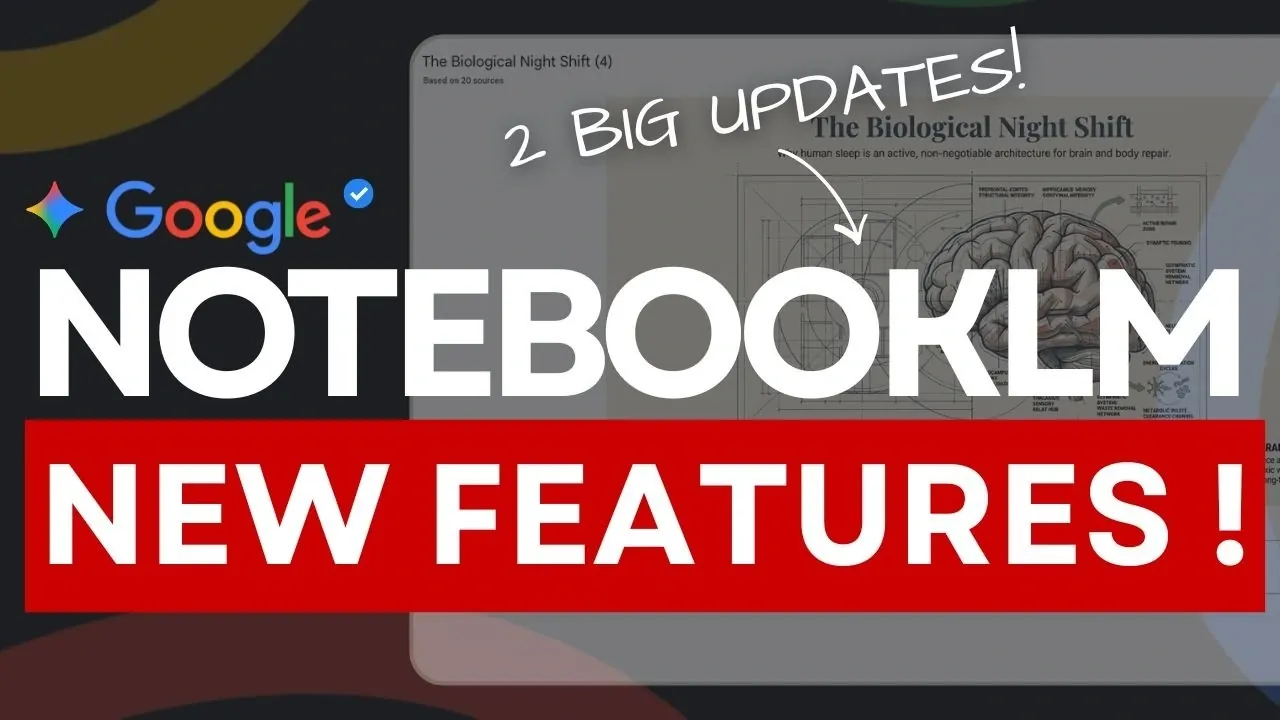
NotebookLM has introduced two significant updates that enhance its utility for research and presentation workflows: slide revision capabilities and customizable infographic styles. These features, highlighted by Universe of AI, offer users greater control over their outputs while maintaining the platform’s hallmark of traceability to original sources. For example, the slide revision feature allows users to update titles, content and visuals directly within the platform, eliminating the need for external editing software. This ensures that presentations remain polished and up-to-date, even under tight deadlines.
In this practical overview, you’ll learn how to make the most of these updates to streamline your projects. Discover how to use the slide revision feature to refine your presentations efficiently and explore the 10 distinct infographic presets, including clay and editorial styles, to create visuals tailored to different audiences. You’ll also see how these enhancements integrate seamlessly into NotebookLM’s workflow, allowing you to produce cohesive, professional outputs across overviews, slides and infographics.
NotebookLM’s Latest Productivity Enhancements
TL;DR Key Takeaways :
- NotebookLM introduces slide revision capabilities and customizable infographic styles, enhancing productivity and output quality for researchers, students and professionals.
- The platform ensures all outputs remain traceable to original sources, maintaining credibility and reliability, especially in academic and professional settings.
- New customizable infographic options include 10 visual presets and the ability to define custom styles, catering to diverse branding and communication needs.
- Integrated workflows connect research overviews, slide decks and infographics to the same source material, making sure consistency and cohesion across deliverables.
- Mobile accessibility allows users to revise slides and make updates on the go, supporting productivity anytime, anywhere.
Advanced Research Tools for Precision & Credibility
NotebookLM excels in handling intricate research tasks by processing user-provided documents and prompts with exceptional accuracy. A defining feature of the platform is its ability to ensure that all outputs remain traceable to their original sources, safeguarding both credibility and reliability. This is particularly valuable for academic and professional settings where accuracy is paramount.
By crafting detailed and specific prompts, you can guide NotebookLM to produce highly relevant and actionable results. For instance, if you’re investigating renewable energy policies, a well-structured prompt can yield a comprehensive overview tailored to your needs. To refine your prompts further, tools like Claude or ChatGPT can assist in clarifying objectives, making sure that NotebookLM delivers results aligned with your goals. This combination of precision and adaptability makes it a powerful resource for tackling complex research projects.
Effortless Slide Deck Creation and Seamless Revisions
NotebookLM’s ability to generate professional slide decks from structured prompts has always been a standout feature, simplifying the process of creating visually compelling presentations. Whether you’re summarizing research findings or preparing for a business meeting, this functionality saves time and effort.
The newly introduced “Revise” feature improves this capability by allowing you to edit slide decks directly within the platform. You can modify titles, update content and adjust visuals without the need for external software. For example, if a slide requires updated statistics or a more concise title, the revision feature enables you to make these changes effortlessly. This streamlined approach is particularly beneficial for professionals who need to refine presentations quickly, making sure that their materials are polished and up-to-date.
NotebookLM Just Got Two Massive Updates
Here is a selection of other guides from our extensive library of content you may find of interest on NotebookLM.
- NotebookLM Update Expands Prompt Limit to 10,000 Characters
- Using Google NotebookLM with Gemini 3.0 for Smarter Research
- NotebookLM Data Tables Explained, Free for All Google Users
- NotebookLM Alternative Open Notebook Lets You Build a Private AI Notebook
- NotebookLM Guide: Summaries, Slide Decks, SOPs & Data Tables
- NotebookLM Update: Automate Research & Build Overviews in Minutes
- NotebookLM-Gemini Integration for Faster Plans, Briefs, Answers
- 5 Excellent NotebookLM Features You’re Probably Not Using
- Claude Projects vs NotebookLM: Research Notes or Buildable Workflows
- How to Use NotebookLM & Gemini 3 for Fast, Accurate Research
Customizable Infographic Styles for Impactful Visuals
In a world where visual communication is increasingly important, NotebookLM’s new customizable infographic options provide users with the tools to create engaging and audience-specific visuals. The platform now offers 10 distinct visual presets, including styles such as clay, editorial and kawaii, allowing you to tailor your designs to suit various contexts and preferences.
Additionally, NotebookLM enables you to define custom styles to align with specific branding or thematic requirements. You can also control the orientation and level of detail in your infographics. For instance, a detailed, landscape-oriented infographic might be ideal for a conference presentation, while a concise, square format could be more effective for social media platforms. This flexibility ensures that your visuals are not only aesthetically pleasing but also strategically aligned with your communication goals.
Integrated Workflow for Consistent and Cohesive Outputs
One of NotebookLM’s most valuable features is its integrated workflow, which connects all outputs, research overviews, slide decks and infographics, to the same source material. This interconnected approach eliminates inconsistencies between deliverables, making sure that your projects remain accurate and cohesive.
For example, if you generate a detailed overview on climate change initiatives, the same data can be seamlessly transformed into a slide deck or infographic. This integration not only saves time but also enhances the reliability and visual coherence of your outputs. By maintaining consistency across all deliverables, NotebookLM simplifies the process of managing complex projects and ensures that your work meets the highest standards of quality.
Mobile Accessibility for Productivity Anytime, Anywhere
The slide revision feature is now available on NotebookLM’s mobile app, providing users with the flexibility to make edits on the go. This functionality is particularly advantageous for professionals who need to update presentations while traveling or between meetings. Whether you’re refining a slide title, updating visuals, or making last-minute adjustments, the mobile app ensures that you remain productive and efficient, regardless of your location.
Who Can Benefit from NotebookLM?
NotebookLM’s enhanced features cater to a diverse range of users, making it a versatile tool for various fields and applications:
- Researchers: The platform’s traceable outputs ensure academic integrity, making it easier to manage and present complex projects.
- Students: Simplify challenging topics into digestible formats, enhancing both understanding and presentation quality.
- Professionals: Create polished overviews, slide decks and infographics that resonate with diverse audiences, all within a single platform.
For instance, a marketing professional could use NotebookLM to analyze consumer behavior trends, generate a detailed overview, create an accompanying slide deck and design infographics for social media campaigns. This versatility makes NotebookLM an indispensable tool for anyone seeking efficient and visually engaging solutions.
Empowering Users with Versatile and User-Friendly Tools
With its latest updates, NotebookLM has solidified its position as a comprehensive platform for managing research and presentation tasks. The addition of slide revision capabilities and customizable infographic styles enhances its functionality, allowing users to create professional, traceable and visually impactful outputs. Whether you’re a researcher, student, or professional, NotebookLM’s integrated workflow, mobile accessibility and advanced features empower you to work efficiently and effectively, regardless of the task at hand.
Media Credit: Universe of AI
Disclosure: Some of our articles include affiliate links. If you buy something through one of these links, Geeky Gadgets may earn an affiliate commission. Learn about our Disclosure Policy.
