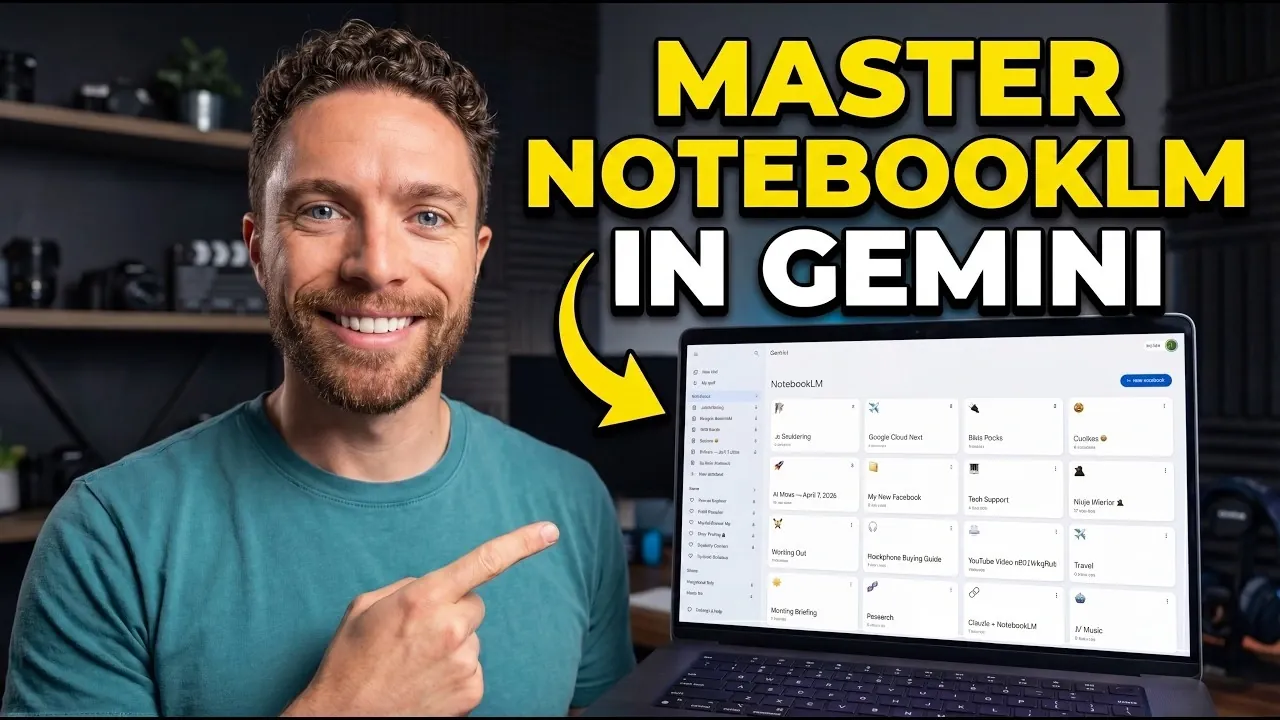
NotebookLM in Gemini offers features aimed at improving how users manage and interact with information. Paul Lipsky explains how the platform uses AI-driven personalization and contextual memory to create structured workspaces that retain relevant details across interactions. For example, users can consolidate discussions about event planning or project logistics into a single notebook, making sure that all related information remains organized and accessible throughout the process.
Discover how to build centralized knowledge repositories, generate tailored outputs and customize AI behavior to suit specific workflows. Gain insight into strategies for simplifying progress tracking and visualizing data to better analyze trends and make informed decisions. This overview provides practical examples to help you apply NotebookLM effectively in both personal and professional contexts.
NotebookLM Productivity Features
TL;DR Key Takeaways :
- NotebookLM organizes conversations into focused workspaces, making sure continuity and context across projects with notebook-wide memory for streamlined workflows.
- It enables the creation of centralized knowledge repositories by integrating external resources, enriching AI responses with context-aware insights for research and project management.
- The platform generates tailored outputs, such as guides or reports, by using chat history and uploaded resources, saving time and enhancing efficiency.
- Users can customize AI behavior for specific needs, defining tone, behavior and responses to align with unique goals and preferences.
- NotebookLM simplifies data tracking and visualization, allowing users to monitor progress, analyze trends and make informed decisions through charts and tables.
1. Organizing Conversations into Focused Workspaces
NotebookLM enables you to structure related conversations into dedicated workspaces, making sure your projects and topics remain organized and easily accessible. By grouping discussions into notebooks, you maintain continuity and context across multiple exchanges. The notebook-wide memory feature ensures the AI retains relevant information, making it easier to revisit and build upon previous interactions.
- Example: Planning a wedding? Create a notebook to consolidate chats about venues, catering and guest lists. This eliminates the need to sift through scattered conversations.
- Benefit: This feature keeps your work streamlined, saving time and minimizing distractions.
2. Building a Centralized Knowledge Repository
NotebookLM allows you to integrate external resources into your notebooks, creating a centralized hub of information. By syncing files, links, videos and other materials, you enrich the AI’s understanding, allowing it to provide more context-aware and comprehensive responses. This is particularly useful for research, project management, or learning new skills.
- Example: Preparing for a business presentation? Upload reports, charts and reference documents to your notebook. The AI can then use this information to answer questions or generate relevant insights.
- Benefit: Combining uploaded resources with chat history provides a deeper, more contextualized understanding of your subject matter.

Here is a selection of other guides from our extensive library of content you may find of interest on NotebookLM.
- NotebookLM Update Adds Claude Integration for Workflows
- Latest NotebookLM 2026 Updates: Features, Workflow & What Matters
- NotebookLM Infographic Presets, 10 Styles & Custom Looks
- Claude Projects vs NotebookLM: Research Notes or Buildable Workflows
- NotebookLM Data Tables Explained, Free for All Google Users
- NotebookLM Guide: Summaries, Slide Decks, SOPs & Data Tables
- Integrate NotebookLM Research into Docs & Sheets Fast in 2026
- NotebookLM Feature Guide : Cinematic Video Overviews
- NotebookLM 2026 Guide: Research-to-Content with Gemini
- NotebookLM in Gemini: New Workflow, Sources & Syncing
3. Generating Tailored Outputs
NotebookLM excels at creating personalized outputs by using your chat history and uploaded resources. Whether you need detailed guides, reports, or presentations, the AI generates content tailored to your specific inputs and preferences. This feature is ideal for both professional and personal projects, saving you time and effort.
- Example: Need a marketing strategy document? The AI can combine your uploaded market research data and prior discussions to produce a polished, actionable plan.
- Benefit: Automating the creation of high-quality, customized materials enhances efficiency and ensures accuracy.
4. Customizing AI Behavior for Specific Needs
NotebookLM allows you to define custom instructions for each notebook, tailoring the AI’s tone, behavior and responses to suit your specific requirements. This feature is particularly valuable for specialized tasks or roles, allowing the AI to adapt to your unique goals and preferences.
- Example: Create a customer support notebook with preloaded FAQs or a personal finance notebook with budgeting tips. The AI will respond in alignment with the parameters you’ve set.
- Benefit: Customizing AI behavior ensures the tool aligns with your objectives, enhancing usability and relevance.
5. Tracking Progress and Visualizing Data
NotebookLM simplifies data tracking and visualization, making it easier to monitor progress and identify trends. You can log data directly into your notebooks and generate tables or visualizations to analyze the information effectively. This feature is particularly useful for goal tracking, performance analysis, or project management.
- Example: Track your monthly expenses in a financial notebook and create charts to visualize spending patterns. This helps you identify areas for cost-saving and set realistic financial goals.
- Benefit: Transforming raw data into actionable insights supports better decision-making and goal-setting.
Additional Features That Enhance Functionality
NotebookLM in Gemini offers a range of supplementary features that further enhance its adaptability and usability. These include:
- Customizable source selection: Tailor the AI’s outputs by selecting specific resources or datasets for reference.
- Integration with external tools: Seamlessly export data to platforms like Google Sheets for advanced analysis and management.
- Flexible notebook updates: Adapt your workspaces as your projects evolve, making sure they remain relevant and effective.
Maximizing the Potential of NotebookLM
NotebookLM in Gemini is a powerful tool that enables you to organize, personalize and optimize your workflows. Its ability to integrate external resources, generate tailored outputs and adapt to your unique needs makes it an invaluable asset for managing tasks and information efficiently. By using its advanced features, you can streamline processes, boost productivity and achieve your goals with greater ease.
Media Credit: Paul J Lipsky
Disclosure: Some of our articles include affiliate links. If you buy something through one of these links, Geeky Gadgets may earn an affiliate commission. Learn about our Disclosure Policy.
