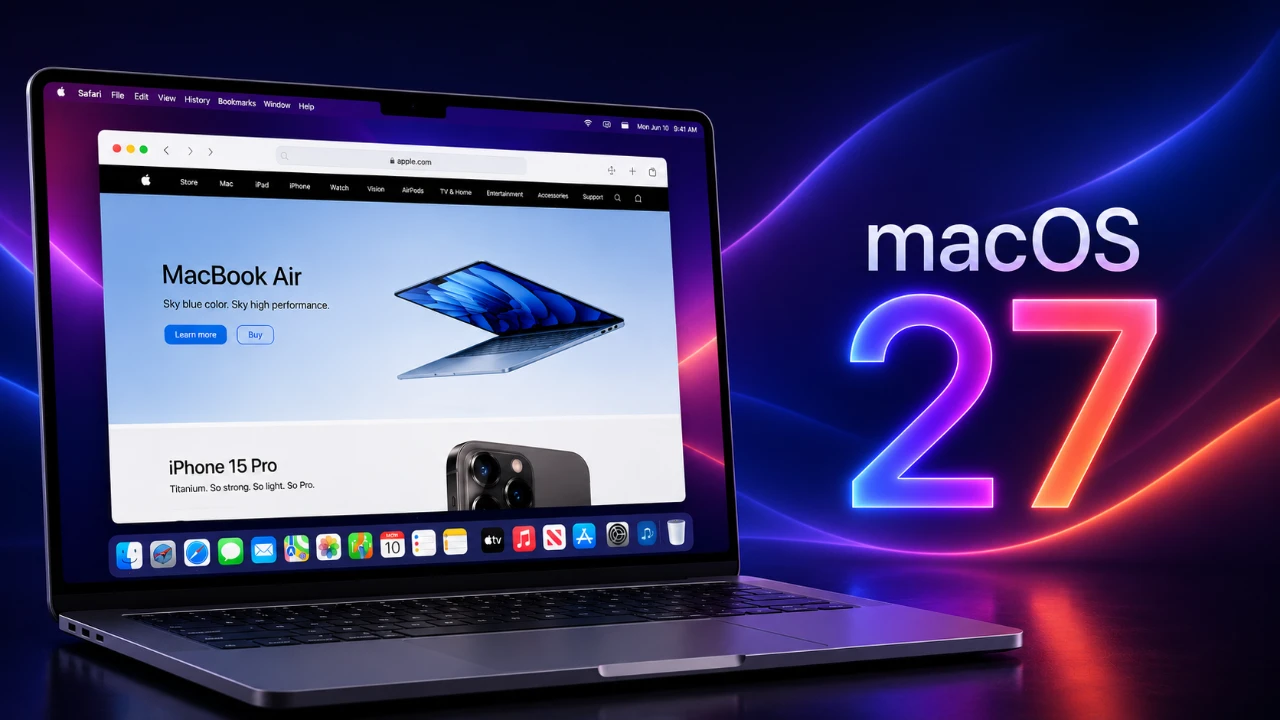
Safari in macOS 27 introduces a new feature that reshapes how you interact with your browser: the ability to create custom extensions using the built-in “Describe Extension” tool. This functionality allows you to design personalized extensions tailored to your specific needs, all without requiring advanced technical expertise. These extensions not only enhance your browsing experience but also sync seamlessly across your Apple devices, making sure consistent functionality wherever you go. By empowering users to customize their browsing tools, Safari takes a significant step toward a more user-centric internet experience. The video below from Stephen Robles gives us more details.

What Makes Custom Safari Extensions Innovative?
The “Describe Extension” tool is a key innovation in Safari’s latest update. It enables you to articulate the functionality you want in an extension and Safari generates it for you. This feature simplifies customization, making it accessible to a broader audience, including those without programming knowledge. For example, you can create extensions to:
- Hide distracting webpage elements, such as headers, ads, or pop-ups, for a cleaner browsing experience.
- Download all images from a webpage with a single click, saving time on repetitive tasks.
- Extract URLs for specific elements on a webpage, streamlining research or content curation.
Once generated, these extensions can be further refined or edited to better suit your needs. This flexibility allows you to tailor your browsing experience in ways that were previously complex or unavailable, making Safari a more versatile tool for both casual users and professionals.
Everyday Applications for Enhanced Productivity
The potential applications of custom Safari extensions are vast, offering practical solutions for a wide range of tasks. Here are some examples of how these extensions can enhance productivity and simplify daily workflows:
- Creative Projects: Automate tasks like capturing video frames, extracting thumbnails, or organizing media files, saving valuable time on content creation.
- Video Viewing: Develop an extension to enable picture-in-picture mode automatically, making sure a seamless and distraction-free viewing experience.
- Research: Generate accurate citations for webpages in various formats, making academic or professional research more efficient.
- Web Development: Inspect fonts, measure webpage elements, or analyze layouts directly within Safari, streamlining the design and testing process.
These examples demonstrate how Safari’s new capabilities cater to diverse user needs, from casual browsing to specialized professional tasks. By automating repetitive actions and offering tailored solutions, these extensions can significantly enhance your productivity.
Seamless Integration Across Apple Devices
One of the standout features of Safari’s custom extensions is their ability to sync effortlessly across your Apple ecosystem, including Mac, iPhone and iPad. This ensures that the extensions you create or enable on one device are instantly available on all others. You can manage these extensions through Safari’s settings, allowing or disabling them as needed, regardless of the device you’re using.
This cross-device integration provides a consistent and efficient browsing experience, allowing you to maintain productivity whether you’re working on your Mac at home or browsing on your iPhone while on the go. The seamless synchronization underscores Apple’s commitment to creating a unified and user-friendly ecosystem.
Security First: Sandboxing for Safe Browsing
Safari in macOS 27 prioritizes your security and privacy by sandboxing all extensions. This means that extensions operate strictly within the browser environment, preventing them from interacting with other apps or accessing sensitive system data. While this approach enhances safety, it also requires you to manually enable or disable extensions through the Safari menu.
Although this extra step may feel less convenient for some users, the trade-off ensures a secure browsing experience without compromising your data. By maintaining strict control over extension permissions, Safari reinforces its position as a browser that values user privacy and security above all else.
Opportunities for Developers and Creatives
Safari’s new features open up exciting possibilities for developers and creative users alike. Developers can use the “Describe Extension” tool to build custom tools that streamline workflows and enhance productivity. For example, they can create extensions to:
- Inspect fonts and dimensions on webpages for precise design adjustments.
- Test layouts and designs more efficiently, directly within the browser.
- Automate repetitive development tasks, saving time and effort.
Creative users, on the other hand, can explore automation options tailored to their unique needs. Whether it’s extracting video frames, customizing web elements, or creating tools for specific projects, the “Describe Extension” tool ensures that both casual users and professionals can unlock new levels of productivity and creativity. This widespread access of extension creation enables users to take full control of their browsing experience.
Room for Growth: Future Enhancements
While the “Describe Extension” tool represents a significant leap forward, there is room for further improvement. Users have expressed interest in features such as easier toggling of extensions and deeper integration with macOS and iOS 27’s Shortcuts app. These enhancements could expand Safari’s automation capabilities, making it an even more powerful tool for productivity and creativity.
Additionally, introducing more advanced customization options and templates could further simplify the extension creation process, catering to users with varying levels of technical expertise. Such updates would not only enhance the user experience but also solidify Safari’s position as a browser that evolves to meet the changing demands of its audience.
Setting a New Standard for Browsing
Safari in macOS 27 exemplifies Apple’s commitment to creating a highly customizable and user-centric browsing platform. By allowing you to design and sync custom extensions, Safari offers tools that cater to your unique needs, whether you’re a developer, researcher, or everyday user. These features not only streamline tasks but also enhance productivity and unlock new possibilities.
With its focus on security, seamless integration and user empowerment, Safari sets a new benchmark for browser functionality. This update demonstrates how technology can adapt to the evolving needs of modern users, offering a browsing experience that is both innovative and practical.
Source & Image Credit: Stephen Robles
Disclosure: Some of our articles include affiliate links. If you buy something through one of these links, Geeky Gadgets may earn an affiliate commission. Learn about our Disclosure Policy.
