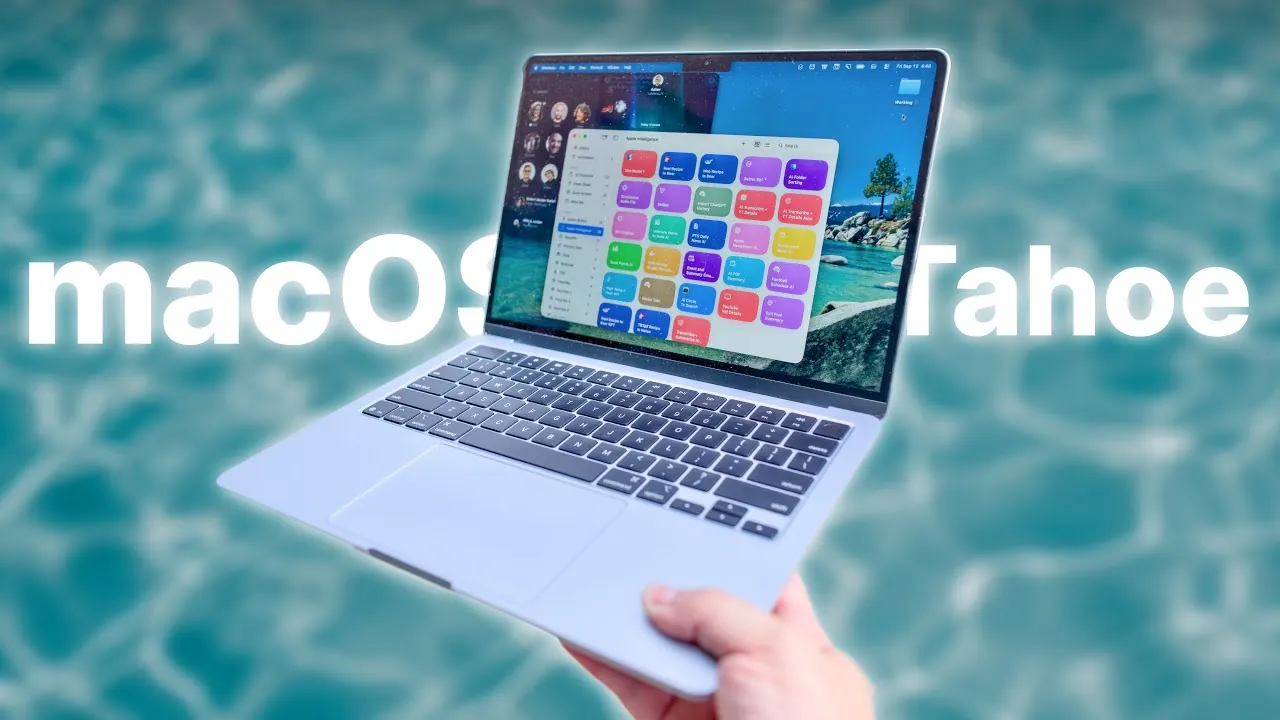
Apple’s macOS 26, also known as macOS Tahoe, introduces a refined blend of visual sophistication and functional enhancements designed to elevate productivity and user experience. With features such as the visually captivating Liquid Glass design, smarter Spotlight capabilities, and expanded automation tools, macOS Tahoe aims to empower users to work more efficiently and intuitively. While it delivers a robust suite of tools and improvements, there remain areas for refinement and opportunities for third-party developers to innovate further. The video below from Stephen Robles gives us a detailed look at Apple’s latest version of macOS.

Liquid Glass Redesign: A Modern Visual Experience
One of the most striking updates in macOS Tahoe is the introduction of the Liquid Glass design, which redefines the visual identity of the operating system.
- The transparent menu bar and dock icons create a dynamic sense of depth and fluidity, making navigation feel more immersive.
- Enhanced dynamic shadows and reflections improve visual clarity, making sure that key interface elements stand out.
- Updated app icons and subtle animations contribute to a polished and cohesive aesthetic.
- Extensive customization options allow users to tailor the appearance of their desktops to match their personal preferences.
This redesign not only modernizes the macOS interface but also ensures that form and function work seamlessly together, offering a visually appealing yet highly practical user experience.
Spotlight Enhancements: Smarter Search, Faster Actions
Spotlight, the system-wide search tool, has undergone significant upgrades in macOS Tahoe, transforming it into a centralized hub for both search and action.
- New Quick Keys and application shortcuts allow users to launch apps or execute commands directly from search results, saving time and effort.
- A clipboard history feature enables the retrieval of copied items from the past eight hours, adding convenience for multitasking.
- Integration with Shortcuts brings advanced automation capabilities, such as streamlined file handling and task execution, directly into Spotlight.
These enhancements position Spotlight as more than just a search tool—it becomes an indispensable resource for boosting productivity and simplifying workflows.
Control Center: Tailored to Your Workflow
The revamped Control Center in macOS Tahoe emphasizes customization and accessibility, making it a more practical tool for users with diverse needs.
- Users can now personalize panes and widgets to align with their specific workflows, making sure that essential tools are always within reach.
- Drag-and-drop functionality allows for easy addition or removal of items from the menu bar, enhancing usability.
- Improved organization ensures that frequently used settings are accessible without unnecessary navigation.
This focus on flexibility and user-centric design makes the Control Center a valuable addition for anyone seeking quick access to system settings and tools.
Shortcuts and Automation: Streamlining Your Tasks
Automation takes center stage in macOS Tahoe, with expanded Shortcuts capabilities powered by Apple Intelligence. These advancements aim to reduce repetitive tasks and enhance efficiency.
- Users can create custom triggers based on time, app usage, or battery level, allowing personalized automation workflows.
- On-device and cloud-based AI models handle complex tasks such as text summarization, transcription, and file sorting with ease.
- Enhanced file and folder automation tools help maintain an organized workspace, reducing clutter and improving productivity.
These features make macOS Tahoe a powerful ally for users looking to optimize their daily routines and focus on more meaningful tasks.
Quality-of-Life Features: Subtle Changes, Big Benefits
macOS Tahoe introduces several thoughtful updates that, while subtle, have a significant impact on everyday usability.
- iCloud Keychain now includes password history, making it easier to retrieve previously used credentials without hassle.
- Customizable folder colors and icons improve file organization, allowing users to quickly identify and access important documents.
- The Live Activities feature provides real-time updates in the menu bar, such as tracking deliveries or monitoring timers, without disrupting workflow.
These small yet impactful changes demonstrate Apple’s commitment to enhancing the day-to-day experience for its users.
App-Specific Updates: Enhancing Everyday Tools
Apple has also focused on refining individual apps in macOS Tahoe, making sure that the tools users rely on most frequently are more functional and personalized.
- Safari now features a dynamic toolbar that adapts its color to match the website being viewed, creating a more immersive browsing experience.
- Messages introduces translation capabilities and conversation wallpapers, adding convenience and customization to communication.
- A new Phone app for Mac allows users to make and receive calls directly from their desktops, enhancing continuity across Apple devices.
These updates highlight Apple’s dedication to improving the core applications that form the backbone of the macOS experience.
Performance Observations: Strengths and Minor Quirks
macOS Tahoe delivers noticeable performance improvements, though some minor quirks remain.
- Overall system responsiveness has been enhanced, making the operating system feel faster and more reliable for both casual and power users.
- Transcription capabilities for long audio files have been significantly improved, benefiting professionals working with multimedia content.
- Occasional delays when accessing shortcuts from the menu bar have been reported, though these instances are rare and do not detract significantly from the overall experience.
While the performance gains are impressive, there is still room for optimization in certain areas to ensure a flawless user experience.
A Balanced Step Forward
macOS Tahoe represents a thoughtful evolution of Apple’s desktop operating system, combining a visually stunning redesign with powerful tools for automation, customization, and integration. Features like the Liquid Glass interface, enhanced Spotlight functionality, and expanded Shortcuts capabilities underscore Apple’s focus on innovation and user-centric design.
Although minor performance quirks and the absence of some advanced features leave room for growth, macOS Tahoe offers a compelling update that balances style and substance. For users seeking a more efficient and visually appealing operating system, macOS Tahoe delivers a well-rounded experience that enhances productivity and improves the overall user experience.
Enhance your knowledge on macOS Tahoe by exploring a selection of articles and guides on the subject.
- M4 MacBook Air and macOS Tahoe: Features, Price, and More
- macOS 26 RC Tahoe: Key Features, Performance, and More
- macOS Tahoe Features: Everything You Need to Know
- What’s New in macOS Tahoe 26 Beta 2? Full Breakdown
- How macOS Tahoe Enhances Performance and Productivity
Source & Image Credit: Stephen Robles
Disclosure: Some of our articles include affiliate links. If you buy something through one of these links, Geeky Gadgets may earn an affiliate commission. Learn about our Disclosure Policy.
