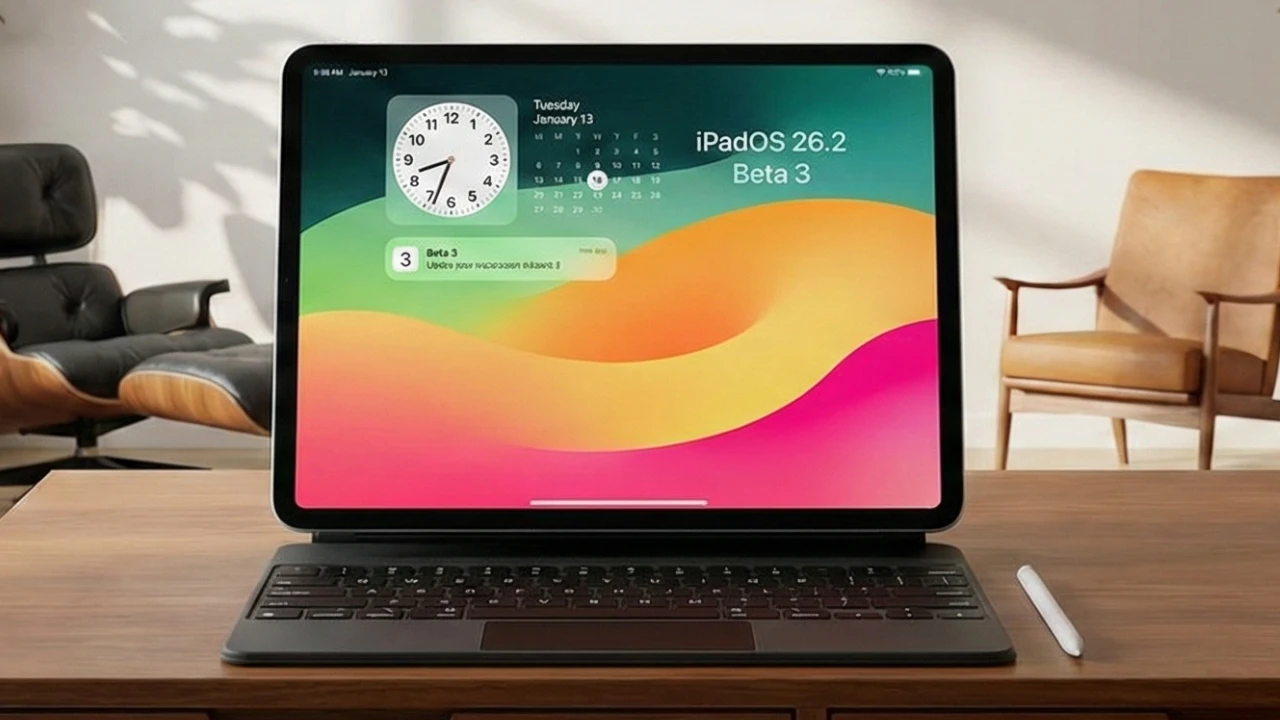
Apple has released iPadOS 26.3 Beta 2, a developer-focused update that emphasizes performance enhancements, usability improvements, and expanded cross-platform functionality. This update reflects Apple’s ongoing commitment to refining the user experience while introducing meaningful features that align with its broader ecosystem strategy. Below is a detailed look at what this update offers and its potential impact on users. The video below from 9to5Mac gives us more details about the latest beta of iPadOS 26.3.

Key Highlights of the Update
The iPadOS 26.3 Beta 2 update, identified by build number 23d5103d, is expected to roll out to the public by late January or early February 2026. At a size of 11.5 GB, this update is substantial, requiring users to ensure sufficient free storage space before installation. The size of the update underscores the inclusion of performance optimizations and feature enhancements, making it a significant release for iPad users.
This update also continues Apple’s trend of iterative improvements, focusing on stability and usability while laying the groundwork for future innovations. Developers and early adopters are encouraged to explore the new features and provide feedback to further refine the software.
New Features and Improvements
iPadOS 26.3 Beta 2 introduces a range of features designed to enhance customization, accessibility, and cross-platform compatibility. These updates aim to make the iPad experience more seamless and adaptable to diverse user needs.
- Cross-Platform Data Transfer: A new feature enables users to transfer data such as photos, messages, apps, and even phone numbers from an iPad to an Android device. While this feature excludes certain data types, such as Apple Watch information, it represents a cautious yet significant step toward greater interoperability between platforms.
- Wallpaper Customization: Weather and astronomy wallpapers are now categorized, making it easier for users to navigate and personalize their devices. This small but thoughtful change enhances the overall user experience by simplifying customization options.
- Control Center Enhancements: A new text size resizer allows users to adjust text size either system-wide or for individual apps, with a maximum increase of up to 310%. This feature improves accessibility for users with varying visual needs, making sure a more inclusive experience.
These features, while not innovative, provide practical benefits that enhance the day-to-day usability of the iPad, catering to a wide range of user preferences and requirements.
Performance and Battery Life
Performance improvements are a central focus of iPadOS 26.3 Beta 2. The update delivers enhanced system stability and responsiveness, making sure smooth operation during resource-intensive tasks such as gaming, video editing, and media streaming. These optimizations are particularly noticeable in multitasking scenarios, where the iPad handles multiple applications with ease.
Battery life remains consistent with previous updates, offering 6-7 hours of screen-on time under typical usage conditions. This balance between performance and energy efficiency highlights Apple’s dedication to delivering a reliable and efficient user experience. Users can expect their devices to perform consistently across a variety of tasks without compromising battery longevity.
Apple-Google Partnership: A Move Toward Interoperability
One of the most notable aspects of this update is Apple’s announcement of a multi-year partnership with Google, aimed at improving interoperability between iOS and Android devices. This collaboration has already resulted in the introduction of the cross-platform data transfer feature, which simplifies the process of switching between ecosystems.
While the current implementation is limited in scope, it represents a significant shift in Apple’s traditionally closed ecosystem. By allowing easier data transfer, Apple is addressing the needs of users who operate across both platforms, fostering a more flexible and user-friendly experience. This partnership could pave the way for further innovations in cross-platform compatibility, benefiting a broader range of users.
General Observations
iPadOS 26.3 Beta 2 builds upon the foundation established by Beta 1, prioritizing stability and performance over the introduction of new features. This approach aligns with Apple’s strategy of using incremental updates to refine its software ecosystem. While the update includes a limited number of new features, these additions—such as improved customization options and enhanced cross-platform functionality—offer tangible benefits to users.
Apple’s focus on optimization rather than dramatic changes ensures that the update delivers a polished and reliable experience. Developers and users alike will appreciate the attention to detail, which enhances the overall usability of the iPad without introducing unnecessary complexity.
Looking Ahead
The iPadOS 26.3 Beta 2 update exemplifies Apple’s dedication to balancing innovation with reliability. By focusing on performance, usability, and interoperability, this release caters to both loyal Apple users and those seeking greater flexibility in device integration. Whether you’re interested in smoother performance, enhanced customization, or easier data transfer between platforms, this update delivers incremental yet impactful improvements.
As Apple continues to evolve its software ecosystem, updates like iPadOS 26.3 Beta 2 demonstrate the company’s commitment to meeting user needs while maintaining the high standards that define its products. This release serves as a reminder of Apple’s ability to innovate thoughtfully, making sure that each update adds meaningful value to the user experience.
Stay informed about the latest in iPadOS 26.3 Beta 2 by exploring our other resources and articles.
- iOS 26.3 Beta 1 Features and Updates Explained
- iOS 26.3 & iPadOS 26.3 Beta 1 Features and Performance
- What’s New in iOS 26.3 Beta 1? Key Features
- iPadOS 18.4 Beta 2: New Features, Performance, and Battery Life
- What’s New in iOS 26.2 Beta 2: Features, Bug Fixes, and More
Source: 9to5Mac
Disclosure: Some of our articles include affiliate links. If you buy something through one of these links, Geeky Gadgets may earn an affiliate commission. Learn about our Disclosure Policy.
