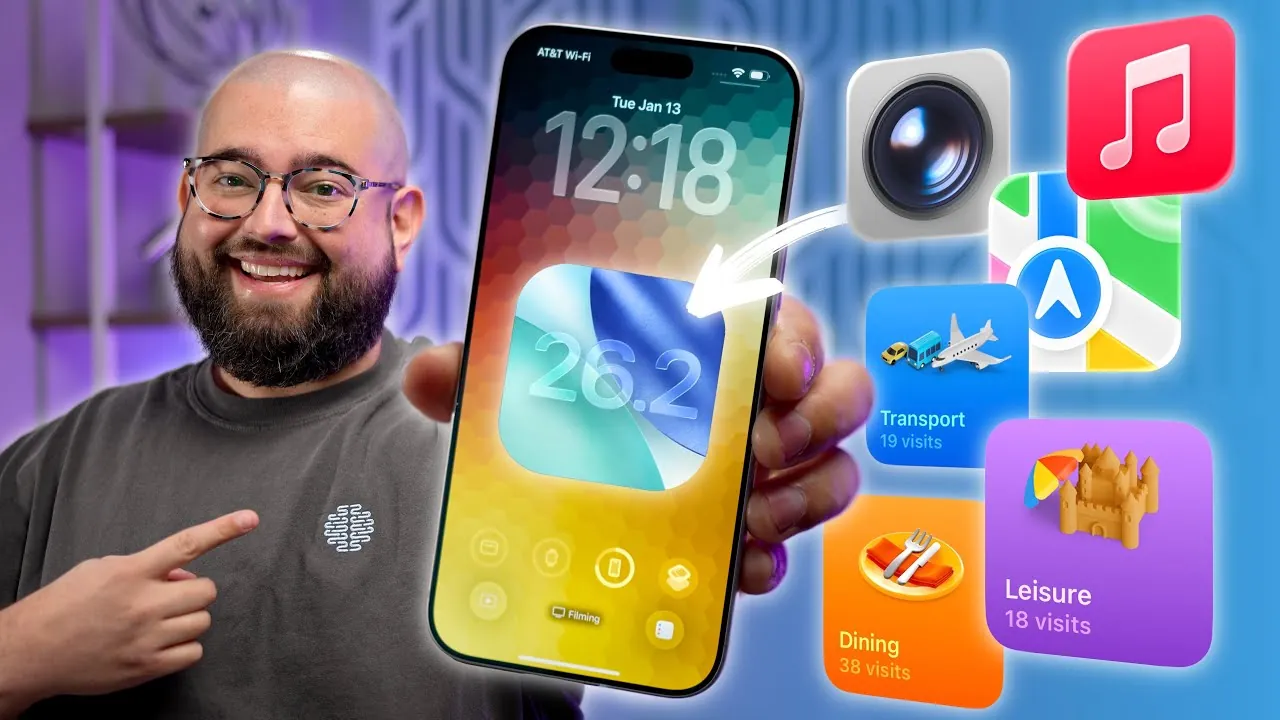
iOS 26 introduces a host of new features designed to improve your iPhone’s functionality and usability. While some updates have gained widespread attention, others remain lesser-known yet equally impactful. The video below from Stephen Robles provides more insights into 15 hidden features that can help you streamline daily tasks, personalize your device, and unlock its full potential.

Customizable Camera Controls
The Camera app in iOS 26 offers greater flexibility with customizable controls. You can assign specific functions to the volume buttons, such as activating burst mode or starting video recording. Additionally, app-specific shortcuts allow you to quickly access modes like portrait or night mode with a single tap. These updates make capturing the perfect shot faster and more intuitive, catering to both casual users and photography enthusiasts.
Advanced Shortcuts and Automations
The Shortcuts app in iOS 26 takes automation to the next level with advanced workflow capabilities. You can now create automations triggered by time, location, or device status. For example, your iPhone can automatically enable low power mode when your battery drops below 20% or adjust your home lighting when you arrive. These tools empower you to personalize your device and improve productivity, making routine tasks effortless.
Visited Places Logging in Apple Maps
Apple Maps now includes a feature that automatically logs visited locations, organizing them by city, date, or activity type, such as dining or shopping. This functionality is particularly useful for tracking travel history, revisiting favorite spots, or planning future trips. You can also filter these logs to quickly locate specific places, making navigation and trip planning more convenient.
Custom Ringtones Made Easy
iOS 26 simplifies ringtone customization by allowing you to set any audio file, including voice memos, as a ringtone directly from your iPhone. This eliminates the need for third-party apps or desktop software, making it easier than ever to personalize your device’s sound profile. Whether it’s a favorite song or a unique recording, you can now tailor your ringtone to reflect your style.
Enhanced Battery Insights
Battery settings in iOS 26 now provide detailed insights, including estimated charging times to 80% and 100%. You can also disable adaptive power management for consistent performance, even on a low battery. These updates give you more control over how your device manages power, helping you optimize battery life and plan charging routines effectively.
Improved Screen Brightness Control
For users who prefer dimmer screens, iOS 26 introduces a “Reduce White Point” option. This setting lowers the intensity of bright colors and can be accessed via the Control Center or shortcuts. It’s a practical solution for reducing eye strain, especially during nighttime use or in low-light environments.
Spatial Scenes in Photos
The Photos app now supports 3D depth effects, allowing you to add spatial layers to your images. This feature enhances the visual appeal of your photos by creating a sense of depth and dimension. Accessible directly within the app, it’s a user-friendly tool for anyone looking to elevate their photography.
Streamlined Safari Tab Management
Safari introduces improved tab management with new grouping and bookmarking options. You can swipe to close tabs quickly or organize them into custom groups for specific tasks, such as work or travel. These updates simplify browsing, allowing you to keep your tabs organized and improve productivity during online research or multitasking.
Calendar and Alarm Upgrades
Typing specific times for events or alarms is now possible, eliminating the need to scroll through time pickers. Additionally, you can customize snooze durations or opt for a single-tap alarm stop. These upgrades provide greater control over your schedule, making it easier to manage your time efficiently.
AirPods Audio Control
A new setting in iOS 26 prevents your AirPods from automatically switching to car Bluetooth systems, making sure uninterrupted listening. This feature is particularly helpful for users who frequently switch between devices, offering a more seamless and consistent audio experience.
Charging Notifications
When using MagSafe or other chargers, iOS 26 displays detailed charging progress and time estimates. This transparency helps you plan your charging routine more effectively, making sure your device is ready when you need it. Whether you’re preparing for a busy day or a long trip, this feature keeps you informed.
Reminders Widget
The Reminders app now includes a widget for the lock screen or Control Center, allowing you to quickly create reminders without opening the app. This feature is ideal for jotting down tasks on the go, making sure you stay organized and never miss an important to-do.
Expanded Accessibility Shortcuts
Accessibility options in iOS 26 have been enhanced, allowing you to customize triple-click actions for features like reducing white point or allowing live recognition. These shortcuts make your device more adaptable to your specific needs, improving usability for all users.
Apple Music Mini Player Enhancements
The Apple Music mini player now supports swipe gestures for changing tracks or viewing album artwork. This streamlined interface improves your listening experience, allowing you to control playback without disrupting other tasks. It’s a subtle yet impactful update for music lovers.
Smarter Home Integrations
iOS 26 enhances smart home functionality with expanded support for Apple HomeKey-enabled devices. You can now unlock doors, control appliances, and manage your home environment more seamlessly. These updates make your smart home setup more efficient, offering greater convenience and control.
Unlock the Full Potential of iOS 26
These 15 features highlight the depth and versatility of iOS 26, offering tools to optimize your iPhone for greater efficiency and personalization. From customizable camera controls to smarter home integrations, these updates empower you to make the most of your device. Explore these hidden gems to enhance your iPhone experience and discover new ways to simplify your daily life.
Dive deeper into iOS 26 Tips with other articles and guides we have written below.
- iOS 26 Ultimate Guide: Features and Customization Tip
- iOS 26 Hidden Features: Tips to Transform Your iPhone Experience
- 10 Essential iOS 26 Tips to Maximize Your iPhone’s Potential
- Make Your iPhone AMAZING with These iOS 26 Tips & Tricks
- iOS 26 Tips: 24 Settings You Should Adjust Immediately
Source & Image Credit: Stephen Robles
Disclosure: Some of our articles include affiliate links. If you buy something through one of these links, Geeky Gadgets may earn an affiliate commission. Learn about our Disclosure Policy.
