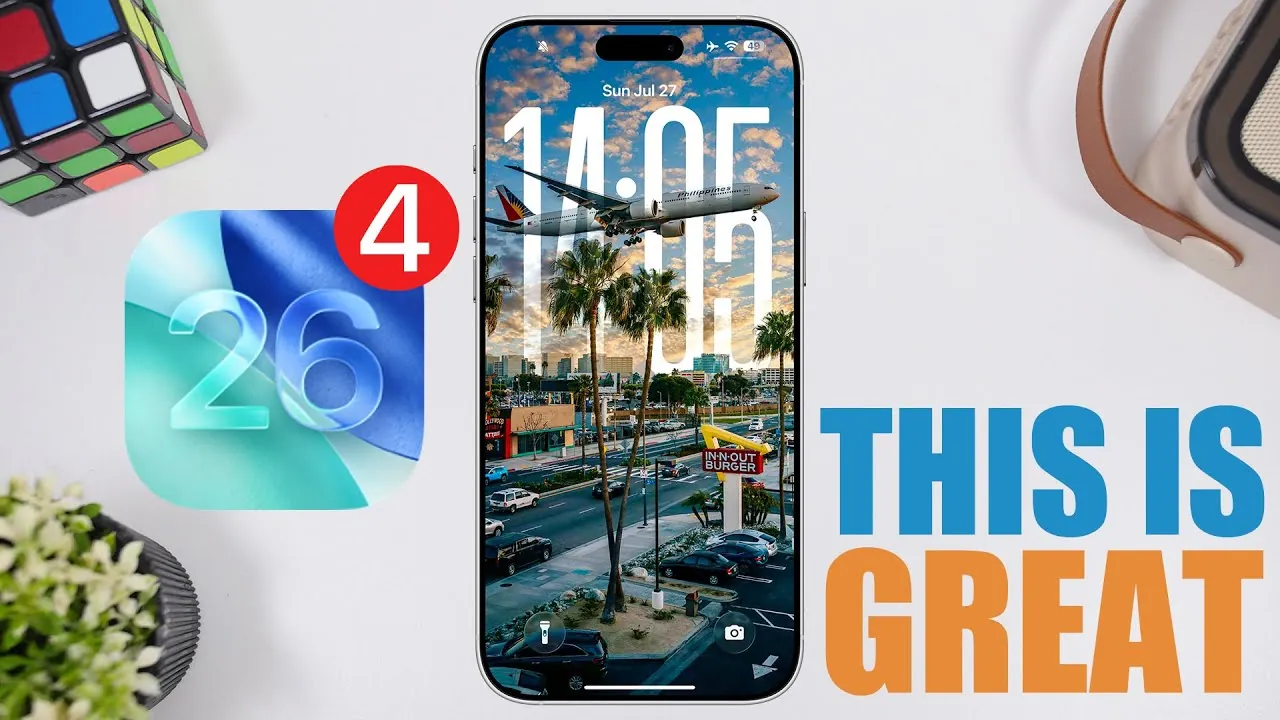
Apple’s release of iOS 26 Beta 4, accompanied by its first public beta, signifies a pivotal moment in the development of its latest operating system. This update not only resolves several key issues from earlier iterations but also introduces a range of enhancements aimed at improving stability, performance, and the overall user experience. If you’re exploring this beta, you’ll encounter a thoughtful combination of refined features and practical updates designed to elevate how you interact with your device. The video below from iReviews gives us more details on all of the changes in the latest beta.

Stability and Performance: A Smoother Experience
A major highlight of iOS 26 Beta 4 is its enhanced focus on stability. Apple has successfully addressed the overheating issues that were prevalent in earlier versions, particularly during resource-intensive tasks or while charging. Devices now maintain cooler operating temperatures, even under demanding conditions, ensuring a more comfortable and reliable user experience. Additionally, the issue of slow charging beyond 80% has been resolved, allowing a more efficient and seamless charging process.
Performance improvements are equally notable. Benchmarks reveal smoother multitasking capabilities and enhanced responsiveness when running resource-heavy applications. Whether you’re switching between apps or pushing your device to its limits, the system feels more robust and efficient. These updates underscore Apple’s commitment to delivering a stable platform, even during the beta phase, making sure that users can test new features without compromising reliability.
Design Enhancements: Subtle Yet Impactful
iOS 26 Beta 4 introduces a series of design refinements that enhance both the visual and functional aspects of the operating system. The return of the liquid glass design brings dynamic visual effects that respond fluidly to your interactions, creating a more immersive and engaging experience. Additionally, dynamic lock screen wallpapers now shift colors based on your activity, adding a layer of personalization to your device.
Safari has undergone a thoughtful update, featuring an improved tab view and a more readable background, making navigation smoother and more intuitive. Lock screen notifications have also been refined, with a darker background that improves readability at a glance. These subtle yet impactful changes contribute to a more cohesive and visually appealing interface, making sure that the design complements the functionality seamlessly.
New Features: Practical and User-Focused
iOS 26 Beta 4 introduces a variety of user-focused features designed to enhance usability across multiple apps. These updates reflect Apple’s dedication to streamlining workflows and improving everyday interactions. Key updates include:
- Files App: The ability to view images directly within the app eliminates the need to switch to a separate preview application, saving time and effort.
- Personal Hotspot: Device icons and connection history are now displayed, offering greater transparency, though occasional glitches may still occur as this feature is under development.
- Notifications: Grouped alerts now include a “summarized by Apple intelligence” label, providing better context and organization at a glance.
- Contextual Menus: Improved button visuals make navigation more intuitive, enhancing the overall user experience.
- Mail App: The return of the option to customize unread message counts gives users greater control over inbox management.
- Messages App: A new feature warns users when a blocked contact is active in group chats, bolstering privacy and security.
These updates are practical and user-centric, addressing common pain points while introducing features that simplify and enhance daily interactions.
Battery Life: Incremental Gains
Battery performance in iOS 26 Beta 4 shows moderate improvements over previous beta versions. Energy efficiency has been optimized, resulting in slightly longer usage times, though the extent of these gains may vary depending on your device’s battery health and usage patterns. While these improvements are promising, it’s important to note that this is still a beta release, and further refinements are expected in future updates. For now, users can enjoy a more balanced energy consumption profile, particularly during routine tasks.
What’s Next: Future Updates and Beta Timeline
Apple is expected to release Beta 5 and the second public beta around August 4th or 5th, signaling a potential shift to a weekly release schedule for subsequent updates. This accelerated timeline suggests that Apple is working diligently to refine iOS 26 ahead of its final release. Future updates are anticipated to build on the foundation established by Beta 4, introducing additional fixes, performance enhancements, and possibly new features. As the beta cycle progresses, users can look forward to a more polished and feature-rich operating system.
Dive deeper into iOS 26 Beta 4 with other articles and guides we have written below.
- iOS 26 Beta 4 Release Date and Key Improvements Explained
- iOS 26 Beta 4: Everything You Need to Know
- iOS 26 Beta 4 and Public Beta 1 Release Dates and Features
- iOS 26 Beta 4 vs Public Beta: Which is Better for You?
- iOS 26 Beta 4 Release: Everything You Need to Know
Source & Image Credit: iReviews
Disclosure: Some of our articles include affiliate links. If you buy something through one of these links, Geeky Gadgets may earn an affiliate commission. Learn about our Disclosure Policy.
