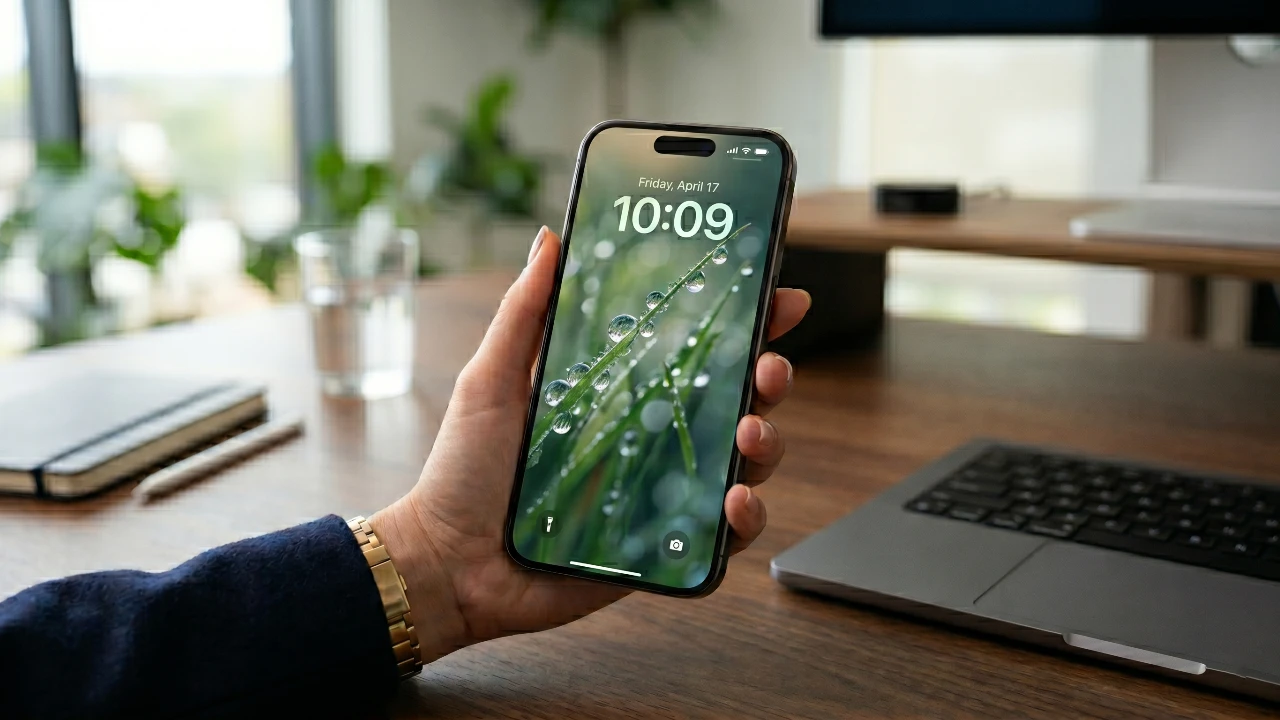
Apple’s iOS 26.4 introduces a variety of updates aimed at enhancing your iPhone experience. With a focus on usability, personalization, and security, this update caters to a wide range of user needs. Whether you’re passionate about music, enjoy podcasts, or prioritize safeguarding your data, iOS 26.4 delivers features that are both practical and engaging. Below is a detailed look at the most noteworthy updates you’ll want to explore in a great new video from 9 to 5 Mac.
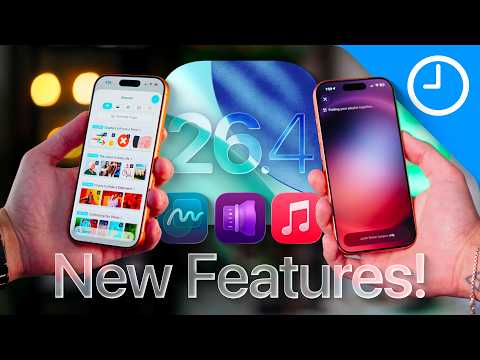
Apple Music Gets Smarter and More Visual
Apple Music receives a significant upgrade in iOS 26.4, making it more personalized and visually engaging. One of the most exciting additions is the introduction of AI-generated playlists. By entering prompts such as your favorite artist, genre, or mood, the AI curates playlists tailored to your preferences, making sure a listening experience that feels uniquely yours.
Other notable enhancements include:
- Animated album artwork for select albums, adding a dynamic and immersive visual element to your music library.
- Redesigned user profiles that simplify organizing your library and make sharing music recommendations with friends more intuitive.
These updates aim to make your music experience not only more interactive but also visually appealing, offering a fresh way to enjoy your favorite tracks.
Podcast App Now Supports Video
For podcast enthusiasts, the updated Podcast app now supports video episodes, allowing you to watch directly within the app. This feature is perfect for video-centric podcasts, offering a seamless viewing experience. Additionally, you can toggle off the video to save data or focus solely on the audio. This dual functionality ensures that the app caters to both audio and video preferences, making it a versatile tool for all podcast fans.
Personalize Your iPhone with Wallpaper Packs
Customization takes center stage with the introduction of themed wallpaper packs. Similar to the Apple Watch face collections, these packs allow you to download curated designs that match your personal style. Whether you prefer minimalist designs, vibrant patterns, or seasonal themes, this feature provides a quick and creative way to refresh your device’s look. It simplifies the process of personalizing your home screen, making it easier than ever to express your individuality.
Enhanced Security Features
iOS 26.4 places a strong emphasis on data privacy and device security. The new stolen device protection feature, enabled by default, locks down your iPhone to prevent unauthorized access in case of theft. This feature is particularly valuable for users concerned about safeguarding sensitive information. By integrating this advanced security measure, Apple ensures that your personal data remains protected, even in worst-case scenarios.
Smarter Battery Management with Shortcuts
Battery health receives a boost with the addition of new options in the Shortcuts app. You can now set charge limits in 5% increments, helping to prevent overcharging and extend the overall lifespan of your battery. This feature is especially useful for users who want to maintain long-term battery performance. By offering greater control over charging habits, iOS 26.4 makes it easier to optimize your device’s battery health.
Find My App Introduces Dark Mode
The Find My app now includes a dark mode option, making it more user-friendly in low-light conditions. This update reduces eye strain while maintaining the app’s clarity and functionality. Whether you’re tracking a lost device or sharing your location with friends, the dark mode ensures a smoother and more comfortable experience, particularly at night.
Freeform App Adds Creative Resources
Creative users will appreciate the updates to the Freeform app, which now offers exclusive content for Creator Studio subscribers. These resources include professionally curated graphics and templates, designed to streamline brainstorming and collaboration. Whether you’re working on a group project or exploring personal creative ideas, these additions make Freeform a more versatile and powerful tool for creative expression.
Performance and Battery Life Optimized
iOS 26.4 introduces noticeable improvements to system performance and battery life. Users can expect smoother operation, enhanced stability and up to 10.5 hours of screen-on time under heavy usage. These optimizations ensure that your device runs efficiently throughout the day, providing a more reliable and consistent experience.
Subtle Visual Updates Across Apps
Apple has made minor visual updates to several apps, including refreshed logos for Final Cut and Freeform. While these changes are subtle, they contribute to a more cohesive and modern aesthetic across the system. These updates reflect Apple’s commitment to maintaining a polished and visually appealing user interface.
Explore the Best of iOS 26.4
iOS 26.4 delivers a well-rounded set of updates that enhance your iPhone’s functionality, personalization and security. From AI-driven playlists in Apple Music to smarter battery management and improved security measures, this update addresses key areas of interest for users. Whether you’re exploring new customization options, enjoying optimized performance, or taking advantage of enhanced app features, iOS 26.4 ensures a more enjoyable and efficient experience. These updates not only improve the current iPhone experience but also set the stage for future innovations in Apple’s ecosystem.
Gain further expertise in iOS 26.4 features by checking out these recommendations.
- iOS 26.4 Released: New AI Playlists, Keyboard Fixes & Features
- iOS 26.4 Release Date, Features and Performance Details
- iOS 26.4 Hidden Features: 10 New iPhone Tips You Need to Know
- iOS 26.4 RC Features: What’s New in the Final 2026 Beta?
- iOS 26.4 Beta 2: Key Features, Bug Fixes and Design Updates
Source: 9to5Mac
Disclosure: Some of our articles include affiliate links. If you buy something through one of these links, Geeky Gadgets may earn an affiliate commission. Learn about our Disclosure Policy.
