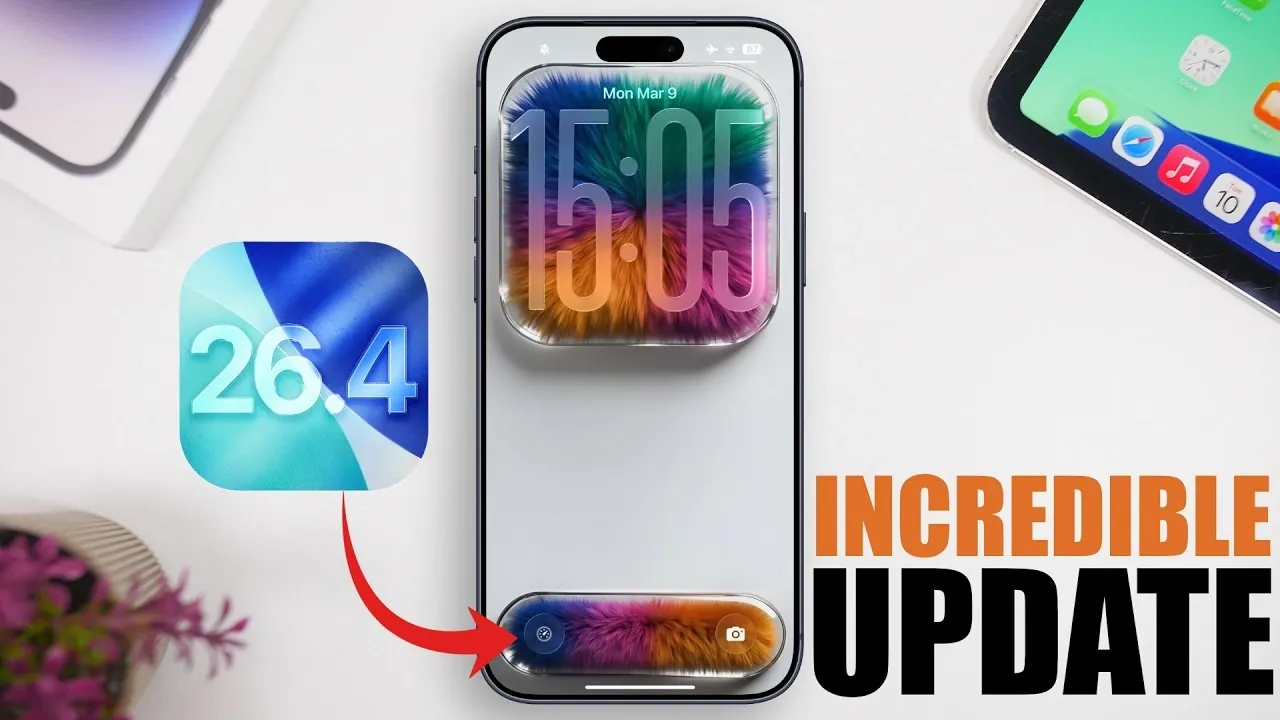
Apple’s iOS 26.4 brings a host of updates designed to make your iPhone smarter, more efficient, and more personalized. With enhancements spanning multitasking, media capabilities, and device customization, this update focuses on improving how you interact with your device every day. In the video below, iReviews explores the most impactful features and how they can elevate your iPhone experience.

1. Simplified Safari Tab Search
Managing multiple tabs in Safari has never been easier. The new tab search function allows you to locate specific tabs by typing keywords into the search bar within the tabs view. This feature is particularly useful for multitaskers who often juggle numerous tabs, saving time and reducing the hassle of scrolling through an overwhelming list. By streamlining your browsing experience, this update ensures that you can focus on what matters most.
2. Audio Zoom for Clearer Video Sound
The Camera app now includes an innovative Audio Zoom feature, which enhances the clarity of sound during video recording. By focusing the microphone on the subject you’re zooming in on, this feature minimizes background noise and ensures that your videos capture crisp, focused audio. Whether you’re recording in a bustling environment or capturing a quiet moment, this tool gives you greater control over sound quality. You can easily toggle this feature on or off in the camera settings.
3. Urgent Reminders Folder
The Reminders app introduces an “Urgent” folder to help you stay on top of critical tasks. Any reminder marked as urgent is automatically sorted into this folder, making sure that important deadlines and responsibilities are always visible. This feature simplifies task management by prioritizing what needs your immediate attention, making it easier to stay organized and productive.
4. Detailed Personal Hotspot Data Tracking
iOS 26.4 enhances personal hotspot functionality by providing detailed data usage tracking for each connected device. You can now view how much data each device consumes and when it last accessed your hotspot. This level of transparency helps you manage your data plan more effectively, avoid unexpected overages and identify which devices are consuming the most bandwidth.
5. Smarter Wallpaper Management
Customizing your iPhone’s appearance is now more efficient with smarter wallpaper management. Dynamic wallpaper storage allows you to download wallpapers on demand and delete unused collections to free up space. This feature is ideal for users who enjoy personalizing their devices but want to avoid clutter. By optimizing storage, you can keep your iPhone looking fresh without compromising performance.
6. Ambient Music Widget
The new Ambient Music Widget brings relaxation and focus to your home screen. With this widget, you can access soothing sounds instantly, whether you’re looking to unwind, concentrate, or create a calming atmosphere. You can customize the widget with your favorite ambient tracks, making it a versatile tool for enhancing your daily routine.
7. Video Playback in Podcasts
The Podcasts app now supports video episodes, allowing you to watch content directly within the app. This update also enables you to download videos for offline viewing, making it more convenient for users who enjoy both audio and video formats. By integrating video playback, the app provides a seamless experience for podcast enthusiasts, whether you’re at home or on the go.
8. Battery Charge Limit Shortcut
Prolonging your iPhone’s battery lifespan is now easier with the Battery Charge Limit Shortcut. This feature allows you to set a maximum charge level directly from the lock screen, helping to maintain your battery’s health over time. By preventing overcharging, this tool ensures that your device remains efficient and reliable for longer periods.
9. Apple Music Playlist Playground
Creating playlists in Apple Music is now more intuitive with the Playlist Playground feature. This tool allows you to dynamically add songs and receive tailored recommendations to curate the perfect mix for any occasion. Whether you’re building a playlist for a workout session or a relaxing evening, this feature simplifies the process and enhances your listening experience.
10. General Enhancements for a Smoother Experience
Beyond the headline features, iOS 26.4 includes a range of subtle improvements across apps and settings. These enhancements refine navigation, boost performance and improve accessibility, making sure a smoother and more enjoyable user experience. From faster app launches to more intuitive controls, these updates make everyday interactions with your iPhone more seamless.
Unlocking the Potential of iOS 26.4
iOS 26.4 is packed with features designed to cater to a wide range of user needs. Whether you’re focused on multitasking, media playback, or device customization, this update offers tools to enhance your productivity, convenience and creativity. By integrating these features into your daily routine, you can unlock new levels of efficiency and enjoyment, making your iPhone an even more indispensable part of your life.
Find more information on iOS 26.4 features by browsing our extensive range of articles, guides and tutorials.
- iOS 26.4 Release Date, Features and Performance Details
- iOS 26.4 Beta 2: Key Features, Bug Fixes and Design Updates
- Apple iOS 26.4 Update: New Features and Improvements
- iOS 26.4 Release Date: When Is the Next Big Update Coming?
- iOS 26.4 Update: Performance, Accessibility and Battery Life
Source & Image Credit: iReviews
Disclosure: Some of our articles include affiliate links. If you buy something through one of these links, Geeky Gadgets may earn an affiliate commission. Learn about our Disclosure Policy.
