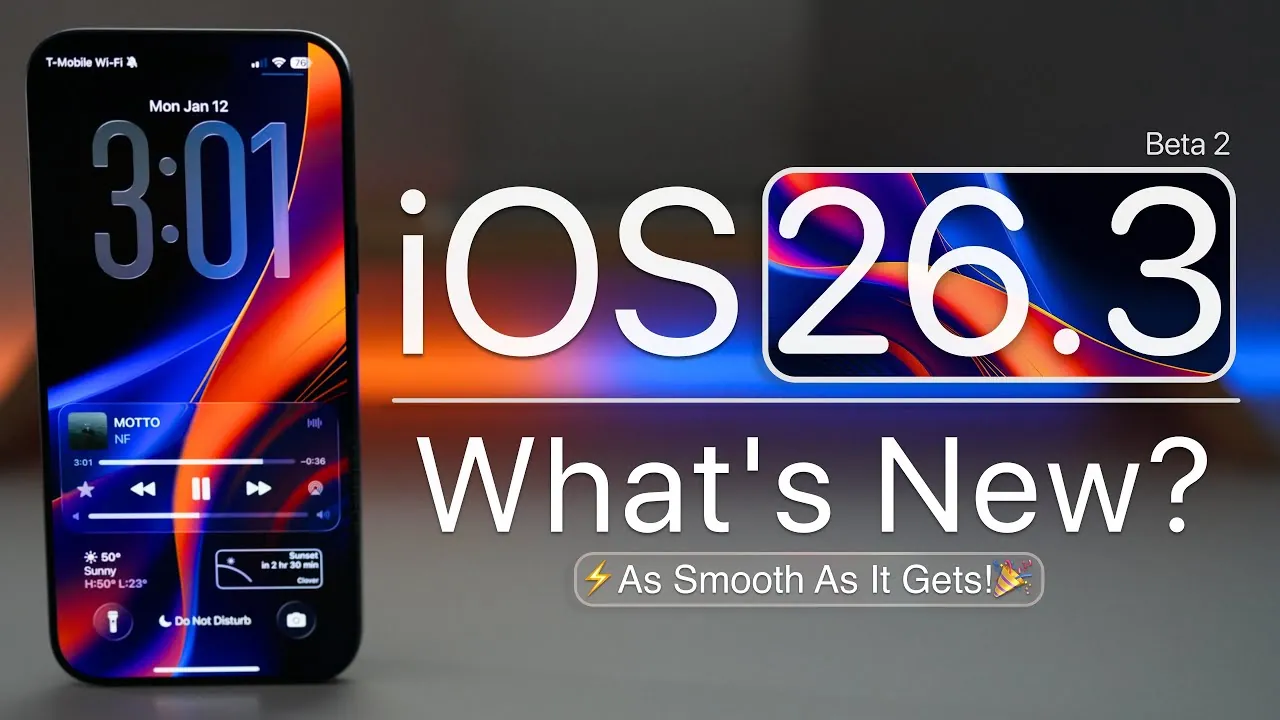
Apple has officially rolled out iOS 26.3 Beta 2, introducing a range of updates across its ecosystem, including iPadOS, macOS, watchOS, tvOS, HomePod OS, and VisionOS. This release emphasizes incremental improvements, bug fixes, and performance enhancements while setting the stage for advancements in artificial intelligence (AI) and cross-platform compatibility. Below is a detailed look at what this update brings to users. The video below from Zollotech gives us more details about iOS 26.3 beta 2.

What’s New in iOS 26.3 Beta 2?
The iOS 26.3 Beta 2 update, identified by build number 23D5103D, varies in size depending on the device. For instance, the update is approximately 4.75 GB on the iPhone 17 Pro Max and can reach up to 11 GB on other devices. A modem update is included, promising improved wireless connectivity and greater stability. Notably, Apple has removed the “Notification Forwarding” option, though this change appears to be region-specific and may not affect all users.
Feature Enhancements You’ll Notice
This update refines existing features to enhance usability and compatibility across Apple’s ecosystem. Some of the most noticeable improvements include:
- Enhanced data transfer support between iOS and Android devices, making it easier for users to switch platforms or share content seamlessly.
- Reorganized wallpaper categories, with weather and astronomy themes now separated for better accessibility and customization.
These changes are designed to streamline the user experience while maintaining Apple’s attention to detail and intuitive design principles.
AI Collaboration and Siri Upgrades
One of the standout aspects of this release is Apple’s collaboration with Google on AI development. By integrating Google’s Gemini model, Apple aims to significantly enhance Siri’s capabilities while maintaining its strict privacy standards. This partnership is expected to introduce advanced AI-driven features, making Siri more intelligent, responsive, and contextually aware.
Future updates will likely expand on this collaboration, potentially transforming Siri into a more versatile digital assistant capable of handling complex tasks and offering personalized user experiences. This marks a significant step forward in Apple’s efforts to integrate AI into its ecosystem without compromising user privacy.
Bug Fixes and System Improvements
Apple has addressed several user-reported issues in this update, focusing on improving functionality and eliminating common frustrations. Key fixes include:
- Resolved camera issues, such as blue tint and flash freezing during use, making sure a smoother photography experience.
- Corrected wallpaper desaturation inconsistencies, resulting in more vibrant and accurate display colors.
- Enhanced AirDrop functionality, particularly when interacting with Pixel devices, improving cross-platform file sharing.
These fixes demonstrate Apple’s commitment to delivering a polished and reliable user experience, addressing both minor inconveniences and significant performance concerns.
Performance and Battery Life
The update introduces smoother animations and improved responsiveness, contributing to a more fluid user experience. However, some users may notice occasional stutters, particularly during intensive tasks or while background processes are completing. After installation, devices may feel warm temporarily as the system finalizes updates, which is a normal occurrence.
Battery performance remains consistent with previous versions, though further testing will be required to determine its long-term efficiency. Apple continues to focus on optimizing performance without compromising battery life, making sure that devices remain reliable for daily use.
System Storage and Benchmark Results
The integration of new features has resulted in a slight increase in system storage usage, which may be noticeable on devices with limited available space. Benchmark tests indicate stable performance, with the potential for further optimization as background processes settle. These updates reflect Apple’s ongoing efforts to balance innovation with system efficiency, making sure that new features do not come at the expense of overall performance.
Known Issues and What’s Next
While iOS 26.3 Beta 2 addresses many issues, some problems persist. For example, wallpaper desaturation inconsistencies remain unresolved for certain users, and Apple has not provided detailed release notes, limiting the ability to track all changes comprehensively.
Looking ahead, iOS 26.2.1 and iOS 26.3 Beta 3 are expected to arrive in the coming weeks. These updates will likely address remaining concerns and introduce additional refinements, further enhancing the overall user experience.
Refining the Apple Ecosystem
iOS 26.3 Beta 2 represents a measured step forward in Apple’s ongoing efforts to refine its ecosystem. By focusing on bug fixes, performance improvements, and AI integration, this update lays the groundwork for future advancements. Whether you’re exploring Siri’s evolving capabilities, benefiting from enhanced device interoperability, or enjoying a more polished user experience, this release underscores Apple’s commitment to delivering a seamless and secure digital environment.
Here are more guides from our previous articles and guides related to iOS 26.3 Beta 2 that you may find helpful.
- iOS 26.3 Beta 1 Features and Updates Explained
- Apple iOS 26.3 Beta: Key Highlights, Features, and Release
- What’s New in iOS 26.3 Beta 1? Key Features
- iOS 26.2 Beta 4 Release & More New Features
- iOS 26.3 Beta: Features, Bugs, and Should You Upgrade?
Source & Image Credit: zollotech
Disclosure: Some of our articles include affiliate links. If you buy something through one of these links, Geeky Gadgets may earn an affiliate commission. Learn about our Disclosure Policy.
