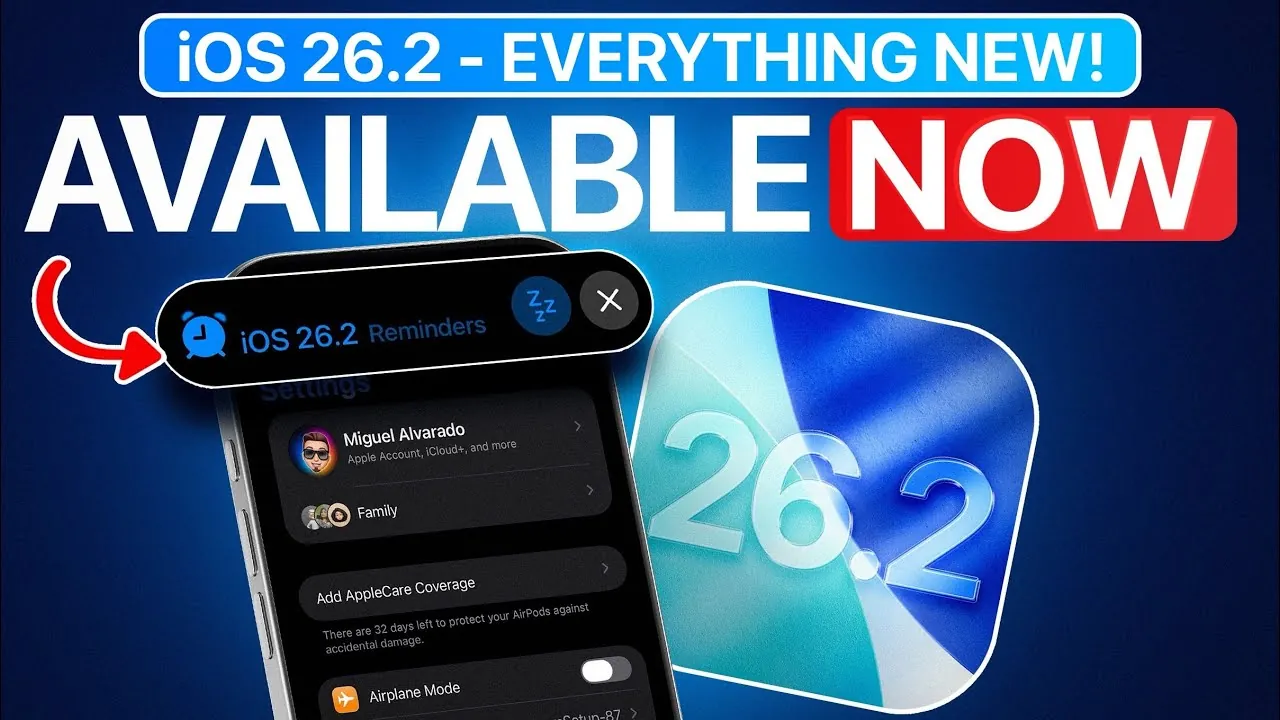
Apple has officially launched iOS 26.2, a comprehensive update designed to enhance the overall user experience, improve functionality, and introduce new accessibility features. This release focuses on refining system performance, upgrading core apps, and adding safety-oriented tools. Additionally, it includes region-specific enhancements tailored to meet diverse user needs. The video below from iDeviceHelp gives us an in-depth look at the key features and updates in iOS 26.2, along with how they can impact your daily device usage.

Smoother Animations and Enhanced Lock Screen Customization
With iOS 26.2, Apple has significantly improved system animations, resulting in faster and more fluid transitions between apps, menus, and screens. These refinements contribute to a more seamless and polished experience, making interactions with your device feel smoother and more responsive.
Another standout feature is the expanded customization options for the lock screen. The “liquid glass” effect now allows users to adjust the opacity of the lock screen clock, offering a subtle yet effective way to personalize the device’s appearance. This feature provides greater flexibility for users to align their lock screen aesthetics with their individual preferences.
Offline Lyrics, Health App Enhancements, and Task Management Upgrades
Music enthusiasts will find the new offline lyrics feature in Apple Music particularly useful. This update ensures that you can access song lyrics even when you’re not connected to the internet, allowing you to enjoy your favorite tracks without interruptions.
The Health app has also received notable upgrades, particularly in its sleep tracking capabilities. With more precise sleep scores and detailed insights into your sleep patterns, you can make informed decisions to improve your overall rest and well-being. These enhancements make the app a more reliable tool for monitoring and managing your health.
In the Reminders app, task management has been streamlined with the introduction of new features. You can now mark tasks as urgent, helping you prioritize critical items more effectively. Additionally, live activity integration enables you to manage reminders directly from the lock screen. This functionality allows you to snooze, stop, or reschedule tasks with ease, simplifying your daily workflow.
Revamped News App, Freeform Improvements, and Safety Features
The News app has undergone a significant redesign, featuring a cleaner layout and reorganized categories. These changes make it easier to navigate and locate the stories that matter most to you. Enhanced search functionality further improves the app’s usability, making sure you can quickly find relevant content.
In the Freeform app, table usability has been enhanced, allowing for more efficient organization and collaboration. These improvements make it easier to manage projects, whether you’re working individually or as part of a team.
Safety remains a top priority in iOS 26.2, with the introduction of upgraded alerts for imminent threats such as earthquakes. These alerts provide timely notifications to help you stay informed and take necessary precautions. Flash notifications have also been improved, offering the option to use the screen, the LED flash, or both for alerts. This feature is particularly beneficial in noisy or visually distracting environments, making sure you never miss an important notification.
AirDrop, Accessibility Enhancements, and Live Translation
AirDrop now includes a new management feature that allows you to set a 30-day file-sharing option for known contacts. This update strikes a balance between convenience and security, giving you greater control over how files are shared.
Accessibility features have been expanded to make the device more inclusive for all users. For instance, you can now enable flash notifications even when your device is locked or in silent mode. These updates provide additional options for audio and visual alerts, making sure that the device caters to a wider range of user needs.
European Union users gain access to live translation capabilities in iOS 26.2. This feature supports downloadable language packs and works seamlessly with AirPods, allowing real-time translation during conversations. Whether you’re traveling, conducting business, or engaging in cross-cultural communication, this tool offers practical and reliable language support.
Key Highlights of iOS 26.2
iOS 26.2 delivers a well-rounded set of updates that enhance usability, safety, and accessibility. Key highlights include:
- Smoother animations for a more polished user experience.
- Customizable lock screens with adjustable clock opacity.
- Offline lyrics in Apple Music for uninterrupted enjoyment.
- Improved sleep tracking in the Health app for better rest management.
- Task prioritization and live activity integration in Reminders.
- Redesigned News app with enhanced navigation and search.
- Safety alerts for imminent threats and upgraded flash notifications.
- AirDrop controls for secure file sharing with known contacts.
- Expanded accessibility options for audio and visual alerts.
- Live translation for EU users, supporting real-time conversations.
This update underscores Apple’s commitment to delivering meaningful improvements that enhance the overall functionality and inclusivity of its devices. Whether you’re focused on productivity, entertainment, or safety, iOS 26.2 equips you with the tools to optimize your experience.
Expand your understanding of iOS 26.2 features with additional resources from our extensive library of articles.
- iOS 26.2 Update: Top 10 Features You’ll Love
- iOS 26.2 Features Breakdown: Everything You Need to Know
- Apple iOS 26.2: Release Date, Features, and What’s Next
- iOS 26.2 Beta 2 Features: What’s New and Improved
- iOS 26.2 Beta 2 Features: Digital IDs, CarPlay Updates & More
Source & Image Credit: iDeviceHelp
Disclosure: Some of our articles include affiliate links. If you buy something through one of these links, Geeky Gadgets may earn an affiliate commission. Learn about our Disclosure Policy.
