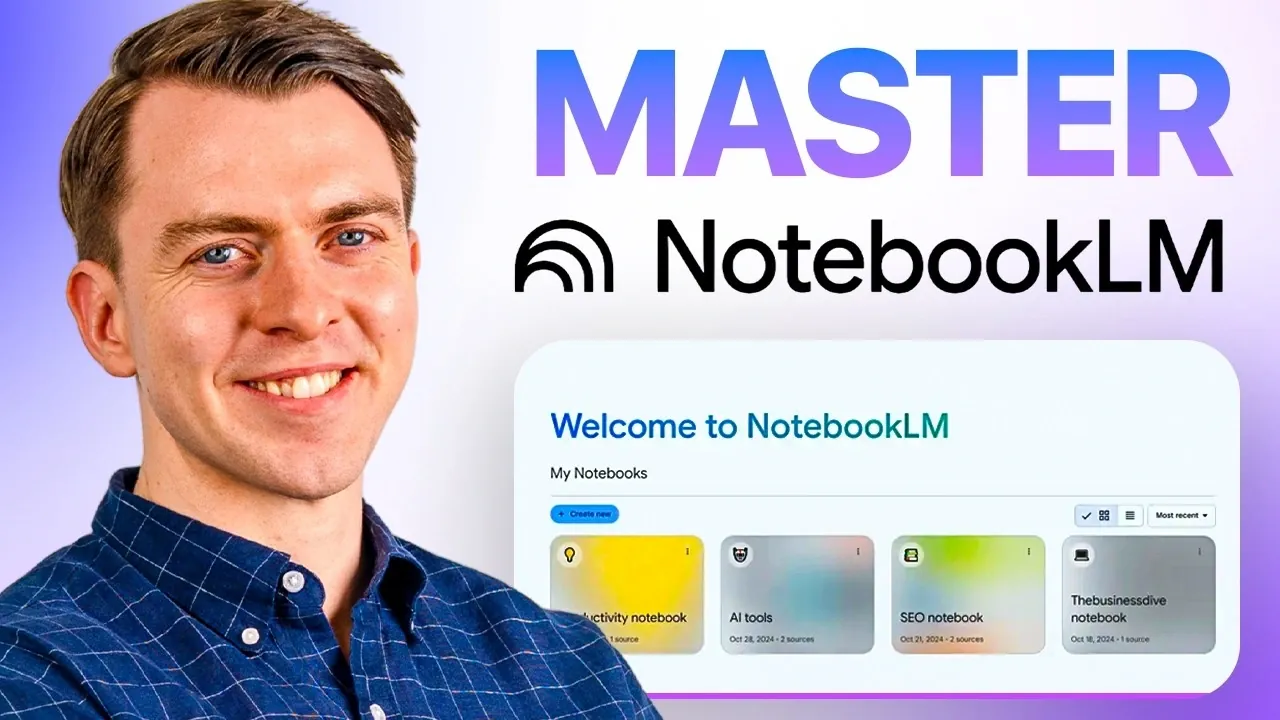
Setting up NotebookLM for the first time can feel like a big step, but with the right guidance, it’s a straightforward process. In this walkthrough, The AI Productivity Coach explains how to create an account, upload documents and organize them into categorized notebooks. A key feature highlighted is the ability to store up to 50 documents per notebook, making sure all your resources are centralized and easy to access. This setup not only saves time but also lays the foundation for more efficient workflows.
Dive into practical strategies to make the most of NotebookLM’s capabilities. You’ll learn how to label notebooks effectively for quick navigation, sync updates from Google Drive to keep your content current and avoid common pitfalls like overloading notebooks with unrelated documents. By the end, you’ll have a clear understanding of how to structure your setup and maintain an organized system tailored to your needs.
Features of NotebookLM
TL;DR Key Takeaways :
- NotebookLM offers persistent memory, allowing users to store and revisit uploaded documents without repetitive uploads or explanations.
- Key features include centralized storage for up to 50 documents per notebook, support for multiple file types (e.g., PDFs, Google Docs, YouTube links), and Google Drive integration for real-time syncing.
- It simplifies workflows by breaking down complex topics, comparing documents and streamlining research, saving time and enhancing productivity.
- Advanced features like mind map generation, audio summaries and dynamic content syncing provide deeper insights and improved document management.
- Practical applications include competitive intelligence, recurring analysis and knowledge base management, making it a versatile tool for professionals and researchers.
NotebookLM distinguishes itself with a range of robust features tailored to meet the needs of professionals, researchers and anyone working with large volumes of information. Here’s what sets it apart:
- Centralized Storage: Store up to 50 documents per notebook, making sure all your resources are consolidated in one place for easy access.
- Persistent Memory: Retain uploaded documents for ongoing analysis, eliminating repetitive tasks and saving valuable time.
- File Compatibility: Supports a variety of file types, including PDFs, Google Docs and even YouTube links, offering flexibility in how you manage your content.
- Source Citation: Provides transparency by citing sources in its responses, making sure credibility and accuracy in your work.
- Google Drive Integration: Seamlessly sync updated documents for real-time access and analysis, keeping your notebooks current.
These features make NotebookLM a powerful and versatile tool for managing and analyzing information efficiently, whether for professional or academic purposes.
Why Use NotebookLM?
NotebookLM offers a range of benefits that make it an invaluable tool for tackling complex or repetitive tasks. Here’s how it can enhance your workflow:
- Simplify Complex Topics: Break down intricate subjects into manageable insights, making it easier to understand and communicate key points.
- Compare Documents: Analyze multiple documents side by side to identify similarities, differences, or trends with ease.
- Streamline Research: Keep your research materials organized and accessible, reducing the time spent searching for information.
- Save Time: Avoid the hassle of repeatedly uploading and explaining documents, allowing you to focus on higher-value tasks.
By using these advantages, NotebookLM enables you to prioritize decision-making and strategic initiatives over administrative work.
Here is a selection of other guides from our extensive library of content you may find of interest on NotebookLM.
- NotebookLM Update Adds Claude Integration for Workflows
- Gemini App Update : NotebookLM Capabilities Added
- Latest NotebookLM 2026 Updates: Features, Workflow & What Matters
- NotebookLM Infographic Presets, 10 Styles & Custom Looks
- Claude Projects vs NotebookLM: Research Notes or Buildable Workflows
- Integrate NotebookLM Research into Docs & Sheets Fast in 2026
- NotebookLM Feature Guide : Cinematic Video Overviews
- NotebookLM 2026 Guide: Research-to-Content with Gemini
- NotebookLM in Gemini: New Workflow, Sources & Syncing
- Top 10 NotebookLM Tips for Research, Notes & Workflows
Practical Applications of NotebookLM
NotebookLM’s versatility makes it suitable for a wide range of professional scenarios. Below are three practical use cases where it can make a significant impact:
1. Competitive Intelligence
Use NotebookLM to track competitor websites, internal documents and product reviews. For instance, compile insights for sales calls, proposals, or pricing discussions. This ensures you stay informed and prepared, giving you a competitive edge in your industry.
2. Recurring Analysis
Analyze financial reports, industry benchmarks, or historical performance data. NotebookLM helps you quickly identify trends, contradictions, or key metrics, making it an indispensable tool for financial analysts, strategists and decision-makers.
3. Knowledge Base Management
Store essential documents such as policy manuals, employee handbooks and templates in a centralized location. This is particularly useful for HR and legal teams, allowing quick access to recurring questions and making sure consistency across operations.
Step-by-Step Setup Guide
Getting started with NotebookLM is straightforward. Follow these steps to set up your account and begin organizing your documents:
- Visit notebooklm.google.com and create an account using your Google credentials.
- Upload relevant documents, including PDFs, Google Docs, or YouTube links, based on your specific needs.
- Organize your documents into notebooks categorized by topics, projects, or objectives.
- Label your notebooks clearly to ensure easy navigation and retrieval of information.
A well-structured setup will help you maximize the efficiency and effectiveness of NotebookLM.
Best Practices for Using NotebookLM
To get the most out of NotebookLM, consider adopting these best practices:
- Focus Your Sources: Limit each notebook to 5-10 related documents to ensure more accurate and relevant results.
- Maintain Clarity: Avoid mixing unrelated topics within a single notebook to prevent confusion and ensure precise analysis.
- Update Regularly: Sync updated documents from Google Drive to keep your content current and aligned with your objectives.
Implementing these strategies will help you maintain an organized and efficient workflow, allowing you to focus on deriving actionable insights.
Common Pitfalls to Avoid
While NotebookLM is a powerful tool, certain mistakes can hinder its effectiveness. Be mindful of the following pitfalls:
- Overloading Notebooks: Adding too many or irrelevant documents can lead to clutter and reduced clarity, making it harder to extract meaningful insights.
- Misusing Features: Over-relying on features like audio summaries without exploring other capabilities may limit the tool’s potential.
- Lack of Objectives: Uploading random documents without a clear goal can result in disorganized outputs and wasted effort.
Avoiding these common mistakes will ensure a smoother and more productive experience with NotebookLM.
Advanced Features to Explore
NotebookLM also offers advanced features designed to enhance your productivity and provide deeper insights. Here are some of the standout capabilities:
- Mind Map Generation: Create visual representations of relationships and connections between concepts in your documents, aiding in comprehension and strategic planning.
- Audio Summaries: Listen to concise summaries of your documents, allowing you to absorb key insights while multitasking or on the go.
- Dynamic Content Syncing: Automatically update notebooks with the latest changes from Google Drive, making sure your data remains up-to-date and relevant.
These advanced features make NotebookLM a comprehensive solution for managing and analyzing documents, catering to both basic and complex needs.
Maximizing Your Use of NotebookLM
NotebookLM is more than just a document management tool, it’s a platform designed to simplify complex tasks, save time and enhance productivity. Whether you’re managing competitive intelligence, analyzing financial data, or building a centralized knowledge base, NotebookLM equips you with the tools to succeed. By following this guide and adopting best practices, you can unlock its full potential and transform the way you work with information.
Media Credit: The AI Productivity Coach
Disclosure: Some of our articles include affiliate links. If you buy something through one of these links, Geeky Gadgets may earn an affiliate commission. Learn about our Disclosure Policy.
