zollotech
The Google Pixel 10 Pro XL is a flagship smartphone that combines state-of-the-art technology with intuitive features, making it a versatile device for both casual users and tech enthusiasts. With its AI-powered tools, advanced camera system, and seamless integration of hardware and software, the Pixel 10 Pro XL is designed to enhance your daily life. Below, we explore practical tips and strategies to help you get the most out of this powerful device.
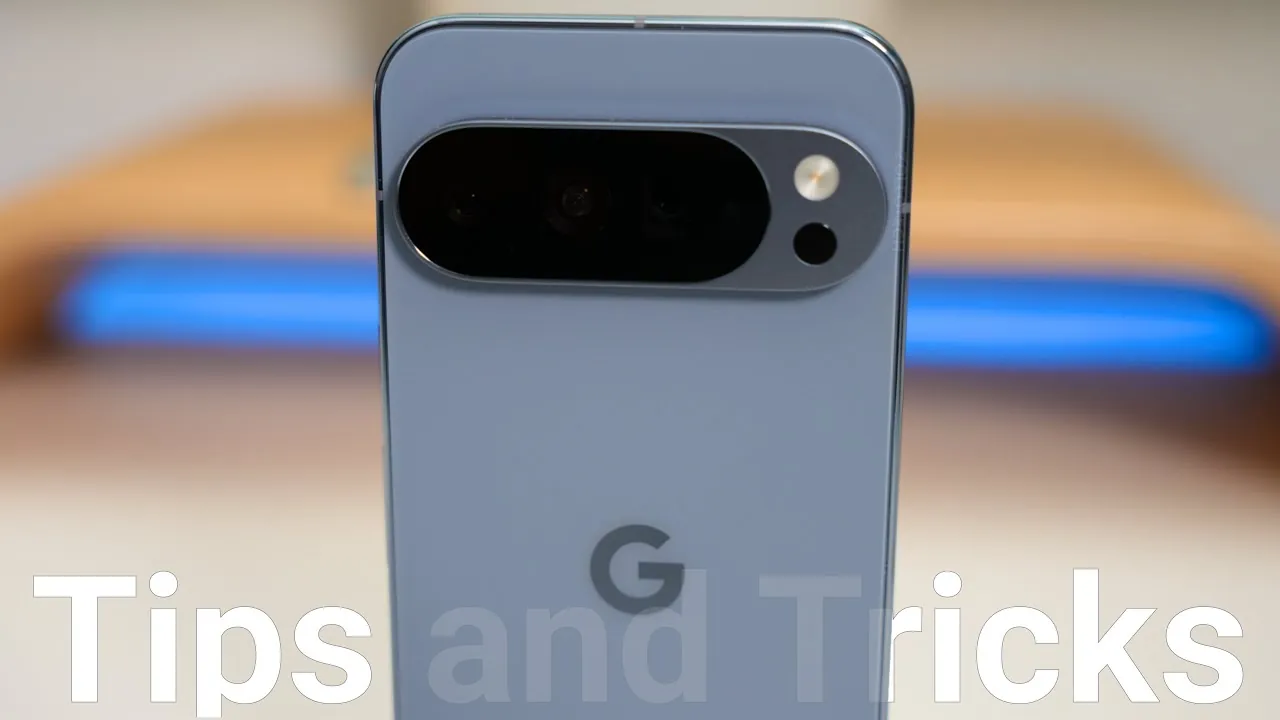
Google Pixel 10 Pro XL – First Tips and Tricks – 4K 60

AI-Powered Tools for Smarter Interactions
The Pixel 10 Pro XL uses artificial intelligence to simplify and enhance your interactions. One standout feature is Magic Q AI Suggestions, which provides personalized recommendations based on your app usage patterns. Whether it’s suggesting apps during specific times of the day or offering shortcuts for frequently used features, this tool ensures you have what you need, when you need it. Importantly, these AI-driven features operate securely on-device, prioritizing your privacy while delivering convenience.
Additionally, the Google Assistant is deeply integrated into the Pixel 10 Pro XL, allowing hands-free control for tasks like setting reminders, sending messages, or navigating your day. By customizing voice commands, you can further streamline your interactions and make the device adapt to your unique preferences.
Optimizing the High-Resolution Display
The Pixel 10 Pro XL features a 120Hz Smooth Display, offering vibrant colors and fluid animations that elevate your viewing experience. To fully use this high-resolution display:
- Enable maximum screen resolution in the settings to enjoy sharper visuals and smoother transitions. While this may slightly impact battery life, it’s ideal for tasks like gaming or streaming high-definition content.
- Adjust touch sensitivity to improve responsiveness, especially if you use a screen protector or operate the device in environments where precision is crucial.
For users who spend significant time on their devices, allowing dark mode can reduce eye strain and conserve battery life without compromising the display’s quality.
Advanced Camera System: Capturing Every Detail
The Pixel 10 Pro XL’s 50MP camera and 4K HDR video recording capabilities make it a standout choice for photography enthusiasts. To take full advantage of its advanced camera system:
- Activate the camera assistant for real-time suggestions, such as adjusting lighting or framing, to capture the perfect shot effortlessly.
- Explore the pro settings for manual control over ISO, shutter speed, and white balance, giving you creative freedom to experiment with different styles.
- Use the double-press power button shortcut to quickly access the camera, making sure you never miss a fleeting moment.
For low-light photography, the Night Sight mode delivers stunning results by enhancing details and reducing noise, making it ideal for capturing memories after sunset.
Maximizing Battery Performance
The Pixel 10 Pro XL is equipped with intelligent battery management features that ensure long-lasting performance. Key tools include:
- Adaptive Charging: This feature learns your charging habits and optimizes the charging process to extend battery health over time.
- Extreme Battery Saver Mode: Designed for critical situations, this mode pauses non-essential apps and functions to conserve power, allowing you to stay connected when it matters most.
For users who frequently travel or rely on their devices for extended periods, these tools provide peace of mind by making sure your phone is always ready when you need it.
Seamless Charging with Pixel Snap
The Pixel 10 Pro XL supports MagSafe-compatible chargers, offering a magnetic charging experience that is both convenient and efficient. The device’s optimized cooling mechanisms ensure fast charging without overheating, protecting the battery’s longevity. This feature is particularly beneficial for users who require quick power-ups during busy schedules or while multitasking.
Exploring Gemini AI Visual Search
The integration of Gemini AI takes visual search to the next level. By using the camera, you can identify objects, landmarks, or text in real time and receive contextual information instantly. This feature is especially useful for:
- Travelers exploring new destinations and wanting to learn more about landmarks or cultural artifacts.
- Students and professionals who need quick access to information from books, documents, or presentations.
- Shoppers looking to compare prices or find similar products online.
With Gemini AI, the Pixel 10 Pro XL becomes a powerful tool for discovery and learning, seamlessly integrating into your daily activities.
Streamlining Communication with Smart Call Features
Managing calls is more efficient than ever with the Pixel 10 Pro XL’s AI-driven call features:
- Call Screening: Automatically filters spam and unwanted calls, saving you time and reducing interruptions.
- Hold for Me: Lets Google Assistant wait on hold during customer service calls, notifying you when a representative is available.
- Call Summarization: Provides a concise overview of conversations, making it easier to review important details without replaying the entire call.
These features are designed to simplify communication, allowing you to focus on what matters most.
Personalizing Your Experience
The Pixel 10 Pro XL offers a range of customization options to make the device truly yours:
- Adjust haptic feedback intensity for notifications, alarms, and interactions to suit your preferences, enhancing the tactile experience.
- Enable dynamic weather integration on the home screen for real-time weather effects and localized pollen tracking, providing valuable insights for outdoor planning.
- Use the built-in journal app to document your experiences, integrating photos, locations, and writing prompts for a more structured and engaging way to capture memories.
These features ensure that the Pixel 10 Pro XL adapts to your lifestyle, offering a personalized and intuitive user experience.
Effortless File Sharing and Music Discovery
The Pixel 10 Pro XL simplifies file sharing and music discovery with innovative features:
- Quick Share: Enables fast and secure file transfers between devices, including compatibility with Apple’s AirDrop-like functionality, making it ideal for collaborative work or sharing media with friends and family.
- Now Playing: Automatically identifies songs playing nearby and saves a history of recognized tracks, allowing music lovers to discover new tunes or revisit favorites effortlessly.
These tools enhance connectivity and entertainment, making sure you stay productive and engaged throughout the day.
Gesture Controls and Accessibility
The Pixel 10 Pro XL includes intuitive gesture controls to simplify interactions:
- Flip-to-Shush: Silences notifications when the phone is placed face down, helping you minimize distractions during meetings or quiet moments.
- Customizable screen savers during charging add a personal touch to your device’s idle state, displaying photos, clock styles, or useful information.
These features, combined with the device’s accessibility tools, make the Pixel 10 Pro XL a user-friendly option for individuals with diverse needs and preferences.
Take a look at other insightful guides from our broad collection that might capture your interest in Google Pixel 10 Pro XL.
- Google Pixel 10 Pro XL: AI Camera and Display Upgrades
- Google Pixel 10 Pro XL: Key Features, Specs, and Release Date
- Made by Google: The Pixel 10, Pixel 10 Pro, and Pixel 10 Pro XL are
- Google Pixel 10 Pro XL Review: Features, Specs, and Performance
- Google Pixel 10 Pro XL: Durability, Features, and Performance
Source & Image Credit: zollotech
Disclosure: Some of our articles include affiliate links. If you buy something through one of these links, Geeky Gadgets may earn an affiliate commission. Learn about our Disclosure Policy.
