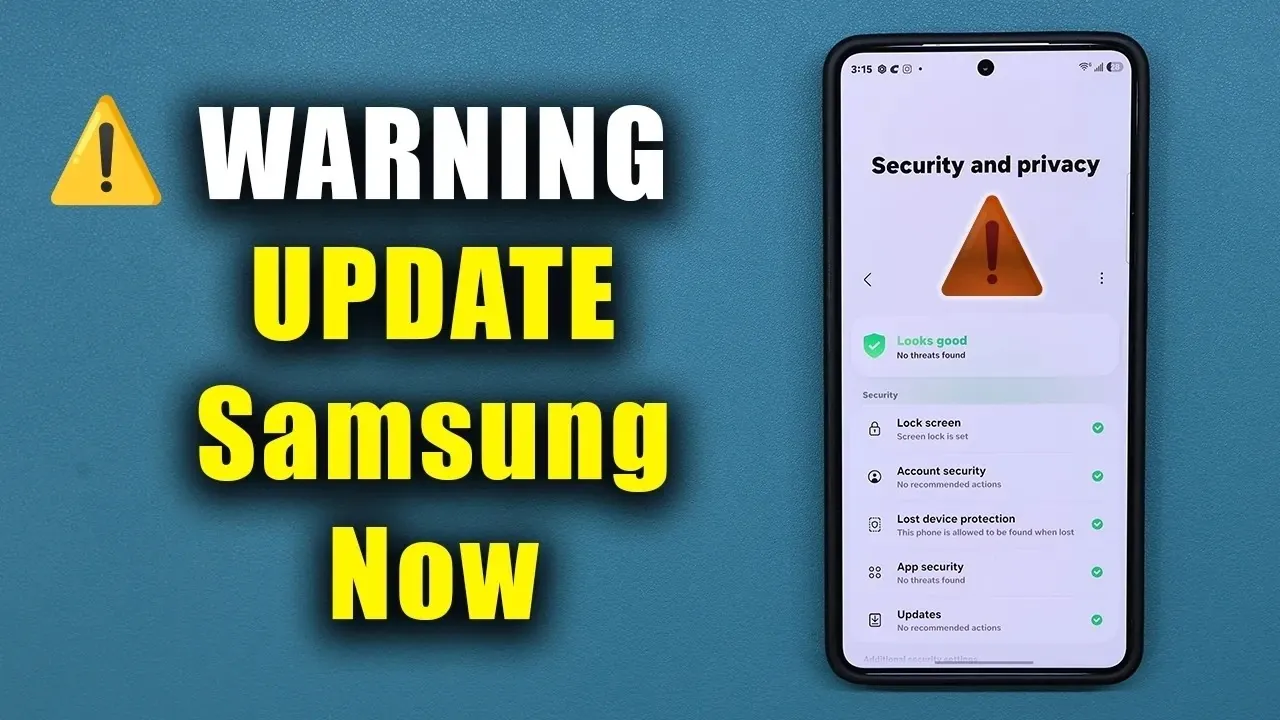
Samsung has released a significant June security update for millions of Galaxy devices, addressing critical vulnerabilities that could compromise your device’s security. This update not only fixes these vulnerabilities but also introduces new features and performance enhancements for select models. If you own a Galaxy phone, installing this update is essential to safeguard your data and ensure your device functions optimally. The video below from Sakitech gives us more details.
Why This Update is Crucial
The June update resolves five critical security vulnerabilities, primarily related to Elevation of Privilege (EOP) issues. These vulnerabilities could allow attackers to gain unauthorized system-level access to your device, potentially exposing sensitive information such as personal data, passwords, or financial details. Although no Denial of Service (DOS) vulnerabilities specific to Samsung devices were identified, the EOP fixes alone make this update a high priority. By addressing these flaws, Samsung strengthens your device’s defenses against potential exploitation, making sure a more secure user experience.
Samsung’s proactive approach to security underscores the importance of staying updated. Neglecting to install this patch could leave your device vulnerable to attacks, emphasizing the need for immediate action.
What’s Included in the Update?
This update is tailored for devices running One UI 8 and 8.5, based on Android 16. It incorporates the June 2026 Android security patch, which addresses a range of vulnerabilities across the Android ecosystem. The size and specific features of the update may vary depending on your device model, but the core improvements include:
- Fixes for critical security vulnerabilities, particularly EOP issues.
- Performance optimizations for older Galaxy models.
- New features designed to enhance usability and privacy.
If you haven’t received an automatic update notification, it’s recommended to manually check for updates by navigating to your device’s settings. Staying current with updates ensures your device remains secure and performs at its best.
New Features to Enhance Your Experience
In addition to addressing security concerns, the June update introduces several features aimed at improving usability and privacy. These enhancements are designed to make your Galaxy device more intuitive and efficient:
- AI Notification Highlights: This feature, available on models like the Galaxy S25, Fold 7 and default on the S26, uses on-device AI to prioritize and summarize notifications. By processing data locally, Samsung ensures your privacy while helping you manage notifications more effectively.
- File Summaries in My Files App: You can now preview documents, such as PDFs and text files, directly within the My Files app. This feature, like the AI notification highlights, is processed locally to maintain data security.
These additions reflect Samsung’s commitment to blending innovation with privacy-focused solutions, making sure that users benefit from advanced technology without compromising their personal data.
Performance Optimizations for Older Devices
While high-end devices like the Galaxy S26, S25 and Fold 7 are already optimized for peak performance, the June update includes targeted improvements for older Galaxy models. These performance optimizations are designed to enhance speed, responsiveness and overall usability, extending the lifespan of older devices. By addressing performance bottlenecks, Samsung ensures that a wider range of users can enjoy a smoother and more reliable experience, regardless of their device’s age.
For users of older models, this update is particularly valuable, as it helps maintain device functionality and usability in an ever-evolving tech landscape.
How to Stay Fully Protected
To ensure comprehensive protection, it’s important to install both Samsung’s June update and Google Play system updates. While Samsung’s patch addresses vulnerabilities specific to Galaxy devices, Google Play updates target broader issues within the Android ecosystem. Together, these updates provide a robust defense against potential threats.
If your device doesn’t prompt you to update automatically, follow these steps to manually check for updates:
- Open your device’s settings menu.
- Navigate to the “Software Update” section.
- Select “Download and Install” to check for available updates.
By regularly updating your device, you can protect your personal data and ensure your Galaxy phone remains secure and efficient.
Take Action Today
Samsung’s June update represents a critical step in safeguarding your Galaxy device. By addressing severe vulnerabilities, introducing privacy-focused features and optimizing performance, this update ensures your device remains secure, efficient and user-friendly. Don’t delay, install the update today and check for additional system updates to protect your device and personal data. Staying proactive about updates is the simplest way to ensure your Galaxy phone continues to perform at its best.
Advance your skills in Samsung Galaxy by reading more of our detailed content.
- Samsung Galaxy Z Fold 8: July 22 Unpacked Date and London Venue
- The Samsung Galaxy Z Fold 8 Just Solved the Biggest Problem with Foldable Displays
- Galaxy Z TriFold 2: Samsung’s Radical Plan to Kill the USB-C Port
- Galaxy Z Fold 8 Wide First Look: This 4.3mm ‘Passport’ Design Just Changed Everything
- 12.4 Inches in Your Pocket: The Galaxy Z Roll 5G Specs That Change Everything
- Samsung Galaxy S27 Ultra Leaks Reveal New Silicon-Carbon 5,500 mAh Battery
Source & Image Credit: sakitech
Disclosure: Some of our articles include affiliate links. If you buy something through one of these links, Geeky Gadgets may earn an affiliate commission. Learn about our Disclosure Policy.
