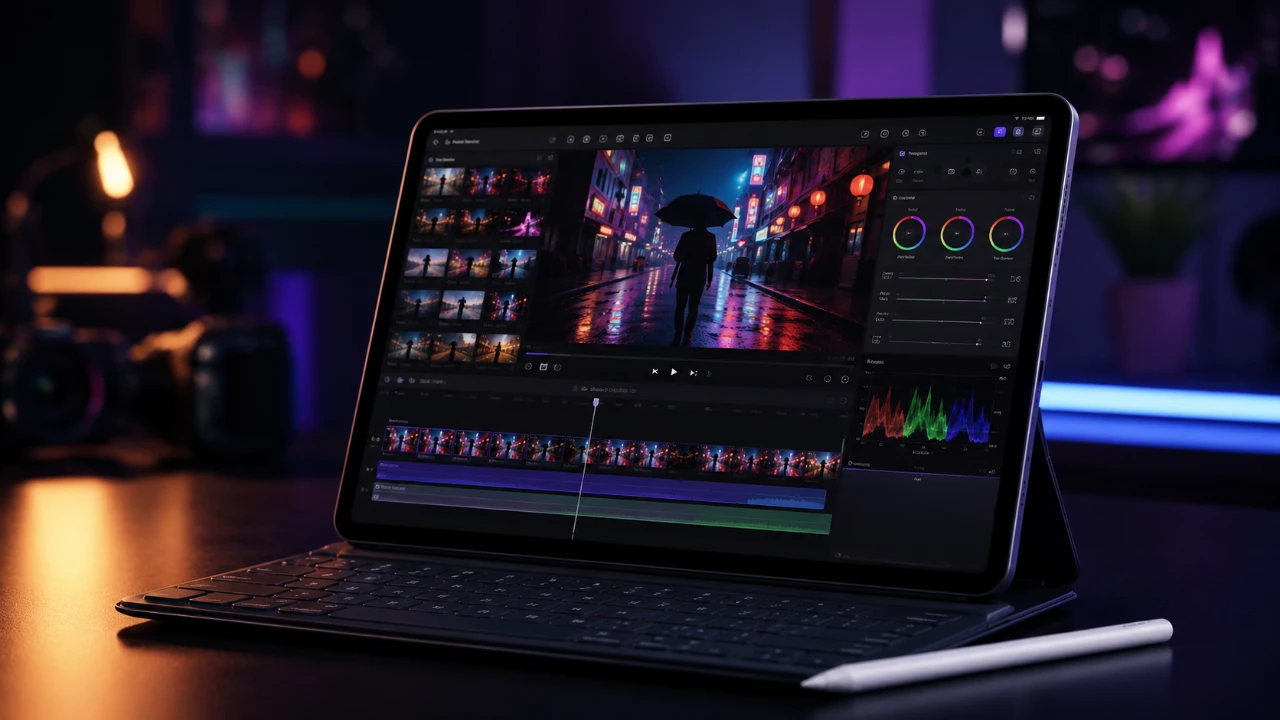
Final Cut Pro 3.3 for iPad introduces a comprehensive suite of features designed to elevate your video editing experience. This update focuses on enhancing efficiency, fostering creativity, and addressing the evolving needs of modern content creators. With the integration of AI-powered tools, expanded customization options, and a richer content library, this version is tailored to streamline workflows and empower creators to produce high-quality videos. Whether you’re crafting short-form social media content or professional-grade projects, these updates provide the tools and flexibility you need to succeed in today’s fast-paced digital landscape. The video below from SlatePad gives us a detailed look at the latest version of Final Cut Pro.

AI-Powered Caption Generation
One of the standout features in this update is the integration of on-device AI for caption generation. This tool simplifies the process of adding captions to your videos, whether for individual clips or entire timelines. The feature offers extensive customization options, allowing you to align captions with your project’s style. You can adjust:
- Font and text color to match your branding
- Background color for better readability
- Animation styles to add dynamic effects
- Caption positioning for optimal placement
For social media creators, the “vertical social media safe” option ensures captions are optimized for platforms like TikTok and YouTube Shorts. This feature is particularly valuable for maintaining accessibility and engagement across diverse audiences. Additionally, the AI-generated captions can be manually reviewed and edited, giving you complete control over their accuracy and appearance.
Flexible Editing with Audio Detachment
The new “detach audio” feature introduces greater flexibility in your editing process. By separating audio from video clips, you can independently manipulate the audio track to suit your creative needs. This functionality is particularly useful for:
- Adding B-roll footage while retaining the original audio
- Reusing audio in different sections of your project
- Creating seamless transitions between scenes
This tool not only simplifies workflows but also opens up new creative possibilities, making it easier to experiment with different combinations of audio and visual elements.
AI-Powered Edit Detection
Another significant addition is the AI-powered edit detection tool. This feature automatically identifies and separates individual clips from exported videos, making it easier to retrieve specific segments from completed projects. This capability is especially useful for:
- Repurposing content for new projects
- Making adjustments to previously finalized edits
- Streamlining the process of locating key moments in lengthy videos
By automating what was once a time-consuming task, this tool saves you valuable time and effort, allowing you to focus on refining your creative vision.
Enhanced Efficiency with Keyboard Shortcuts
Final Cut Pro 3.3 introduces a range of new keyboard shortcuts designed to improve your editing speed and precision. These shortcuts cover essential functions, including:
- Edit detection for quick segmentation
- Audio detachment for flexible sound editing
- Volume adjustments for fine-tuning audio levels
- Timeline reordering for efficient project organization
- Jog wheel expansion for smoother navigation
Incorporating these shortcuts into your workflow can significantly enhance productivity, allowing you to complete projects faster without compromising on quality.
Expanded Themes and Effects for Creators
The update also enriches the content library with new themes, titles, animations and effects. These additions provide creators with more tools to make their videos visually engaging and professionally polished. Highlights include:
- Call-to-action titles to drive viewer engagement
- Subtle background animations like “chill,” “solar,” and “waves”
- A dynamic “punch-in” zoom effect for added emphasis
- Enhanced audio effects, particularly in the “chill” category
These creative options are designed to help you craft videos that stand out, whether you’re aiming for a sleek, professional look or a more playful, dynamic aesthetic.
Refined Content and Effects Library
Final Cut Pro 3.3 further enhances its pre-built content library with additional titles, transitions and effects. The subtle animations have been carefully refined to strike a balance between visual appeal and professionalism. These updates cater to the growing demand for high-quality, modern video production tools, making sure your content remains engaging without overwhelming your audience. The expanded library enables creators to experiment with new styles and techniques, fostering innovation in video editing.
Designed for Modern Creators
This update to Final Cut Pro for iPad is carefully crafted to meet the needs of today’s creators. Whether you’re producing content for social media platforms or working on professional projects, the combination of AI-powered tools, enhanced customization options and an expanded library of themes and effects ensures you have everything you need to create compelling, high-quality videos. By streamlining workflows and offering greater creative flexibility, version 3.3 enables you to achieve professional results with ease, making it an indispensable tool for modern video production.
Source & Image Credit: SlatePad
Disclosure: Some of our articles include affiliate links. If you buy something through one of these links, Geeky Gadgets may earn an affiliate commission. Learn about our Disclosure Policy.
