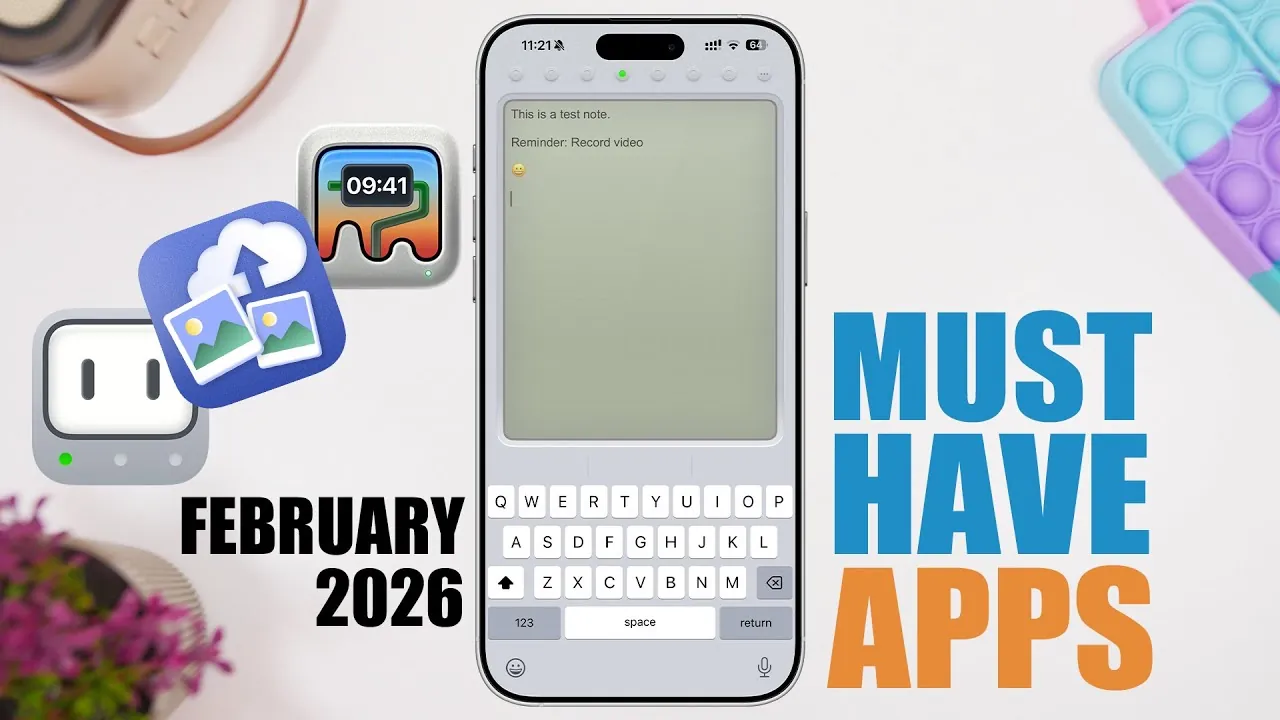
Maximizing the potential of your iPhone can significantly enhance your daily life. With the right apps, you can improve productivity, spark creativity, and simplify routine tasks. This curated list highlights some of the most effective apps available in 2026, each designed to address specific needs. Whether you’re organizing files, customizing your device, or streamlining workflows, these tools offer practical solutions to help you make the most of your iPhone. The video below from iReviews gives us a look at some awesome iPhone apps.

SwipeCloud: Simplify and Secure Your Cloud Storage
Managing storage across devices and cloud accounts can be a daunting task, but SwipeCloud makes it effortless. This app is designed to optimize your storage while making sure your data remains secure. Key features include:
- Automatically identifying and removing duplicate or blurry photos to free up space.
- Cleaning up unnecessary files from social media apps to reduce clutter.
- Organizing cloud storage for better accessibility and efficiency.
With robust security options like PIN and Face ID protection, SwipeCloud ensures your sensitive files remain private. Whether you’re looking to declutter your device or safeguard important data, this app is an essential tool for efficient storage management.
Mini Wallpapers: Personalize Your iPhone’s Visual Appeal
Your iPhone’s appearance should reflect your personality, and Mini Wallpapers allows you to achieve just that. This app offers a wide range of customization options to create unique, visually striking wallpapers. Its standout features include:
- Gradient designs and glass brick effects for a modern aesthetic.
- Integration of personal photos to add a personal touch to your device.
- Advanced tools for customizing colors, patterns, and layouts to suit your style.
Whether you prefer minimalistic designs or bold, vibrant visuals, Mini Wallpapers enables you to make your iPhone truly your own.
Nino: Transform Your Note-Taking Experience
Efficient note-taking is essential for staying organized, and Nino offers a seamless solution. This app integrates directly with your keyboard, making it easy to jot down ideas without interrupting your workflow. Key functionalities include:
- Quickly capturing thoughts or ideas without leaving your current app.
- Organizing notes by color for better categorization and retrieval.
- Tracking word and character counts for precise writing.
Nino’s simplicity and speed make it an indispensable tool for professionals, students, and creatives alike, making sure you never miss an important idea.
Swift Mockup: Create Professional Visuals with Ease
For developers, designers, and marketers, Swift Mockup is a powerful tool for creating polished, professional-grade visuals. This app simplifies the process of presenting your work with features such as:
- Generating high-quality mockups of screenshots within device frames, including iPhones, iPads, and Apple Watches.
- Customizing orientations, colors, and display options to match your branding or project requirements.
Whether you’re showcasing an app or building a portfolio, Swift Mockup ensures your presentations are visually impressive and impactful.
PDF Omina: Comprehensive PDF Management
Managing PDFs can be a complex task, but PDF Omina provides an all-in-one solution. This app is equipped with a wide range of tools to handle your PDF needs efficiently. Its features include:
- Scanning, merging, and editing PDF documents with ease.
- Encrypting and digitally signing files for secure transactions.
- Converting images to PDFs and splitting or removing pages as needed.
From managing business contracts to organizing personal files, PDF Omina simplifies even the most intricate PDF-related tasks, making it an essential app for professionals and everyday users.
Clarity Reader: Enhance Your Reading Experience
Reading cluttered web pages can be distracting, but Clarity Reader transforms them into clean, distraction-free formats. As a Safari extension, this app is perfect for anyone who values focused reading. Key benefits include:
- Customizing background colors, fonts, and text spacing to suit your preferences.
- Eliminating unnecessary visual elements for a streamlined reading experience.
Whether you’re diving into long articles or conducting research, Clarity Reader enhances readability and reduces eye strain, making it an invaluable tool for avid readers.
Calvire: A Convenient Calculator on Your Keyboard
Switching between apps to perform calculations can disrupt your workflow. Calvire solves this problem by integrating a calculator directly into your keyboard. Its features include:
- Performing quick calculations without leaving your current app.
- Saving calculation history for easy reference and future use.
Ideal for professionals, students, and multitaskers, Calvire streamlines your tasks and boosts efficiency.
Sleep Light: A Practical Flashlight with a Timer
Sleep Light combines simplicity and functionality by offering a flashlight that turns off automatically after a set time. This app is particularly useful for nighttime activities. Key features include:
- Setting a timer to conserve battery life and prevent unnecessary usage.
- Using the flashlight for reading, navigating in the dark, or other practical purposes.
Its straightforward design makes Sleep Light a handy tool for anyone seeking convenience and efficiency in their daily routine.
Unlock Your iPhone’s Full Potential
These apps cater to a wide range of needs, from productivity and organization to creativity and convenience. Whether you’re optimizing storage with SwipeCloud, designing custom wallpapers with Mini Wallpapers, or managing PDFs with PDF Omina, each app offers unique features to enhance your iPhone experience. By integrating these tools into your daily routine, you can streamline your digital life, boost efficiency, and unlock the full potential of your device.
Dive deeper into iPhone productivity apps with other articles and guides we have written below.
- OfficeSuite One-Time Purchase: Lifetime License (Family Plan)
- How to Use the iPhones Built In Productivity Apps
- Lunatask Premium: Lifetime Subscription – StackSocial
- My Notes AI Pro Plan: Lifetime Subscription – AI Note Transcriber
- Why the iPhone Reminders App is the Ultimate Productivity Tool
Source & Image Credit: iReviews
Disclosure: Some of our articles include affiliate links. If you buy something through one of these links, Geeky Gadgets may earn an affiliate commission. Learn about our Disclosure Policy.
