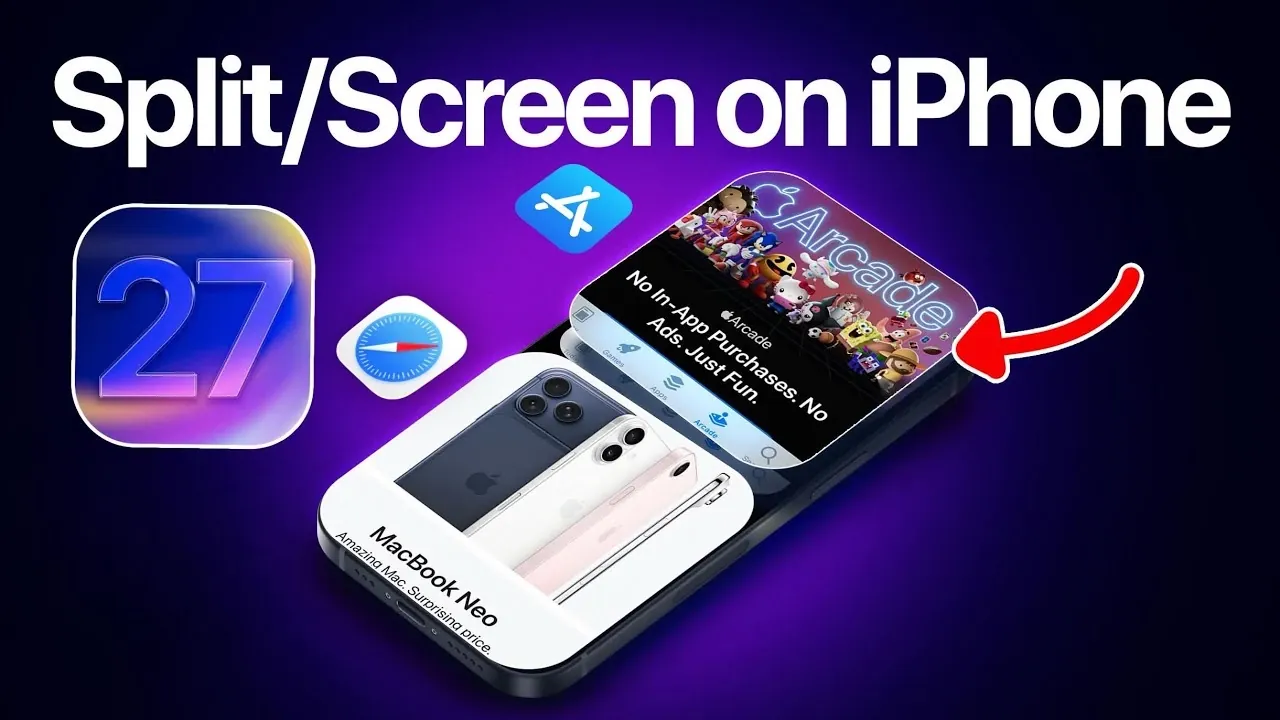
The concept of split-screen multitasking on iPhones has long been a topic of interest among users seeking to enhance productivity and streamline their daily tasks. While Apple has yet to introduce this feature natively, the persistent demand highlights a growing need for more advanced multitasking capabilities on iOS devices. The video below from iDeviceHelp provides more insights into the practicality of split-screen multitasking, examines current iPhone features like Picture-in-Picture (PiP), explores third-party solutions such as the “Dynamic Stage” tweak for jailbroken devices, and evaluates the potential for Apple to incorporate this functionality in future iOS updates.
Why Split-Screen Multitasking Matters
The absence of split-screen multitasking on iPhones has left many users yearning for a feature that could significantly improve their efficiency. This capability, already available on many Android devices and iPads, would allow users to interact with two apps simultaneously. The demand for such functionality stems from the desire to simplify multitasking in various scenarios, such as:
- Taking notes while researching online or attending a virtual lecture.
- Comparing information between two apps, such as financial data or shopping options.
- Replying to emails while referencing a calendar or document.
For students, professionals and multitaskers, split-screen multitasking could reduce the constant need to switch between apps, saving time and effort. By allowing users to perform multiple tasks concurrently, this feature could transform the iPhone into a more versatile tool for productivity and convenience.
Current Multitasking Features on iPhones
Although Apple has made strides in improving multitasking on iPhones, the available options remain limited compared to what users envision with split-screen functionality. One of the most notable features is Picture-in-Picture (PiP), introduced in iOS 14. PiP allows users to:
- Watch videos or participate in video calls while navigating other apps.
- Resize and reposition the video window anywhere on the screen for convenience.
For example, you can follow a cooking tutorial on YouTube while setting a timer in the Clock app. However, PiP is restricted to supported apps and video content, leaving broader multitasking needs unaddressed. While useful, it falls short of delivering the comprehensive split-screen experience that many users desire.
Exploring Third-Party Solutions: The “Dynamic Stage” Tweak
For those willing to jailbreak their iPhones, third-party solutions like the “Dynamic Stage” tweak offer a glimpse into the potential of split-screen multitasking on iOS. This tweak enables users to run two apps simultaneously on the same screen, opening up possibilities such as:
- Browsing the web in Safari while composing a message in the Mail app.
- Managing a to-do list alongside checking weather updates.
These examples illustrate how split-screen multitasking could enhance usability, particularly on larger devices like the iPhone Pro Max models. However, jailbreaking comes with significant drawbacks, including:
- Voiding the device’s warranty, which could lead to costly repairs.
- Exposing the iPhone to potential security vulnerabilities and malware.
- Creating instability or compatibility issues with future iOS updates.
While tweaks like Dynamic Stage showcase the feasibility of split-screen multitasking, the risks associated with jailbreaking make it an impractical solution for most users who prefer to remain within Apple’s official ecosystem.
Challenges and Potential of Split-Screen Multitasking
Introducing split-screen multitasking on iPhones would not be without its challenges. The smaller screen size of standard iPhone models could make managing two apps simultaneously feel cramped or overwhelming. However, larger devices, such as the Pro Max series, offer more screen real estate, making them better suited for this feature.
If implemented, split-screen multitasking could redefine how users interact with their iPhones. Tasks such as comparing documents, attending virtual meetings while taking notes, or multitasking during leisure activities could become more seamless and efficient. The feature would cater to a wide range of users, from professionals managing complex workflows to casual users seeking convenience in everyday tasks.
Could Apple Introduce Split-Screen Multitasking?
Speculation about Apple adding native split-screen multitasking to iPhones has persisted for years. With each iOS update, Apple continues to refine its features to align with user demands while maintaining its signature focus on simplicity and usability. If Apple were to introduce this functionality, it would likely include:
- Gesture-based controls for intuitive and efficient navigation.
- Optimized app compatibility to ensure smooth and reliable performance.
- A clean, clutter-free interface designed to maximize usability on smaller screens.
Given Apple’s emphasis on delivering polished, user-friendly experiences, any native implementation would likely prioritize seamless integration with the iOS ecosystem. While there is no official confirmation, the possibility of split-screen multitasking being introduced in future iOS versions, such as iOS 27 or beyond, remains a topic of interest among users and industry observers.
The Future of Multitasking on iPhones
Split-screen multitasking on iPhones continues to be a highly requested feature that Apple has yet to deliver. While current multitasking tools like Picture-in-Picture address some needs, they fall short of providing the comprehensive functionality users are seeking. Jailbreaking and tweaks like Dynamic Stage offer a glimpse into what is possible but come with risks that deter most users.
As Apple evolves its iOS platform, the demand for advanced multitasking tools underscores the importance of enhancing the iPhone user experience. Whether or not split-screen multitasking becomes a reality, the ongoing conversation highlights the growing expectations for iPhones to support more versatile and efficient workflows. For now, users must rely on existing features or third-party solutions to meet their multitasking needs.
Source & Image Credit: iDeviceHelp
Disclosure: Some of our articles include affiliate links. If you buy something through one of these links, Geeky Gadgets may earn an affiliate commission. Learn about our Disclosure Policy.
