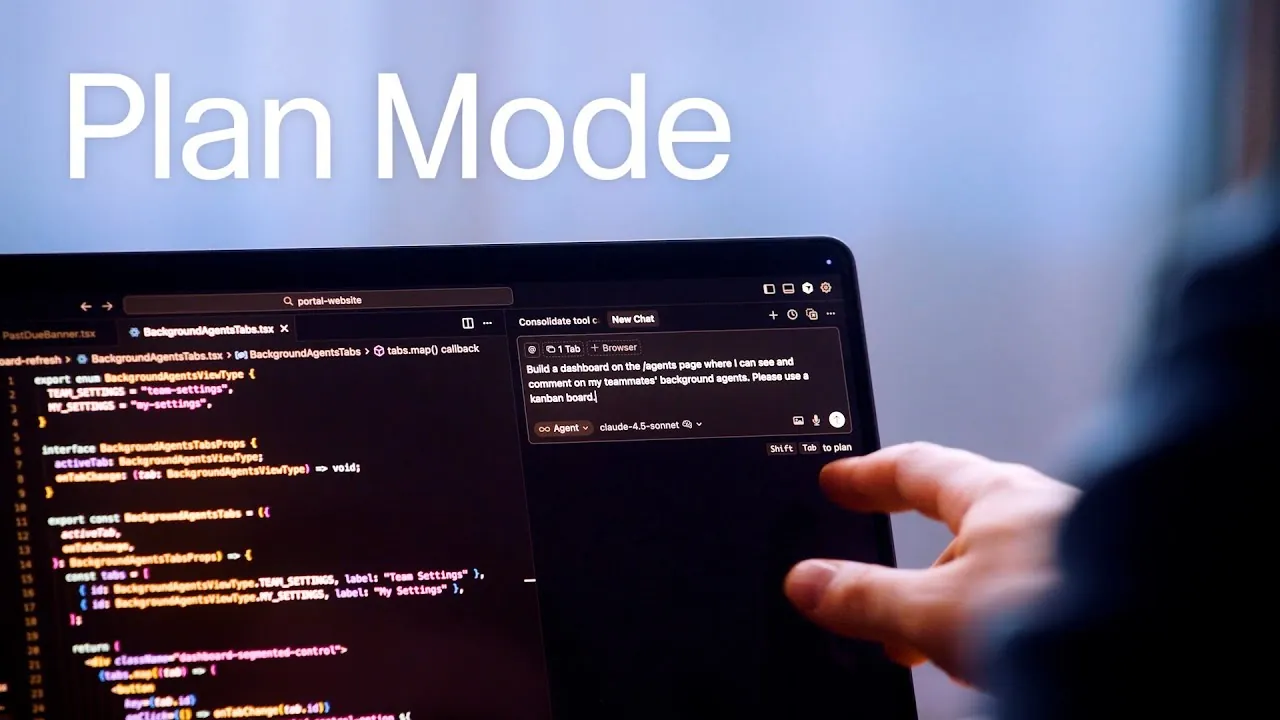
What if coding didn’t have to start with chaos? Imagine tackling a complex software project, not with scattered ideas and frantic trial-and-error, but with a clear, structured roadmap guiding every step. That’s the promise of Plan Mode, a new feature in the Cursor AI IDE that’s reshaping how developers approach intricate projects. By prioritizing context gathering, research, and meticulous planning, Plan Mode shifts the focus from reactive problem-solving to proactive strategy. It’s not just a tool; it’s a mindset shift for developers navigating the ever-growing demands of modern software development.
Below the Cursor development team introduce Cursor’s new Plan Mode, and how it has been created to improve the way you approach AI coding. From its ability to streamline collaboration to its powerful tools for analyzing codebases and generating detailed project plans. Whether you’re managing a solo project or leading a team, Plan Mode equips you with the structure to reduce errors, improve communication, and stay aligned with your goals. Curious how this feature could reshape your workflow and eliminate inefficiencies? Let’s unpack the tools, strategies, and insights that make Plan Mode an essential ally for tackling even the most daunting development challenges.
Cursor Plan Mode Overview
TL;DR Key Takeaways :
- Plan Mode in Cursor AI IDE introduces a structured approach to software development by integrating context gathering, research, and detailed planning, making sure clarity and precision in complex projects.
- Key features include codebase analysis, markdown plan generation, and plan saving, which streamline project planning and execution while minimizing inefficiencies.
- Collaboration tools like shared plans and a centralized dashboard enhance team communication, transparency, and alignment, fostering a cohesive development environment.
- Plan Mode boosts efficiency, organization, and project tracking by reducing trial-and-error approaches and providing clear roadmaps for tackling intricate tasks.
- Designed for both individual developers and teams, Plan Mode sets a new standard for managing multifaceted coding projects, empowering developers to deliver high-quality results efficiently.
What is Plan Mode and Why is It Essential?
Plan Mode introduces a structured methodology for handling large-scale and multifaceted coding projects. Instead of diving directly into implementation, it emphasizes a deliberate approach that prioritizes context gathering and research. This ensures that every task is executed with a thorough understanding of the project’s objectives and requirements.
For example, when developing a multi-layered application, Plan Mode enables you to define the project scope, identify critical components, and establish a detailed roadmap. This systematic approach reduces errors, aligns efforts with overarching goals, and ensures a smoother development process. By focusing on preparation and planning, Plan Mode helps you tackle even the most complex challenges with confidence and clarity.
Core Features of Plan Mode
Plan Mode is equipped with a suite of tools designed to streamline both the planning and execution phases of software development. These features cater to the needs of individual developers as well as collaborative teams:
- Codebase Analysis: This feature allows you to search and analyze existing codebases, identifying key elements such as authentication mechanisms, authorization protocols, and UI components. By gaining a comprehensive understanding of the project’s foundation, you can make informed decisions and avoid redundant efforts.
- Markdown Plan Generation: Automatically generate detailed markdown plans that include front-end data models, route definitions, and to-do lists. These plans act as blueprints, providing clear direction and making sure that every aspect of the project is accounted for.
- Plan Saving: Save plans for future reference, allowing you to revisit and refine them as the project evolves. This feature supports iterative development and ensures long-term project tracking.
By using these tools, developers can carefully plan and document every aspect of their projects before writing a single line of code. This proactive approach minimizes inefficiencies and sets the stage for successful execution.
Introducing Plan Mode in Cursor

Unlock more potential in Cursor AI by reading previous articles we have written.
- Taskmaster AI Simplifies Complex Cursor AI Projects
- Why Developers Are Choosing PearAI Over Cursor AI
- How to Set Up a Local AI Assistant Using Cursor AI (No Code
- How to make Cursor AI understand folder structure
- Learn Cursor AI Coding : Features, Modes & Benefits Explained
- Beginner’s Guide to Using Cursor AI Agents for Developers
- AI Coding Tools Compared: Bolt vs Cursor vs Replit vs Lovable
- Cursor AI made easy with Custom AI Rules
- Vibe Scraping with Cursor AI’s MCP Tools for Web Development
- AI Battle: VS Code Takes on Cursor with Major AI Updates
Collaboration Tools for Team-Based Development
Plan Mode is designed with collaboration in mind, making it an invaluable resource for team-based projects. Its features promote communication, transparency, and alignment among team members, making sure that everyone works cohesively toward shared objectives:
- Dashboard Functionality: A centralized dashboard provides a clear overview of background agent runs initiated by teammates. This feature allows team members to view, comment on, and stay informed about ongoing tasks, fostering a collaborative environment.
- Shared Plans: Share plans across your team to reduce miscommunication and streamline workflows. Shared plans serve as a unified reference point, making sure consistency and alignment throughout the development process.
These collaboration tools not only improve teamwork but also enhance overall project efficiency by keeping all stakeholders informed and engaged.
Transforming Your Workflow with Plan Mode
Plan Mode introduces several key benefits that address common challenges in managing complex software development projects. By integrating structured planning into your workflow, it enables you to achieve greater efficiency and organization:
- Increased Efficiency: Thorough context gathering and structured planning reduce time wasted on trial-and-error approaches, allowing you to focus on delivering high-quality results.
- Enhanced Organization: With a clear roadmap for tackling intricate tasks, Plan Mode ensures that every step is well-documented and aligned with the project’s objectives.
- Improved Collaboration: Features like shared plans and dashboard functionality create a collaborative environment, making it easier for teams to work together effectively.
- Streamlined Project Tracking: Tools for saving and revisiting plans enable you to monitor progress and make adjustments as needed, making sure that projects stay on track and meet deadlines.
Whether you’re managing a small team or overseeing a large-scale project, Plan Mode equips you with the resources to navigate challenges and deliver exceptional results.
Setting a New Benchmark for Software Development
Plan Mode in Cursor AI IDE establishes a new benchmark for managing complex coding projects. By integrating context gathering, research, and structured planning into the development process, it ensures that every task is approached with clarity and purpose. With features like codebase analysis, markdown plan generation, and robust collaboration tools, Plan Mode enables developers to achieve greater efficiency, organization, and teamwork.
Whether you’re tackling a challenging coding project or managing a collaborative effort, Plan Mode is an essential asset for modern software development. Its ability to streamline workflows, enhance collaboration, and provide a structured approach makes it a valuable tool for developers aiming to deliver high-quality results in today’s fast-paced and demanding tech landscape.
Media Credit: Cursor
Disclosure: Some of our articles include affiliate links. If you buy something through one of these links, Geeky Gadgets may earn an affiliate commission. Learn about our Disclosure Policy.
