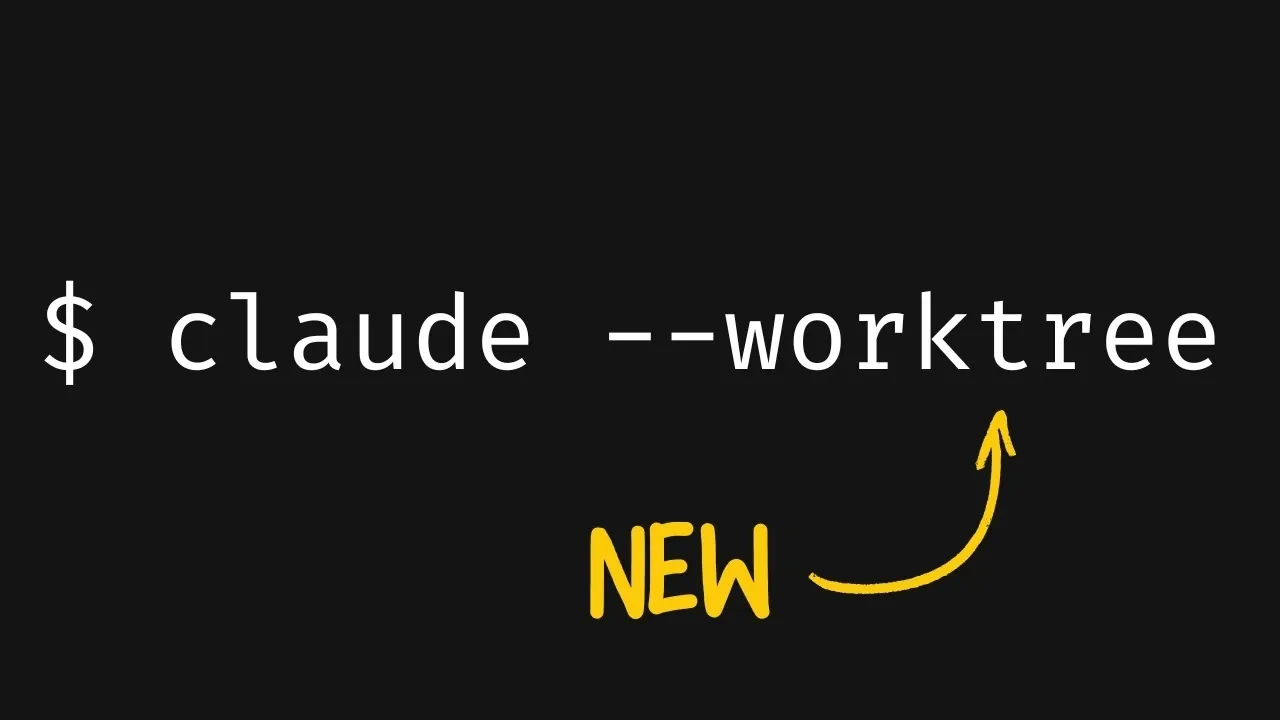
Claude Code has recently introduced native worktree support, a feature aimed at simplifying branch management for developers. As overviewed by Better Stack, this functionality enables you to work on multiple branches simultaneously, creating isolated environments for tasks like debugging and feature development. For instance, you can address a critical bug in one branch while continuing to test new features in another, all without manual configuration. This approach reduces disruptions and helps maintain workflow continuity, though some users have overviewed issues with a broken feature flag in the latest update.
You’ll learn how to set up and use worktree support to streamline your development process, including commands for switching between branches. The feature’s compatibility with non-Git systems such as SVN and Juju will also be explored, offering insights into its versatility. Additionally, you’ll see how automation hooks and sub-agents can further optimize workflows, allowing smoother collaboration and faster project completion.
Why Native Worktree Support Matters
TL;DR Key Takeaways :
- Claude Code has introduced native worktree support, allowing developers to work on multiple branches simultaneously, improving efficiency and reducing disruptions in workflows.
- Worktree support creates isolated environments for tasks like debugging and feature development, making sure seamless collaboration and minimizing errors from overlapping tasks.
- The feature integrates with sub-agents and supports non-Git systems like SVN and Juju, offering versatility and simplifying branch management without complex setups.
- Challenges include a broken feature flag in the latest update, causing disruptions for some users and highlighting the need for further refinements and robust technical support.
- Additional enhancements include SSH support, app previews, GitHub integration and simplified terminal mode, collectively improving the flexibility and functionality of Claude Code.
The addition of native worktree support represents a significant improvement for developers, offering a streamlined approach to managing branches. This feature creates isolated environments for different tasks, such as debugging and feature development, making sure that work on one branch does not interfere with progress on another. For example, you can address critical bugs in one branch while continuing to develop and test new features in another, maintaining workflow continuity.
Worktree support integrates seamlessly with sub-agents, allowing you to manage multiple features within the same session. This means you can push completed features to the main branch while simultaneously debugging issues in a separate branch. By reducing the risk of errors caused by overlapping tasks, this functionality not only enhances productivity but also improves the overall quality of the development process.
How Worktree Support Streamlines Workflows
Claude Code’s worktree functionality is designed to make your development workflow more efficient and intuitive. With commands like `claude code -W`, you can quickly switch between worktrees, making sure that each branch remains isolated and manageable. This eliminates the need for complex manual setups, allowing you to focus on coding rather than spending time configuring your environment.
To get started with worktrees, you need to initialize Git with at least one commit. Once set up, you can further optimize your workflow by using automation hooks and custom sub-agents. Additionally, this feature is compatible with non-Git systems such as SVN and Juju, making it a versatile tool for developers working across diverse platforms. By simplifying branch management, worktree support allows you to dedicate more time to solving problems and building innovative solutions.
Claude Code Now has Native Worktree Support

Advance your skills in Claude Code by reading more of our detailed content.
- Claude Code 2.1 Custom Output Modes for Beginners & Pros
- Claude Code Update: LSP Support, Sub-Agents and Ultrathink
- Agent Browser Lets Claude Code Control Chromium for Automations
- Guide to Installing Claude Code on Windsurf and Cursor
- Claude Code Workflow : Creator’s 8-step Path to Faster Builds
- The Story Behind Claude Code’s Recent Performance Issues
- Claude Code MCP Upgrade 2026 : Cut Tokens by 95% with Smart Loading
- Claude Code No Longer Works with Third Party IDEs
- Claude Cowork Features, Google Drive and Gmail Integrations
- How Claude Cowork Works, Pricing & Limits: Beginners Guide 2026
Challenges with the Latest Update
Despite the advantages of worktree support, the latest update has introduced some challenges. A broken feature flag has disrupted the functionality of worktrees for certain users, leading to frustration and delays. While temporary fixes are available, a permanent resolution has yet to be implemented. This issue underscores the importance of ongoing updates and robust technical support to ensure a seamless user experience.
The challenges faced by users highlight the need for continuous improvement in software tools. Developers rely on stability and reliability to maintain productivity and addressing these issues promptly will be critical to sustaining user trust and satisfaction.
Additional Enhancements in Claude Code
Beyond worktree support, Claude Code has introduced several other features aimed at improving developer workflows and enhancing the overall user experience. These updates provide a comprehensive toolkit for addressing a wide range of development needs. Key enhancements include:
- SSH support for secure and efficient connections
- App previews to assist testing and validation of new features
- GitHub integration for streamlined collaboration and version control
- Simplified terminal mode for ease of use and accessibility
These features collectively enhance the flexibility and functionality of Claude Code, making it a valuable resource for developers working on complex projects.
Use Cases and Future Potential
The flexibility provided by worktree support opens up numerous possibilities for iterative development and testing. For example, you can experiment with features like dark mode, local storage, or to-do editing in isolated environments without compromising the stability of your main branch. This capability is particularly beneficial for teams managing multi-faceted projects, where maintaining a stable codebase is critical.
Looking ahead, the adoption of Claude Code is expected to grow as the platform continues to evolve. Addressing current issues, such as the broken feature flag, will be essential to improving user satisfaction and making sure reliability. As stability improves and new features are introduced, Claude Code has the potential to become an indispensable tool for developers navigating the demands of modern software development.
Media Credit: Better Stack
Disclosure: Some of our articles include affiliate links. If you buy something through one of these links, Geeky Gadgets may earn an affiliate commission. Learn about our Disclosure Policy.
