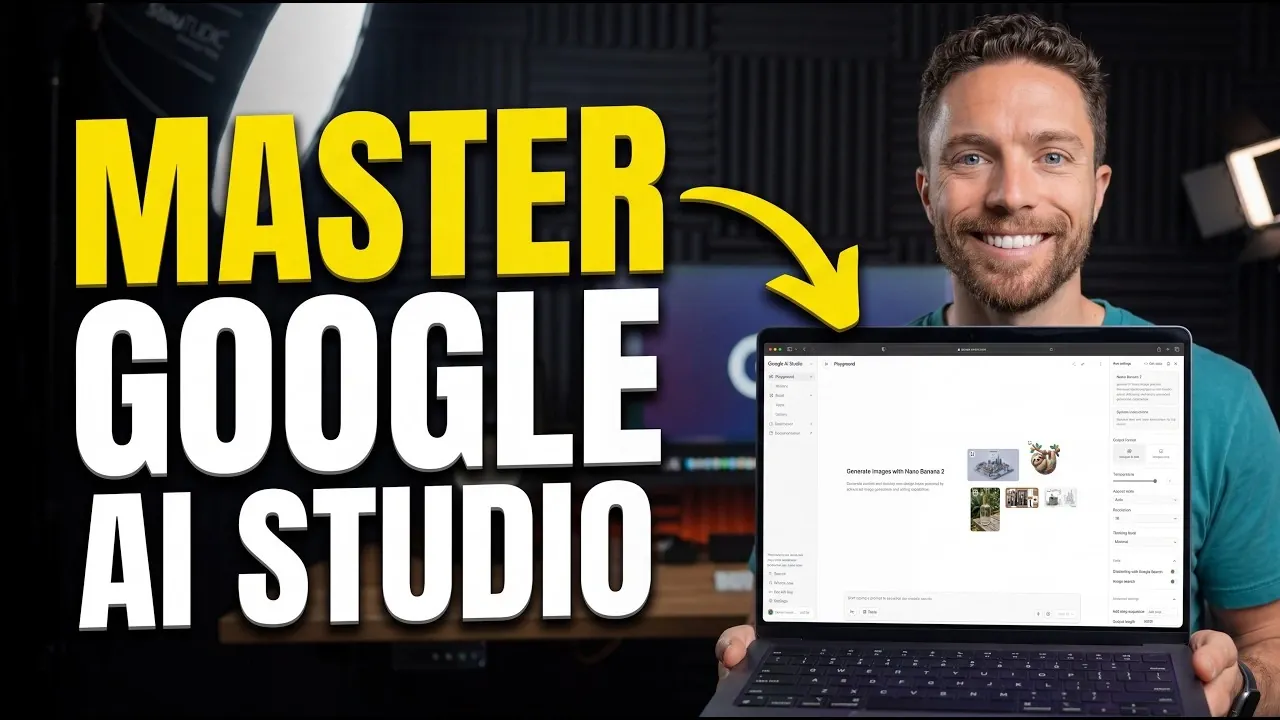
Google AI Studio is a platform designed to streamline artificial intelligence workflows for users with varying levels of expertise. Paul Lipsky highlights the Build section, which introduces a “vibe coding” approach that allows users to describe app functionality in plain English instead of relying on traditional programming. This feature is complemented by Firebase integration and a gallery of pre-built app examples, allowing users to create functional applications with minimal technical barriers.
Discover how to adjust outputs using customizable parameters, integrate real-time Google Search data to improve accuracy and use text-to-speech features for creating natural audio. Gain insight into the platform’s subscription options, including the Pro Plan for individual users and the Ultra Plan for enterprise needs. This hands-on walkthrough will guide you through applying these features effectively to your projects.
Google AI Studio
TL;DR Key Takeaways :
- Google AI Studio is a versatile platform designed for users of all skill levels, allowing the creation of AI-powered applications, watermark-free images and custom text-to-speech outputs.
- The platform offers flexible subscription plans, including the Pro Plan ($20/month) for moderate use and the Ultra Plan ($250/month) for enterprise-level applications.
- The Playground serves as the central hub, featuring tools for model customization, image generation, text-to-speech synthesis and integration with real-time Google Search data.
- App development is simplified with “vibe coding,” allowing users to describe functionality in plain English, alongside features like Firebase integration and a pre-built app gallery.
- Google AI Studio supports diverse use cases, such as marketing, education and creative projects, but users should be mindful of usage quotas and model access limitations.
Flexible Subscription Plans
Google AI Studio provides a variety of subscription options to accommodate different user needs. These plans ensure that both casual users and professionals can access the platform’s tools effectively. The paid tiers include:
- Pro Plan ($20/month): Offers access to advanced AI models with moderate usage limits, ideal for individual users or small teams.
- Ultra Plan ($250/month): Unlocks higher quotas and premium features, catering to intensive use cases such as large-scale projects or enterprise-level applications.
By linking your Google AI subscription directly to your account, you can eliminate the need for API keys, streamlining access to advanced tools and models. This seamless integration is particularly advantageous for teams and individuals who require consistent, high-quality outputs without technical interruptions.
Core Features in the Playground
The Playground serves as the central hub of Google AI Studio, offering a comprehensive suite of tools for customizing AI models. It supports a wide range of tasks, including image generation, text-to-speech synthesis and conversational AI. Key customization options include:
- Model Selection: Choose from a variety of models tailored to specific tasks, making sure optimal performance for your project.
- Adjustable Parameters: Modify settings such as resolution, aspect ratio and creativity (temperature) to fine-tune outputs.
- Grounding with Google Search: Integrate real-time search data to enhance the accuracy and relevance of results.
- Structured Outputs: Organize results into clear, usable formats for better clarity and application.
These features make the Playground an invaluable tool for users seeking to balance creativity with precision. Whether you’re working on a marketing campaign, developing educational materials, or experimenting with AI-driven art, the Playground offers the flexibility to meet your needs.
Find more information on Google AI Studio by browsing our extensive range of articles, guides and tutorials.
- Google AI Studio 2.0 Adds Antigravity Full-Stack Coding
- Google AI Studio Review: Features, Benefits and Use Cases
- Google AI Studio Guide : No-Code Apps, Tools, Data Analysis & More
- Get Started with Gemini 3 in Google AI Studio and APIs in Minutes
- Using Google AI Studio Apps with Real-Time Firebase Data in 2025
- How to Use Google’s VEO-2 AI Video Creation App for Free
- How to Use Google AI Studio for Tailored AI Solutions
- Google AI Tools Overview from Gemini to NotebookLM
- Discover the Power of Google AI Studio 2025 Latest Updates
- How to use Google AI Studio and Gemini API- Beginners Guide
Media Generation: Images and Audio
Google AI Studio excels in media generation, providing tools to create high-quality visuals and audio. Its image generation feature allows users to produce watermark-free images with customizable settings, such as resolution and aspect ratio. This capability is particularly useful for:
- Marketing campaigns requiring professional-grade visuals.
- Design projects that demand creative flexibility.
- Artistic endeavors where originality and customization are key.
The platform’s text-to-speech tool generates natural-sounding audio, offering options to adjust speaker tone, emotion and language. This feature is especially beneficial for content creators, educators and businesses aiming to enhance their projects with engaging, AI-generated audio. By combining these tools, users can produce polished, professional media with minimal effort.
App Development Made Simple
The Build section of Google AI Studio revolutionizes app development by introducing an innovative “vibe coding” approach. Instead of relying on traditional programming, users can describe their app’s functionality in plain English. This intuitive method significantly lowers the barrier to entry, making app creation accessible to non-technical users.
Additional features in the Build section include:
- Pre-Built App Gallery: Browse a collection of ready-made examples, such as games, productivity tools and music generators, to spark inspiration.
- Firebase Integration: Incorporate user authentication, database management and real-time updates into your apps for enhanced functionality.
Whether you’re developing a knowledge management tool, a creative application, or a productivity solution, these features streamline the process, allowing you to focus on innovation rather than technical complexities.
Real-World Use Cases
Google AI Studio supports a diverse range of applications, demonstrating its versatility across various industries and projects. Examples of real-world use cases include:
- Time Warp: An app designed for aesthetic transformations, allowing users to explore creative visual effects.
- Sourceboard: A tool for organizing and managing knowledge effectively, ideal for researchers, educators and professionals.
The platform’s iterative improvement capabilities, such as focus mode and direct prompts, allow users to refine their projects over time. This adaptability ensures that your creations remain relevant and effective as your needs evolve.
Understanding Limitations
While Google AI Studio offers a robust set of features, it is essential to be aware of its limitations to make informed decisions:
- Usage Quotas: Both free and paid plans impose limits on model usage, which may restrict access to certain features or tools.
- Model Access Clarity: Some users may find it challenging to understand the full scope of available models, requiring experimentation to fully grasp the platform’s capabilities.
To address these challenges, consider upgrading your subscription plan or exploring alternative models within the platform. By doing so, you can ensure uninterrupted access to the tools and features you need.
Practical Applications and Tips for Success
Google AI Studio stands out as a flexible and user-friendly platform, offering tools that cater to creative, professional and educational projects. To make the most of its capabilities, consider the following tips:
- Start Small: Begin by exploring basic features to build familiarity with the platform.
- Experiment: Gradually delve into advanced tools, such as app-building and model customization, to expand your skill set.
- Iterate: Use focus mode and direct prompts to refine your projects and achieve optimal results.
By adopting a hands-on approach and using the platform’s intuitive tools, you can unlock its full potential and create innovative solutions tailored to your unique needs.
Media Credit: Paul J Lipsky
Disclosure: Some of our articles include affiliate links. If you buy something through one of these links, Geeky Gadgets may earn an affiliate commission. Learn about our Disclosure Policy.
