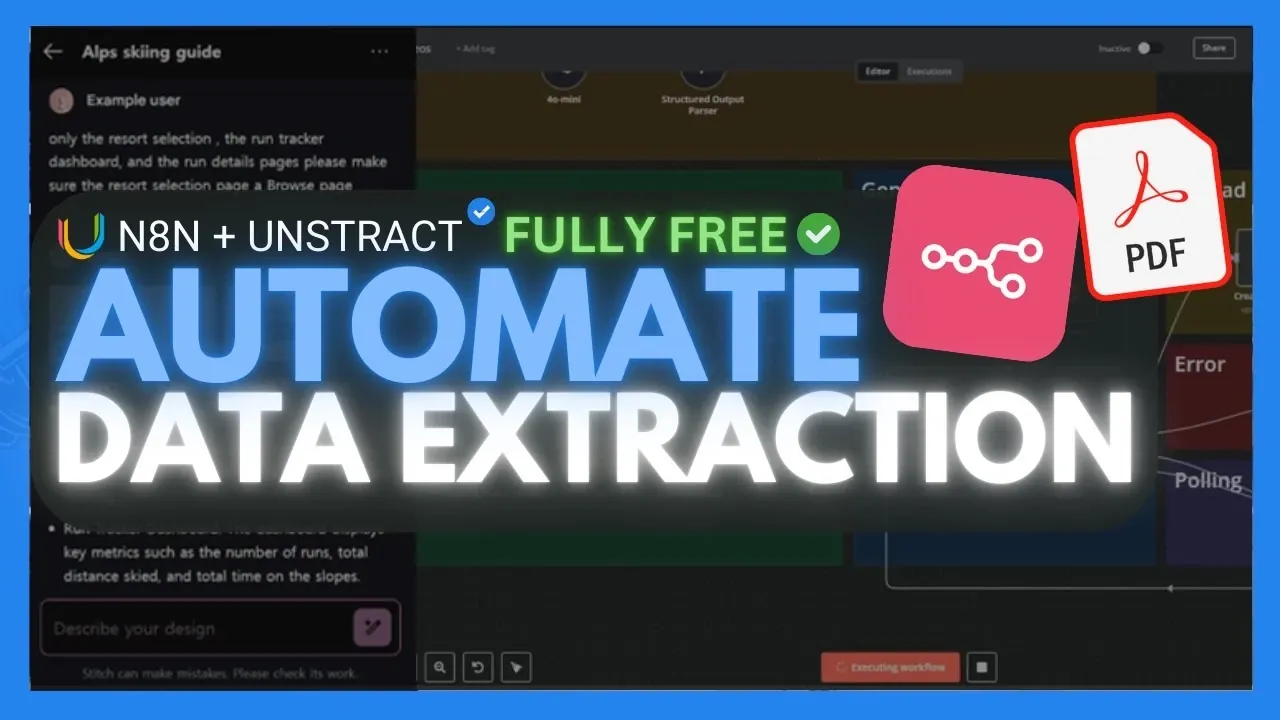
Have you ever felt overwhelmed by the sheer amount of unstructured data trapped in PDFs, invoices, or scanned documents? World of AI breaks down how you can transform this challenge into an opportunity by harnessing the power of open source automation. Using the dynamic duo of Unstruct and n8n, you can extract meaningful, structured data from even the most complex documents, all while maintaining full control over your data privacy. Imagine eliminating hours of manual data entry and replacing it with a seamless, automated workflow that delivers results in formats like JSON. It’s not just about saving time; it’s about unlocking a smarter way to handle your data.
In this feature, you’ll discover how to combine the advanced capabilities of Unstruct with the workflow automation prowess of n8n to create a system that works for you. Whether you’re processing invoices, parsing receipts, or tackling custom document types, this guide will walk you through the steps to automate the process from start to finish. Along the way, you’ll explore the unique benefits of local processing for enhanced security and how these open source solutions can scale with your needs. By the end, you’ll see how this approach isn’t just efficient, it’s a fantastic option for anyone looking to simplify their document workflows.
Automating PDF Data Extraction
TL;DR Key Takeaways :
- Unstruct and n8n are open source tools that automate the extraction of structured data from unstructured documents like PDFs, saving time and reducing manual effort.
- Unstruct uses advanced language models for accurate data extraction and processes data locally, making sure enhanced data privacy and cost-effectiveness.
- n8n is a workflow automation tool that integrates with various platforms, allowing users to design multi-step workflows for tasks like document processing and data formatting.
- Combining Unstruct and n8n allows for customized workflows to automate tasks such as invoice processing, data entry, and document parsing, improving efficiency and reducing errors.
- Open source tools like Unstruct and n8n offer cost savings, data privacy, scalability, and customizability, making them ideal for businesses of all sizes to handle growing document processing needs.
What Is Unstruct?
Unstruct is a powerful open source tool designed to convert unstructured documents into structured data. It uses advanced large language models to ensure high accuracy and scalability, making it particularly effective for processing complex documents. With Unstruct, you can extract critical details such as names, dates, totals, and other key information from PDFs and various other file formats.
One of the standout features of Unstruct is its ability to process data locally. This ensures enhanced data privacy, as sensitive information does not need to be uploaded to external cloud services. Additionally, local processing eliminates the costs associated with cloud-based solutions, making Unstruct a cost-effective and secure choice for document parsing. Whether you’re handling invoices, receipts, or other types of documents, Unstruct provides a reliable and flexible solution for extracting structured data.
What Is n8n?
n8n is an open source workflow automation tool that enables users to design and execute multi-step workflows for a variety of tasks, including document processing, API integration, and data formatting. Its flexibility lies in its ability to operate locally, giving users full control over their automation processes while maintaining data security.
n8n supports integration with a wide range of tools and platforms, such as Gmail, Google Drive, and Google Sheets. This allows you to create end-to-end workflows that automate repetitive tasks and streamline operations. When paired with Unstruct, n8n becomes an invaluable tool for automating the transformation of unstructured data into actionable formats, allowing smoother and more efficient workflows.
Easily Automate PDF Data Extraction With n8n
Stay informed about the latest in n8n by exploring our other resources and articles.
- AgentKit vs n8n vs Make : Which Automation Platform is Best for You?
- n8n Home Assistant Add-On Turns Chaos Into Clarity
- Latest n8n AI Automation Updates : Agent Nodes, Chat Triggers and
- Ultimate Guide to n8n AI Nodes to Boost Your Automation Skills
- n8n vs Python: Choosing the Right Tool for AI Development
- 25 Essential n8n Hacks to Streamline Workflow Automation
- How n8n Community Nodes are Simplifying Cloud Automations
- n8n 2.0 Release : Brings Cleaner Design, Publish Rules, Data
- How to Build No-Code Apps with Firebase Studio & n8n AI Agents
- Easily Copy and Create n8n Workflow with Claude AI
How to Set Up Your Workflow
To automate the extraction of data from PDFs, you can combine the capabilities of Unstruct and n8n by creating a customized workflow. Follow these steps to get started:
- Install n8n: Begin by setting up n8n locally using Node.js or Docker. This ensures a secure and customizable environment for your workflows.
- Set Up Unstruct: Install Unstruct either locally or through its API. This tool will handle the document parsing and data extraction process.
- Design a Workflow: Use n8n to create a workflow that includes nodes for uploading files, extracting data, and formatting the output. This step allows you to automate the entire process from start to finish.
- Export Data: Output the processed data in formats such as JSON or integrate it directly into tools like Google Sheets for further analysis or storage.
This workflow reduces the need for manual intervention, making it particularly useful for repetitive tasks like processing invoices, receipts, or other structured documents.
Applications of Automation
The integration of Unstruct and n8n opens up a wide range of possibilities for automating document processing. Here are some practical applications:
- Invoice Processing: Extract essential details such as invoice numbers, dates, and amounts to streamline accounting and bookkeeping tasks.
- Data Entry Automation: Convert scanned documents into structured data formats for use in databases or spreadsheets, eliminating the need for manual data entry.
- Custom Document Parsing: Create tailored workflows to handle specific document types, making sure that the extracted data is accurate and relevant to your needs.
By automating these processes, you can reduce errors, save time, and improve overall efficiency in handling large volumes of documents.
Why Choose Open source Tools?
Open source tools like Unstruct and n8n offer several key advantages that make them ideal for document processing and workflow automation:
- Cost Savings: Both tools are free to use, eliminating the need for expensive proprietary software or cloud-based services.
- Data Privacy: Local processing ensures that sensitive information remains secure and does not leave your environment.
- Customizability: You can tailor workflows to meet your specific requirements, such as extracting particular data fields or processing unique document types.
- Scalability: These tools can handle increasing document volumes without compromising performance, making them suitable for both small-scale and large-scale operations.
- Community Support: Active open source communities provide resources, updates, and troubleshooting assistance, making sure that you can continuously improve and expand your workflows.
By adopting these tools, you can create efficient, customizable workflows that simplify the process of extracting and processing data from unstructured documents.
How to Scale and Customize
One of the most significant benefits of using Unstruct and n8n is their flexibility and scalability. These tools allow you to customize workflows to suit your unique requirements, whether you’re processing specific document types or extracting particular data fields. For example, you can design workflows to handle invoices, receipts, contracts, or any other document type with precision and accuracy.
Additionally, the scalability of these tools ensures that they can handle growing volumes of documents as your needs evolve. Integration with platforms like Gmail, Google Drive, and Google Sheets further enhances their utility, allowing seamless automation across various tools and systems. This adaptability makes Unstruct and n8n suitable for a wide range of users, from small businesses to large enterprises.
By using these tools, you can focus on more strategic tasks while automating repetitive processes, ultimately improving productivity and efficiency in your operations.
Media Credit: WorldofAI
Disclosure: Some of our articles include affiliate links. If you buy something through one of these links, Geeky Gadgets may earn an affiliate commission. Learn about our Disclosure Policy.
