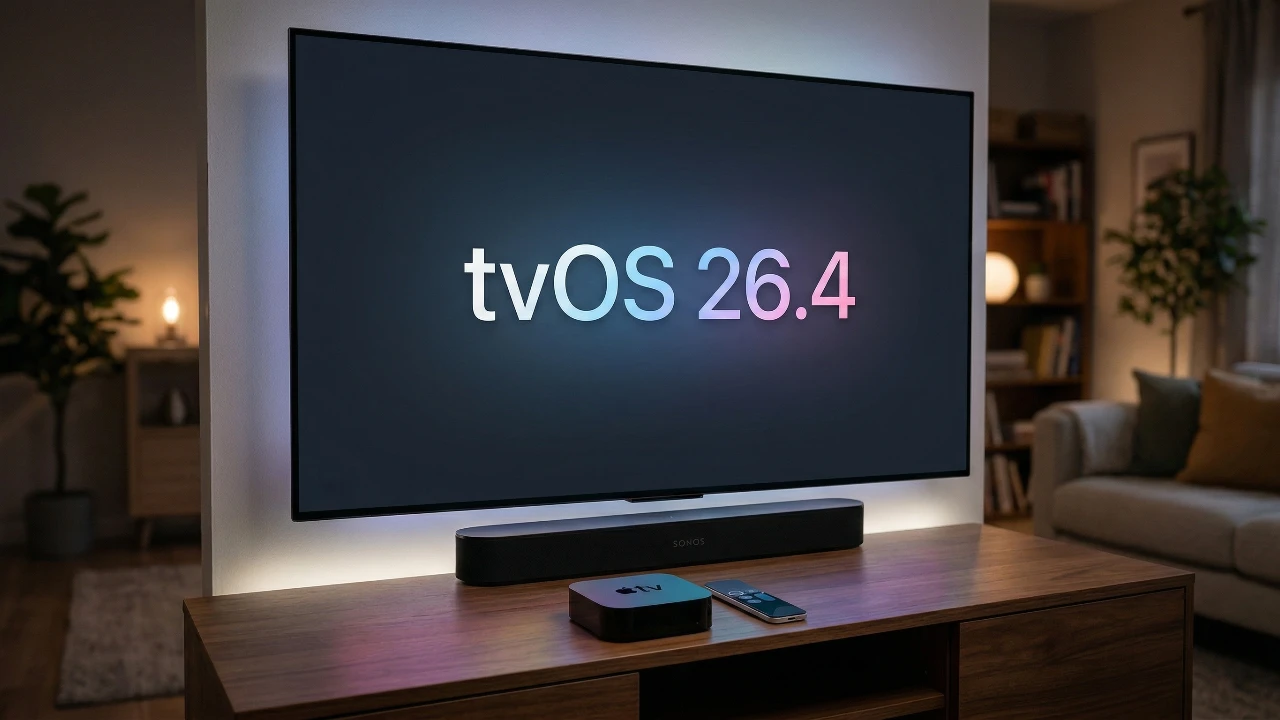
The release of tvOS 26.4 marks a significant step forward for the Apple TV 4K, introducing a host of new features designed to enhance usability, accessibility and overall performance. With updates ranging from streamlined app management to expanded sports coverage and improved audio compatibility, this update ensures that your Apple TV remains a central hub for home entertainment. Below is a detailed look at the most impactful changes and how they elevate your viewing experience in a great new video from Half Man Half Tech.

Streamlined App Management
A key highlight of tvOS 26.4 is the integration of the iTunes Movies and iTunes TV Shows apps into the Apple TV app. This consolidation creates a more unified and intuitive platform for managing your content. By merging these apps, Apple simplifies the process of accessing your favorite shows and movies, reducing the need to switch between multiple interfaces.
For users who relied on iTunes wish lists, these have been seamlessly migrated to the Apple TV app’s watch list. This change not only makes it easier to organize your preferred content but also ensures that your viewing habits are better aligned with Apple’s broader ecosystem. The result is a more cohesive and efficient way to enjoy your entertainment library.
Improved Subtitle Customization
Accessibility receives a significant boost with the enhanced subtitle customization options introduced in this update. You now have access to a wider range of subtitle styles, including classic, large text and transparent backgrounds. These options allow you to tailor subtitles to your specific preferences, making sure they are both visually appealing and easy to read.
Additionally, the update provides greater control over font size, color, opacity and edge styles. These adjustments cater to a diverse audience, including viewers with visual impairments or those who simply prefer a more personalized viewing experience. By prioritizing accessibility, Apple continues to make its platform more inclusive for all users.
Enhanced Audio and HDMI Compatibility
For audio enthusiasts, tvOS 26.4 delivers notable improvements that enhance the overall sound experience. One of the standout features is the introduction of continuous audio connections for HDMI setups. This ensures seamless playback, even when switching between apps or inputs, eliminating interruptions that can detract from your viewing experience.
The update also enhances compatibility with Dolby formats, providing richer and more immersive soundscapes for supported content. Whether you’re watching a blockbuster movie or streaming a live concert, the improved audio quality adds depth and realism to your entertainment. Furthermore, users with older audio receivers will notice better integration, making this update valuable for a wide range of home theater configurations.
Expanded Sports Coverage
Sports enthusiasts will find plenty to appreciate in tvOS 26.4, particularly with the expanded Formula 1 coverage now available within the Apple TV app. This update allows you to access live and on-demand events, highlights and exclusive content, all from a single platform.
Siri integration further enhances the sports experience by allowing voice commands to check scores, view schedules, or locate specific games. This feature underscores Apple’s commitment to making sports content more accessible and engaging, making sure that fans never miss a moment of the action.
Early Steps Toward CarPlay Video Playback
Apple is venturing into new territory with the early development of video playback support for CarPlay. While this feature is still in its preliminary stages and requires collaboration with automakers, it represents an exciting glimpse into the future of in-car entertainment. If fully realized, this functionality could allow users to transition seamlessly between home and travel viewing experiences, further integrating Apple’s ecosystem into daily life.
Bug Fixes and Performance Enhancements
The tvOS 26.4 update addresses several persistent issues that have affected streaming apps. Improvements include fixes for freezing, buffering and low-quality playback on popular platforms such as Netflix, Disney+, and Prime Video. These enhancements ensure a smoother and more reliable streaming experience, reducing frustration and allowing you to focus on enjoying your content.
Discover New Content with Genius Browse
Finding something to watch has never been easier, thanks to the introduction of “Genius Browse.” This feature analyzes your viewing habits to provide personalized recommendations across multiple streaming platforms, excluding Netflix. By curating content based on your preferences, Genius Browse simplifies the decision-making process and helps you discover new shows and movies that align with your interests.
Additionally, the Apple TV app’s autoplay functionality has been expanded, allowing seamless transitions between episodes or related content. This improvement ensures a more continuous and engaging viewing experience, particularly for binge-watchers.
Security Enhancements
As with every update, security remains a top priority in tvOS 26.4. The update includes patches to address vulnerabilities and improve system integrity, making sure that your device remains protected against emerging threats. By keeping your Apple TV updated, you can safeguard your data and privacy while enjoying the latest features and improvements.
Looking Ahead: AI and Future Developments
Speculation continues to grow regarding the potential integration of AI into future Apple TV devices. While specific details remain unclear, such advancements could transform how you interact with your Apple TV, offering smarter and more intuitive features. The upcoming tvOS 27 announcement at WWDC 26 in June is expected to shed more light on Apple’s plans for its entertainment ecosystem, hinting at exciting developments on the horizon.
Explore further guides and articles from our vast library that you may find relevant to your interests in tvOS 26.4.
- tvOS 26.4 Update for Apple TV 4K: Itunes Store Apps Removed
- iOS 26.4 Guide: New Features, Release Date, and Performance
- iOS 26.4 RC: New Features, Fixes, and March 2026 Release Date
- 2026 Apple TV 4K: Everything You Need to Know
- iOS 26.4 RC Fixes iPhone Keyboard Accuracy Bug: What’s New
- iOS 26.4 Beta 4: Performance Boost or Battery Drain?
Source: HalfManHalfTech
Disclosure: Some of our articles include affiliate links. If you buy something through one of these links, Geeky Gadgets may earn an affiliate commission. Learn about our Disclosure Policy.
