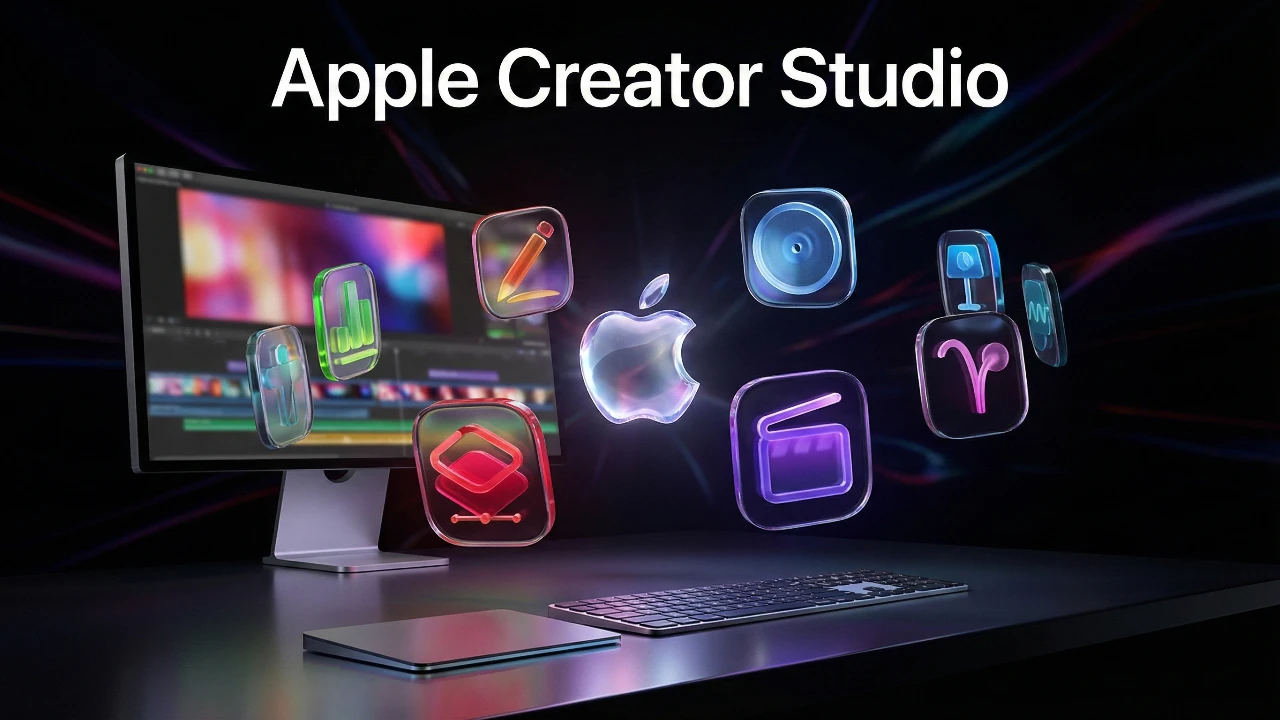
Apple has introduced Creator Studio, a subscription service designed to provide access to 10 Mac and iPad apps for $12.99 per month or $129 annually. Students benefit from a discounted rate of $30 per year, making it an attractive option for academic users. This bundle combines productivity and creative professional apps, enhanced with AI-powered tools and premium features. While it offers significant value for certain users, its appeal ultimately depends on individual needs and how frequently these tools are used. The video below from MacVince gives us more details on Apple Creator Studio.

Pricing and Availability
Creator Studio is available in three pricing tiers, catering to a wide range of users:
- Standard Monthly Plan: $12.99 per month.
- Standard Annual Plan: $129 per year.
- Student Discount Plan: $30 annually for eligible students.
Subscribers gain access to 10 apps across Mac and iPad, with some features exclusive to the paid model. While free versions of certain apps remain available, the subscription unlocks advanced tools and AI-driven capabilities, offering a more robust experience for users who require premium functionality. This pricing structure positions Creator Studio as a cost-effective solution for professionals and students alike, though casual users may find the free versions sufficient for their needs.
Comprehensive App Suite: Productivity and Creative Pro Tools
Creator Studio combines a diverse range of tools tailored for both productivity and creative professionals, making it a versatile offering.
- Productivity Apps: Pages, Numbers, Keynote, and Freeform are included in the bundle. While these apps are already available for free, the subscription enhances them with AI-powered features such as automatic formatting, improved templates, and slide deck automation, streamlining workflows for users.
- Creative Pro Apps: Final Cut Pro, Logic Pro, and Pixelmator Pro headline the creative suite. Traditionally sold as one-time purchases, these apps now include subscription-exclusive tools like advanced templates, premium content libraries, and AI capabilities for tasks such as image upscaling and beat grid creation.
This combination of apps caters to a broad audience, from casual users seeking enhanced productivity to professionals requiring advanced creative tools. However, the added features may hold greater appeal for those with demanding workflows or specific project needs.
AI Integration: Enhancing Productivity and Creativity
The integration of AI tools is a central feature of Creator Studio, designed to enhance productivity and streamline creative processes. These tools aim to save time and reduce manual effort, making the subscription particularly attractive for users who rely on these apps for professional or academic projects.
- For Productivity Apps: AI-powered image generation enables users to create visuals from text prompts, while automatic formatting simplifies document design, making sure polished results with minimal effort.
- For Creative Pro Apps: Advanced tools such as video upscaling and beat grid automation improve efficiency in video and audio editing. Additionally, access to premium content libraries and pre-designed templates enhances the overall user experience, providing a wealth of resources for creative projects.
These AI-driven features reflect Apple’s commitment to using technology to improve user workflows, offering practical benefits for both casual and professional users.
iPad Exclusivity: Balancing Portability and Accessibility
Certain apps within the subscription, such as Logic Pro and Final Cut Pro for iPad, are exclusive to this model. This exclusivity positions the iPad as a portable yet powerful solution for creative professionals, offering tools that were previously limited to desktop environments. For users seeking professional-grade tools on the go, this represents a significant advantage.
However, this approach may alienate those who prefer one-time purchase options or rely on desktop versions of these apps. By emphasizing iPad exclusivity, Apple underscores its strategy to position the device as a serious tool for creative professionals. While this may resonate with some users, others may view it as a limitation, particularly if they are accustomed to traditional desktop workflows.
Evaluating the Value of Creator Studio
The value of Creator Studio largely depends on individual needs and usage patterns.
- For Creative Professionals: If you frequently use high-end tools like Final Cut Pro or Logic Pro, the subscription offers a cost-effective way to access advanced features and regular updates, making sure your tools remain competitive and up-to-date.
- For Students: The $30 annual plan provides significant value, granting access to professional-grade tools at an affordable price, making it an excellent option for academic projects or creative endeavors.
- For Casual Users: If your primary focus is on productivity apps, the free versions may suffice, reducing the need for a subscription. However, the added AI tools and premium features could still enhance your experience, depending on your specific requirements.
Ultimately, the decision to subscribe hinges on whether the additional features and AI tools justify the recurring cost for your particular use case.
Shifting to a Subscription Model: Broader Implications
Apple’s transition to a subscription-based model introduces both opportunities and challenges, reflecting a broader trend in the software industry.
- Potential Benefits: Regular subscription revenue could incentivize Apple to deliver frequent updates and improvements, making sure the apps remain competitive and innovative. This model also provides users with access to the latest features without requiring additional purchases.
- Potential Drawbacks: The subscription model may create a divide between users who can afford the recurring cost and those who cannot, potentially limiting access to premium features for some. Additionally, users who prefer one-time purchases may find this shift less appealing.
By adopting this approach, Apple aligns itself with industry trends while aiming to provide consistent value to its users. However, the success of this model will depend on how well it addresses the diverse needs of its audience.
Final Thoughts on Creator Studio
Creator Studio represents Apple’s latest effort to expand its software ecosystem through a subscription-based model. By bundling productivity and creative tools with AI-powered features, it offers a compelling option for specific user groups. For creative professionals and students, the subscription provides access to advanced tools at a reasonable cost, making it a practical choice for demanding workflows or academic projects.
However, casual users or those who prefer one-time purchases may find the free versions or standalone apps more suitable. As Apple continues to refine its offerings, Creator Studio underscores the company’s commitment to innovation and adaptability in a rapidly evolving software landscape. Whether this subscription model resonates with users will depend on its ability to deliver consistent value and meet the diverse expectations of its audience.
Advance your skills in Apple Creator Studio by reading more of our detailed content.
- Apple Creator Studio : Features, Pricing, and Is It Worth It?
- Apple Experience Event: New MacBooks and Creator Studio
- Apple’s LA Event Just Leaked: M5 Max MacBook Pros Coming
- iOS 26.3 is Coming Sooner Than You Think!
- Apple’s Visual Revolution: The Pro Display XDR 2 Just Got Real
Source & Image Credit: MacVince
Disclosure: Some of our articles include affiliate links. If you buy something through one of these links, Geeky Gadgets may earn an affiliate commission. Learn about our Disclosure Policy.
