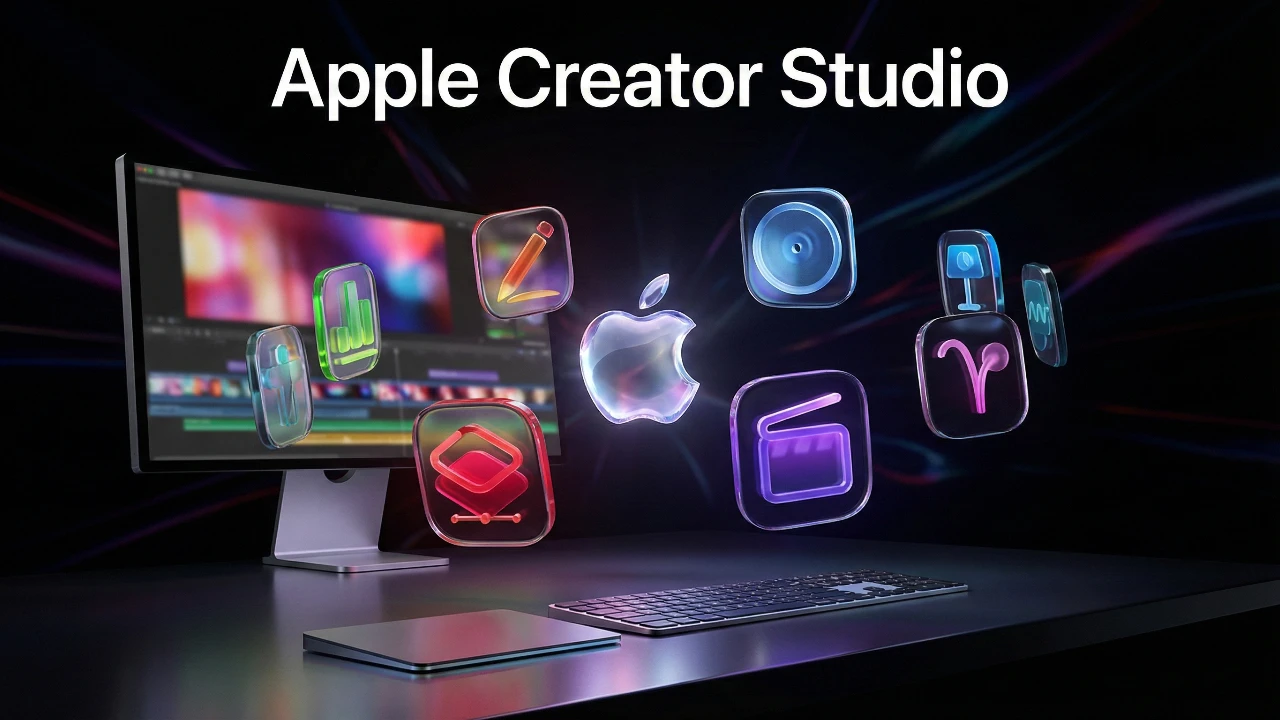
Apple has launched its Apple Creator Studio subscription, bundling six professional creative apps with exclusive AI-powered tools and premium content. This offering is designed to provide seamless integration and advanced features, catering to creative professionals and hobbyists alike. However, it also reflects a broader industry trend toward subscription-based models, shifting away from traditional one-time purchases. For you, understanding the benefits and potential trade-offs of this approach is essential to making an informed decision. The video below from SaranByte gives us more details about the Apple Creator Studio.

What Does the Subscription Offer?
Apple Creator Studio is available at $12.99 per month or $129 per year, with a discounted rate of $2.99 per month or $29.99 per year for students. The subscription includes six professional-grade apps:
- Final Cut Pro: A leading video editing software for professionals.
- Logic Pro: A powerful tool for music production and audio editing.
- Pixelmator Pro: A versatile image editing application with advanced features.
- Motion: A motion graphics tool for creating animations and effects.
- Compressor: A media encoding tool for video and audio files.
- MainStage: A live performance app for musicians.
The subscription supports family sharing, allowing up to six users to access the plan under one account. This feature makes it a cost-effective option for households or small teams.
One of the subscription’s key advantages is its seamless integration across Apple’s ecosystem. For example, you can edit a video in Final Cut Pro and refine its audio in Logic Pro without leaving the Apple environment. This interconnected workflow enhances productivity and streamlines creative processes, making it particularly appealing for professionals who rely on multiple tools.
Exclusive Features and AI-Powered Tools
A defining feature of Apple Creator Studio is its exclusive AI-powered tools, designed to enhance your creative workflow. These tools include automated image editing in Pixelmator Pro and royalty-free media libraries integrated into iWork apps. By using AI, Apple aims to save you time and improve the quality of your projects.
For instance, AI-driven features in Final Cut Pro can automate complex video editing tasks, such as color grading or scene transitions, allowing you to achieve professional results with less effort. Similarly, Logic Pro offers AI-assisted mixing and mastering tools, simplifying the process of creating polished audio tracks. However, these advanced capabilities are only available to subscribers, creating a clear distinction between the subscription and standalone versions.
The inclusion of royalty-free media libraries further enhances the value of the subscription. These libraries provide access to high-quality assets, such as stock images, videos, and music, which can be seamlessly integrated into your projects. This feature is particularly useful for content creators who need quick access to professional-grade resources.
Standalone Purchases: A Shrinking Alternative?
While Apple continues to offer standalone versions of its creative apps, these come with significant limitations. Subscribers gain access to exclusive features and updates, while standalone users are restricted to basic functionality. Additionally, standalone apps are visually marked with distinct icons, signaling their reduced capabilities.
This approach raises concerns about the future viability of standalone purchases. If Apple gradually reduces updates and support for these versions, you may feel compelled to switch to the subscription model, even if you initially preferred a one-time purchase. This shift mirrors broader industry trends, as companies like Adobe and Microsoft have already transitioned to subscription-based models, phasing out perpetual licenses.
For users, this trend introduces the concept of “subscription fatigue,” where the cumulative cost of multiple subscriptions becomes a financial burden. While the subscription model offers convenience and access to innovative features, it also ties your access to ongoing payments, potentially limiting your sense of ownership and control.
Convenience vs. Control
The Apple Creator Studio subscription offers undeniable convenience, particularly if you use multiple apps regularly. The integration of AI tools and premium content can elevate your creative projects, making the subscription a worthwhile investment for professionals and serious hobbyists. The ability to work seamlessly across Apple devices, such as starting a project on your Mac and continuing it on your iPad, further enhances its appeal.
However, if your needs are limited to a single app, the subscription may feel excessive. You might question whether the recurring cost is justified, especially when standalone purchases remain an option—albeit a limited one. This raises broader concerns about control, as a subscription ties your access to ongoing payments. For users who value ownership and long-term independence, this dependency may feel restrictive.
Apple’s Strategic Vision
Apple’s focus on AI and ecosystem integration reflects a strategic effort to position the subscription model as a long-term investment in your creative workflow. By offering advanced features exclusive to subscribers, Apple aims to demonstrate the value of its subscription service. Free trials and discounted student pricing lower the barrier to entry, allowing you to explore the benefits before committing.
The seamless experience across Apple devices reinforces the value of subscribing to Apple’s ecosystem. For example, you can start editing a video on your Mac, make adjustments on your iPad, and finalize the project on your iPhone. This level of integration is a key selling point for users who prioritize efficiency and convenience.
Industry Trends and User Considerations
Apple Creator Studio is part of a larger industry trend toward subscription-based services. Companies like Adobe and Microsoft have set the standard, and Apple’s entry into this space highlights the growing dominance of this model. For you, this shift requires careful consideration of your priorities and preferences.
If you value convenience, innovative features, and seamless integration, a subscription may be the right choice. The inclusion of AI-powered tools and premium content can significantly enhance your creative projects, making the subscription a valuable resource for professionals. However, if you prefer ownership and independence, the move toward subscriptions could feel restrictive, especially as standalone options become increasingly limited.
Ultimately, the decision to subscribe to Apple Creator Studio depends on how you balance the benefits of convenience and innovation against the desire for flexibility and control in your creative workflow.
Dive deeper into Apple Creator Studio with other articles and guides we have written below.
- Apple Creator Studio : Features, Pricing, and Is It Worth It?
- Apple Studio Display 2: Features, Specs, and Release Date
- Apple Pro Display XDR 2 Rumors: Features, Specs, and More
- Apple M5 Pro and M5 Max MacBook Pros: Release Date
- Samsung Just Beat Apple to a Crease-Free Display With the Galaxy
Source & Image Credit: SaranByte
Disclosure: Some of our articles include affiliate links. If you buy something through one of these links, Geeky Gadgets may earn an affiliate commission. Learn about our Disclosure Policy.
