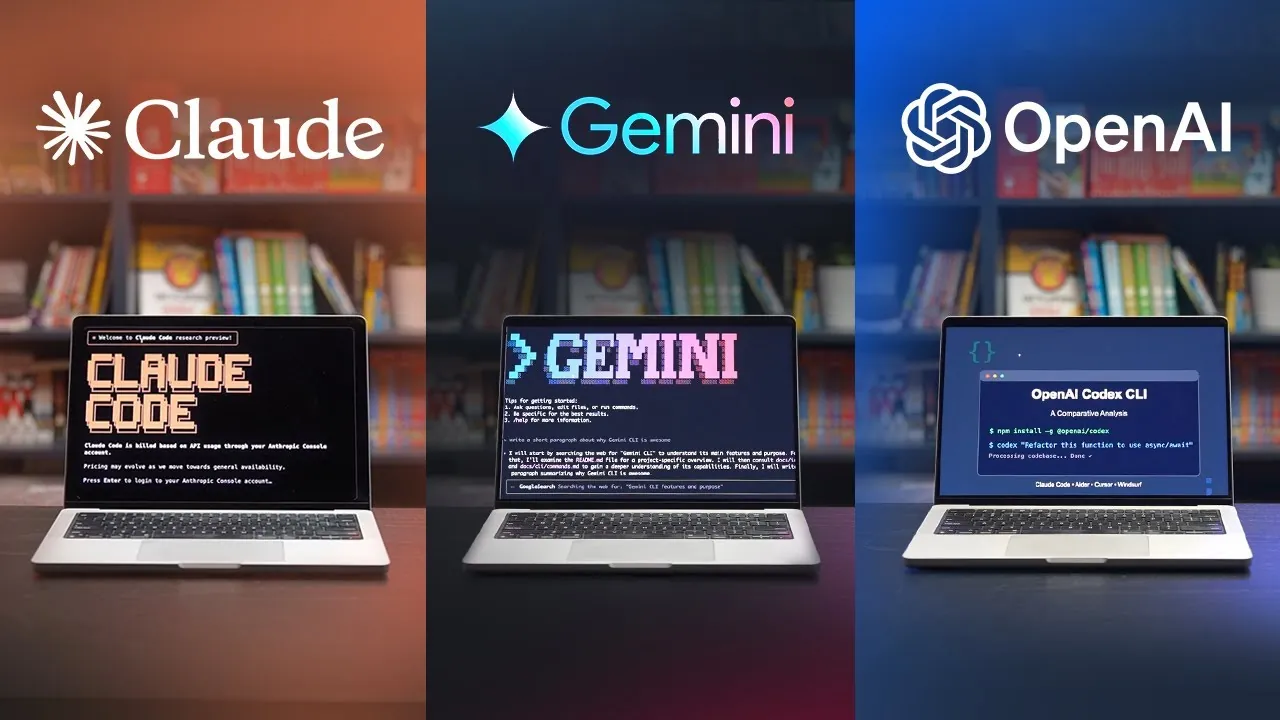
What if your command line could think for you? Imagine typing a single prompt and watching an AI-powered tool not only generate code but also manage tasks, visualize workflows, and streamline collaboration. This isn’t science fiction—it’s the promise of AI-driven command-line interfaces (CLIs) like Gemini CLI, Claude Code, and Codex. These tools are reshaping how developers approach coding, offering everything from real-time web searches to GitHub integration. But with so many options, each boasting unique strengths and trade-offs, choosing the right one can feel like navigating a maze. Are you ready to discover which AI CLI could transform your workflow—or whether you even need one at all?
In this comparison, Codex Community break down the distinct capabilities of Gemini CLI, Claude Code, and Codex, exploring where they shine and where they fall short. Whether you’re intrigued by Gemini’s open source flexibility, Claude’s structured precision, or Codex’s seamless collaboration tools, this perspective will help you weigh the options. Along the way, we’ll also uncover shared challenges—like limited built-in version control—and how they might impact your development process. By the end, you’ll have a clearer sense of whether these futuristic tools are worth adding to your toolkit or if they’re just another passing trend in the ever-evolving world of AI.
AI CLI Tools Overview
TL;DR Key Takeaways :
- Claude Code is a reliable and feature-rich AI CLI, excelling in structured project management and parallel task execution, but it requires external tools for version control.
- Gemini CLI offers open source flexibility, real-time web search, and diagram creation tools, making it ideal for complex workflows, though it also lacks built-in version control.
- Codex CLI integrates seamlessly with GitHub for collaborative projects and offers both terminal and web interfaces, but it has fewer advanced features compared to competitors.
- All three tools—Claude Code, Gemini CLI, and Codex CLI—share common features like AI-driven coding, parallel task execution, and reliance on external tools for version control.
- Choosing the right AI CLI depends on your priorities: Claude Code for reliability, Gemini CLI for flexibility, and Codex CLI for collaboration-focused workflows.
Claude Code: A Reliable and Feature-Rich Option
Claude Code is a standout choice for developers who prioritize reliability and a comprehensive feature set. It is particularly effective for structured project initialization, making it ideal for managing complex workflows. Whether you’re building intricate applications or organizing large-scale projects, Claude Code provides detailed plans and executes tasks with precision.
Key strengths of Claude Code include:
- Support for parallel sub-agents, allowing simultaneous task management and improved efficiency.
- Clear and functional visual outputs, which are especially useful for applications like budgeting tools or workflow visualizations.
However, these advanced features come with certain trade-offs. The use of parallel sub-agents can consume a significant number of tokens, which may affect usage limits depending on your subscription plan. Additionally, while Claude Code integrates seamlessly with Git for version tracking, it lacks built-in tools for managing version history. This limitation requires developers to rely on external solutions, adding an extra layer of complexity to version control.
Gemini CLI: Open source Flexibility
For developers seeking an open source and cost-effective solution, Gemini CLI is a compelling option. Its flexibility and free-tier availability make it particularly appealing for managing complex coding projects. With the ability to handle multiple concurrent instances and a large context window, Gemini CLI is well-suited for intricate workflows and multitasking.
Notable features of Gemini CLI include:
- Web search capabilities for real-time information gathering, enhancing research and coding accuracy.
- Diagram creation tools that help visualize workflows and processes, improving project clarity.
- Integration with MCP servers for advanced project management and collaboration.
Despite its versatility, Gemini CLI shares a common drawback with Claude Code: limited built-in version control. Developers must rely on external tools like Git to track changes, which can complicate the setup process, especially for those unfamiliar with version control systems.
Gemini CLI vs Claude Code vs Codex

Check out more relevant guides from our extensive collection on AI-powered command-line interfaces that you might find useful.
- How Gemini CLI Transforms Coding with AI-Powered Features
- Gemini CLI: A Beginner’s Guide to Google’s AI Command Line Tool
- Why Gemini CLI is the Ultimate Tool for Developers in 2025
- Google CLI Tools vs OpenAI : Comparison for Developers & Vibing
- Gemini CLI Review : Features, Benefits, and Challenges Explained
- Discover Warp: The AI-Driven Command Line Tool for Developers
- How Google’s Gemini AGENT Mode Makes Coding Easier
- How to use Aider AI coding assistant powered by OpenAI GPT-4
- Warp AI Terminal: Free Tool for Streamlining Developer Workflows
- Deepseek Engineer: Open source AI for Smarter Software
Codex CLI: Practical but Limited
OpenAI’s Codex CLI offers a practical solution for developers who value accessibility and integration. Available in both terminal and web-based versions, it caters to diverse user preferences. The web version, in particular, integrates seamlessly with GitHub, simplifying collaborative workflows and pull requests, making it a strong choice for team-based projects.
Key advantages of Codex CLI include:
- GitHub integration, which streamlines task management and enhances team collaboration.
- Accessibility through both terminal and web interfaces, offering flexibility for different working styles.
However, Codex CLI has its limitations. The terminal version requires manual setup for dependencies like Nex.js, which can be time-consuming for less experienced users. Additionally, it lacks advanced features such as detailed expense tracking and polished visual outputs, which are available in its competitors. These limitations may make it less appealing for developers seeking a more feature-rich tool.
Common Features and Challenges
Despite their unique strengths, Gemini CLI, Claude Code, and Codex CLI share several commonalities that define the current landscape of AI-powered CLIs. Understanding these shared features and challenges can help you better evaluate which tool aligns with your needs.
Common features include:
- AI-driven coding capabilities directly in the terminal, providing a hands-on development experience.
- Support for parallel task execution, though the efficiency and implementation of this feature vary across platforms.
- Reliance on external tools like Git for version control, as none of the tools offer comprehensive built-in solutions for managing version history.
While these tools share some limitations, they also offer unique advantages that cater to different development priorities. Claude Code stands out for its structured approach and robust feature set, Gemini CLI excels in open source flexibility, and Codex CLI provides practical integration with GitHub for collaborative projects.
Choosing the Right AI CLI for Your Workflow
Selecting the most suitable AI CLI depends on your specific priorities and workflow requirements. Each tool offers distinct advantages that cater to different aspects of development:
- Claude Code: Ideal for developers who value reliability and a rich feature set. Its structured project management capabilities make it a strong choice for complex workflows.
- Gemini CLI: A versatile and open source solution that offers flexibility and cost-effectiveness. Its ability to handle multiple concurrent instances and real-time web search capabilities make it a great option for intricate projects.
- Codex CLI: Best suited for collaborative projects, thanks to its GitHub integration and dual interface options. It is a practical choice for teams working on shared repositories.
By carefully evaluating the strengths and limitations of each tool, you can identify the AI CLI that best aligns with your development objectives. Whether you prioritize advanced features, open source flexibility, or seamless collaboration, these tools provide valuable solutions to enhance your coding experience.
Media Credit: Codex Community
Disclosure: Some of our articles include affiliate links. If you buy something through one of these links, Geeky Gadgets may earn an affiliate commission. Learn about our Disclosure Policy.
