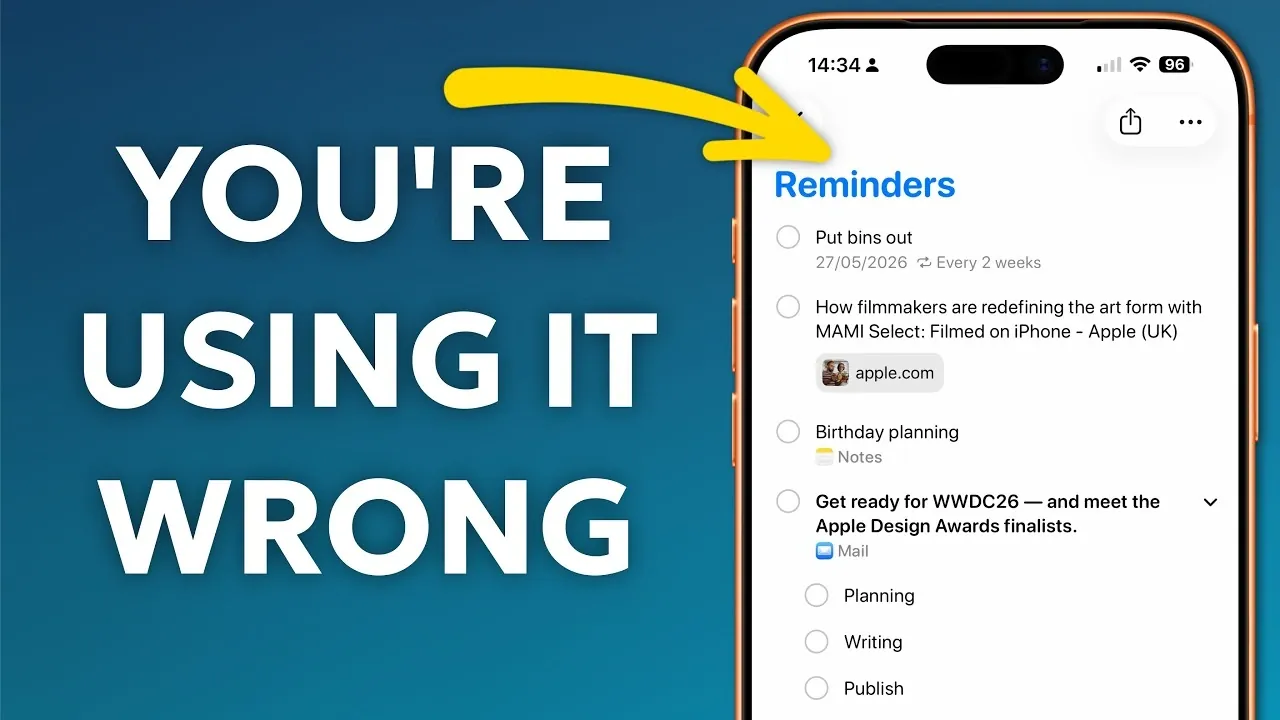
The iPhone Reminders app is a versatile and feature-rich tool designed to simplify task management and enhance productivity. Whether you’re managing personal errands, professional projects, or long-term goals, this app provides a comprehensive suite of tools to help you stay organized. With its intuitive interface and advanced capabilities, the Reminders app enables you to manage your time and tasks efficiently, making it an essential tool for anyone seeking to streamline their daily responsibilities. The video below from Proper Honest Tech gives us more details.
Quick and Effortless Reminder Creation
Creating reminders is the foundation of effective task management and the Reminders app excels in making this process seamless. You can manually add tasks within the app or use Siri for hands-free convenience. For example, saying, “Remind me to call the client at 3 PM” instantly creates a contextual reminder. The app also supports natural language input, allowing you to type phrases like “Buy groceries tomorrow at 5 PM” to automatically schedule tasks.
For added flexibility, you can create reminders directly from other apps using the Share Sheet or drag-and-drop functionality. Additionally, integrating reminders into your Control Center or using the Action Button on compatible devices ensures you can quickly add tasks, no matter where you are or what you’re doing. These features make it easy to capture tasks on the go, making sure nothing slips through the cracks.
Organize and Prioritize with Customizable Lists
Effective organization is essential for managing multiple responsibilities and the Reminders app offers robust tools to help you stay on top of your tasks. You can create custom lists tailored to your needs, complete with unique colors, icons and reusable templates. Pin frequently used lists for quick access and use subtasks to break down larger projects into smaller, actionable steps.
The app’s built-in intelligence enhances organization by automatically categorizing tasks based on context. For instance, location-based reminders might be grouped into a “Travel” category, while work-related tasks can be sorted into a “Work” list. You can also manage sections within lists and adjust sorting options to create a structure that aligns with your workflow. These features ensure that your tasks are not only organized but also easy to navigate.
Streamline Task Management with Tags and Smart Lists
Tags and smart lists are powerful tools that elevate task organization and prioritization. Tags allow you to group related tasks across different lists, making it easier to focus on specific areas of your life. For example, tagging tasks with “Work” or “Personal” enables you to filter and view only the tasks relevant to your current priorities.
Smart lists take this functionality further by automating task grouping based on custom criteria. For instance, you can create a smart list for “Urgent Tasks” that automatically includes reminders marked as high priority or due within the next 24 hours. These dynamic lists save time and ensure you never overlook critical responsibilities. By using tags and smart lists, you can maintain a clear overview of your tasks and focus on what matters most.
Stay Organized with Notifications and Calendar Integration
The Reminders app’s scheduling and notification features are designed to keep you on track. You can set due dates, times and recurring reminders for tasks that repeat daily, weekly, or monthly. Customizable notifications ensure you’re alerted with enough time to prepare, helping you meet deadlines without stress.
Integration with the Calendar app provides a unified view of your schedule, displaying reminders alongside events. This feature is particularly useful for balancing personal and professional commitments. For example, setting a reminder to prepare for an upcoming presentation ensures you’re ready well in advance. By combining reminders and calendar events, you can manage your time more effectively and avoid scheduling conflicts.
Collaborate and Share with Ease
Collaboration is a key feature of the Reminders app, allowing you to share lists with family, friends, or colleagues. Shared lists enable real-time updates and task delegation, making it easier to coordinate responsibilities. For example, a shared grocery list allows multiple users to add or check off items, making sure nothing is forgotten. Similarly, shared project lists can help teams stay aligned and track progress efficiently.
This feature is particularly valuable for managing group tasks, whether you’re organizing a family event or coordinating a work project. By allowing seamless collaboration, the Reminders app ensures everyone stays informed and accountable.
Maximize Productivity with Advanced Features
The Reminders app includes advanced features that add depth and context to your task management. You can attach images, scanned documents, or notes to individual reminders, keeping all relevant information in one place. For instance, attaching a photo of a receipt to a reimbursement reminder ensures you have everything you need at a glance.
Widgets provide a quick overview of your tasks directly from your home screen, allowing you to stay updated without opening the app. The search function further enhances usability by allowing you to locate specific reminders instantly. These tools ensure that even as your task list grows, you can maintain control and efficiency.
Tailor Your Experience with Customizable Options
The app offers default lists like Today, Scheduled and Urgent, which provide a centralized view of your tasks. You can customize these lists by hiding or restoring them based on your preferences, creating a cleaner and more focused interface. Adjusting your settings allows you to tailor the app to your workflow, making sure it meets your unique needs.
Additionally, you can personalize the app’s appearance by selecting list colors and icons that resonate with your organizational style. These customization options make the Reminders app not only functional but also visually appealing, enhancing your overall experience.
Transform Your Productivity with the iPhone Reminders App
The iPhone Reminders app is a comprehensive productivity tool designed to adapt to your needs and help you stay organized. By exploring its advanced features, such as tags, smart lists and collaboration options, you can optimize your workflow and manage your tasks with ease. Whether you’re handling personal errands or professional projects, this app offers the flexibility and functionality to support your goals. Start using the Reminders app today to take control of your tasks and unlock your full productivity potential.
Advance your skills in the iPhone Reminders App by reading more of our detailed content.
- iOS 27 Leaks Reveal the End of an Era: Apple’s New Priorities Confirmed
- 10 Apple Reminders Features You’re Not Using (But Should Be)
Source & Image Credit: Proper Honest Tech
Disclosure: Some of our articles include affiliate links. If you buy something through one of these links, Geeky Gadgets may earn an affiliate commission. Learn about our Disclosure Policy.
