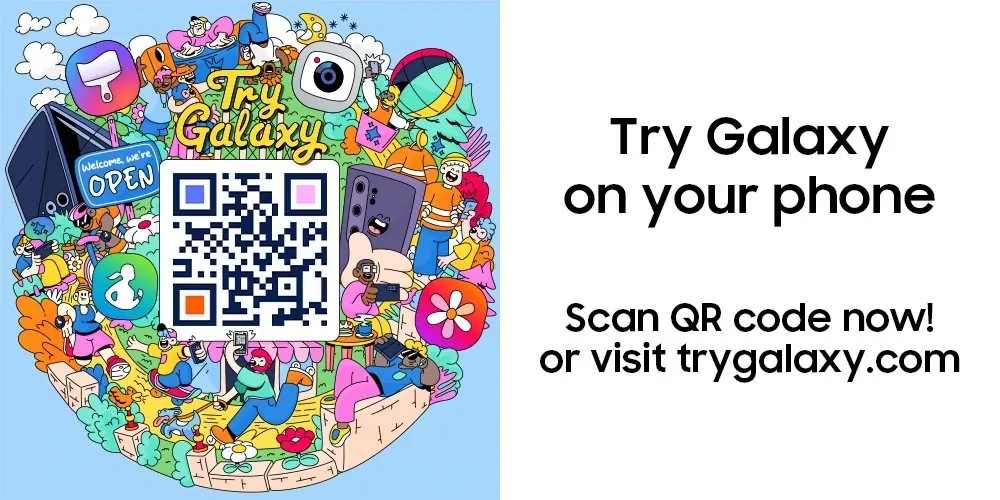
Discover the Galaxy S26 with Samsung’s Enhanced ‘Try Galaxy’ App
Samsung has introduced a revamped version of its Try Galaxy app, designed to give users an immersive experience of the Galaxy S26 series and its ecosystem. This innovative tool allows you to explore the Galaxy S26 lineup, including the S26, S26+, and S26 Ultra, directly from your current smartphone, regardless of the brand. Whether you’re considering switching to Samsung or simply curious about its latest advancements, the app provides a hands-on simulation to help you make an informed decision.
Key Features of the Galaxy S26 Series
The Try Galaxy app brings the Galaxy S26 series to life by showcasing its most distinctive features. Through this interactive platform, you can explore a range of functionalities that highlight Samsung’s commitment to innovation and user-centric design:
- Privacy Display: An innovative screen security feature that ensures only the intended user can view the display, enhancing privacy in public spaces.
- Nightography Video: Capture stunning, high-quality videos even in low-light conditions, making nighttime videography effortless.
- Photo Assist: AI-powered suggestions that enhance your photography in real-time, making sure every shot is optimized.
- Creative Studio: A comprehensive suite of tools for editing and enhancing multimedia content, perfect for creators and casual users alike.
- Intelligent Image Editing: AI-driven tools that simplify complex photo edits, offering precision and ease of use.
- Interactive Widgets: Enhanced 3D navigation and customizable widgets for a seamless and intuitive user experience.
These features demonstrate Samsung’s focus on combining usability and innovation, giving you a glimpse of the Galaxy S26 series’ potential to elevate your smartphone experience.
AI Tools: Simplifying Tasks and Enhancing Creativity
Samsung has integrated advanced AI-powered tools into the Try Galaxy app, showcasing how artificial intelligence can transform everyday tasks. These tools are designed to simplify complex processes while empowering users to explore their creativity:
- Intelligent Image Editing: Effortlessly refine your photos with AI-driven adjustments that ensure professional-quality results.
- Creative Studio: Experiment with multimedia projects using an intuitive platform that supports editing, designing and enhancing content.
By testing these features, you can experience firsthand how Samsung’s AI tools are tailored to meet the needs of modern users, offering both practicality and creative freedom.
Cross-Device Accessibility for All Users
One of the standout aspects of the Try Galaxy app is its cross-device compatibility, making it accessible to users beyond the Samsung ecosystem. Whether you’re using an Android or iOS device, the app ensures a seamless experience by supporting various browsers, including non-standard and in-app browsers. This accessibility reflects Samsung’s dedication to reaching a broader audience and providing a user-friendly preview of its flagship devices.
Experience the Galaxy Buds4 Through the App
The Try Galaxy app extends beyond smartphones, offering an introduction to the Galaxy Buds4, Samsung’s latest wireless earbuds. Through the app, you can explore their key features and understand how they integrate seamlessly into the Galaxy ecosystem:
- Enhanced Sound Quality: Enjoy an immersive audio experience with rich, detailed sound.
- Advanced Noise Cancellation: Block out distractions and focus on what matters most, whether it’s music or calls.
- Cross-Device Compatibility: Effortlessly switch between devices within the Galaxy ecosystem for a cohesive user experience.
This feature highlights how the Galaxy Buds4 complement the broader Galaxy lineup, offering a unified and intuitive experience for users.
Global Reach and Popularity
The Try Galaxy app has achieved remarkable success on a global scale, with over 75 million downloads worldwide. In the UK alone, the app has been downloaded 2.75 million times, reflecting its widespread appeal and effectiveness in providing a realistic simulation of Samsung’s flagship devices. These figures underscore the app’s ability to engage users across diverse markets, making it a valuable tool for exploring the Galaxy S26 series.
Getting Started with the Try Galaxy App
Accessing the Try Galaxy app is straightforward, making sure that users can easily explore the Galaxy S26 series and its features. Follow these simple steps to get started:
- Visit the official Samsung website to download the app directly to your device.
- Alternatively, scan the provided QR code for instant access to the app.
- Add the web app to your home screen for quick and convenient access anytime.
This streamlined process ensures that you can explore Samsung’s latest innovations at your own pace, regardless of the smartphone you currently use.
Source: Samsung
Disclosure: Some of our articles include affiliate links. If you buy something through one of these links, Geeky Gadgets may earn an affiliate commission. Learn about our Disclosure Policy.
