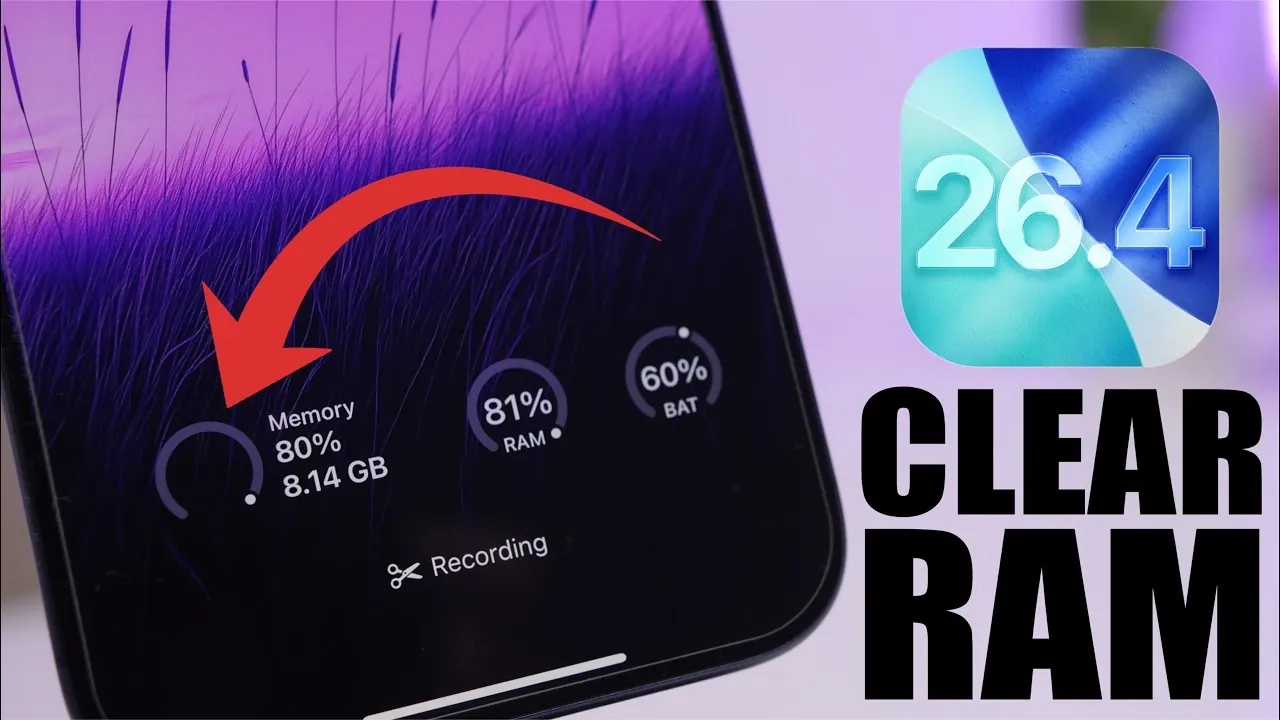
Clearing your iPhone’s RAM is a practical way to improve its performance, particularly when dealing with unresponsive apps or sluggish behavior. By freeing up RAM, you can temporarily enhance your device’s speed and responsiveness. This guide outlines two effective methods for clearing RAM on devices running iOS 26.4, making sure a smoother and more efficient user experience. The video below from iReviews gives us more details.

Why Clearing RAM Matters
RAM (Random Access Memory) plays a critical role in managing active processes and applications on your iPhone. As you multitask or use resource-intensive apps, your device’s RAM can become overwhelmed, leading to performance slowdowns. Regularly clearing RAM can provide several immediate benefits:
- Fixing app freezing or unexpected misbehavior.
- Improving overall speed and system responsiveness.
- Temporarily clearing cached data that may contribute to sluggish performance.
While clearing RAM is not a permanent solution, it is an effective way to address temporary performance issues and maintain a smoother user experience.
Two Methods to Clear RAM on iOS 26.4
Below are two simple and reliable methods to clear RAM on your iPhone. These approaches require no additional tools beyond your device or a free app.
1. Using the Camera App
The Camera app is a built-in feature that can help free up RAM by pausing certain background processes. Follow these steps:
- Open the Camera app and let it run for a few seconds.
- Close the app and check for improvements in your device’s performance.
This method is quick and effective for resolving minor memory bottlenecks. It can be repeated whenever your device feels sluggish, offering an easy way to refresh performance without additional tools.
2. Using the CPU-X App
For users seeking a more detailed approach to RAM management, the CPU-X app provides advanced tools to monitor and optimize memory usage. Here’s how to use it:
- Download and install the CPU-X app from the App Store.
- Launch the app and navigate to the RAM monitoring section.
- Use features like “Free Up” or “Depth Free” to clear RAM.
This method is ideal for those who want greater control over their device’s performance. The app not only clears RAM but also provides insights into resource allocation, helping you better understand your device’s memory usage.
Key Considerations
Clearing RAM is a temporary fix and should be used as part of a broader strategy to maintain your iPhone’s performance. Keep the following points in mind:
- RAM clearing is temporary: As you continue using your iPhone, memory will refill, as iOS dynamically manages RAM.
- Does not delete permanent data: Clearing RAM does not erase cached files permanently but can alleviate immediate performance issues.
- Address persistent issues: For ongoing problems, consider additional steps such as clearing app caches, restarting your device, or managing storage effectively.
- Stay updated: Regularly updating to the latest iOS version, like iOS 26.4, ensures optimal performance and system stability.
By understanding these factors, you can use RAM clearing as a complementary tool to keep your device running efficiently.
Enhancing Your iPhone’s Performance
Clearing RAM on your iPhone running iOS 26.4 is a straightforward and effective way to resolve temporary performance issues. Whether you choose the simplicity of the Camera app or the advanced features of the CPU-X app, these methods provide immediate relief from sluggish behavior and unresponsive apps. While not a permanent solution, incorporating RAM clearing into your routine can help maintain a smoother and more responsive user experience. Pair these techniques with regular updates and proper storage management to ensure your device continues to perform at its best.
Advance your skills in Clear iPhone RAM by reading more of our detailed content.
- How to Clear iPhone RAM in iOS 26 for Better Performance
- How to Clear iPhone Cache on iOS 26
- Boost Your iPhone’s Performance: Clear Memory on iOS 18
Source & Image Credit: iReviews
Disclosure: Some of our articles include affiliate links. If you buy something through one of these links, Geeky Gadgets may earn an affiliate commission. Learn about our Disclosure Policy.
