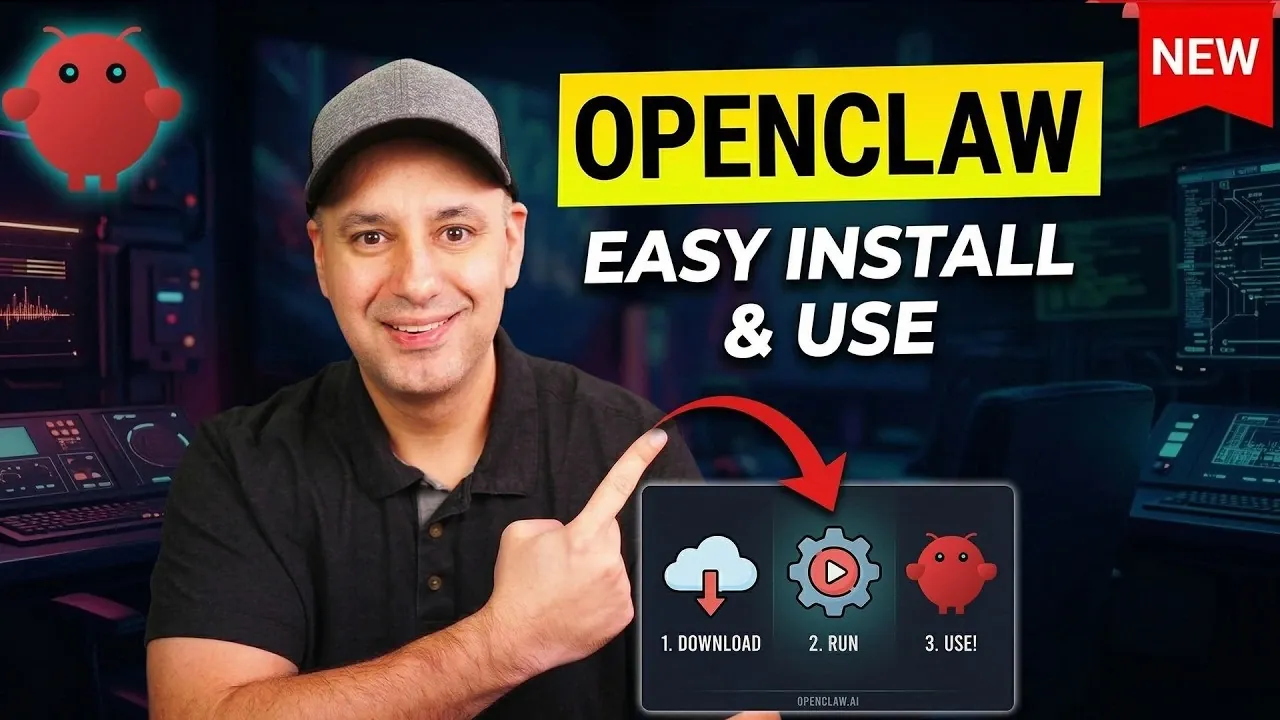
OpenClaw is an AI assistant designed to simplify task management and enhance productivity through automation. With features like persistent memory and dual modes—“Plan” for organizing tasks and “Do” for executing them—it adapts to your preferences over time, making it a versatile choice for both personal and professional use. In a detailed guide by Howfinity, you’ll find step-by-step instructions for installing OpenClaw, whether locally on a dedicated machine or on a virtual private server (VPS). Each method offers unique benefits, such as greater control with local setups or enhanced security and uptime with VPS deployment, making sure you can tailor the installation to your specific needs.
This guide also provide more insights into practical applications and best practices for using OpenClaw effectively. Learn how to integrate it with platforms like WhatsApp or Telegram, configure custom workflows and implement security measures such as isolating installations on dedicated devices. Additionally, you’ll discover how to expand its functionality by adding skills for tasks like email summarization or team collaboration. By the end, you’ll have a clear understanding of how to set up and maximize OpenClaw’s capabilities for your daily routines.
OpenClaw AI Assistant Overview
TL;DR Key Takeaways :
- OpenClaw is a versatile AI assistant designed to automate tasks like email management, scheduling and workflow optimization, with dual modes—“Plan” for organizing and “Do” for execution.
- It can be installed locally for full control or on a VPS for enhanced security and uninterrupted operation, catering to users with varying technical expertise.
- Key features include task management, integration with tools like Google Workspace and Slack and customizable workflows, making it adaptable for personal and professional use.
- Security best practices include using a dedicated environment, compartmentalized accounts and regular updates to safeguard data and minimize risks.
- OpenClaw supports practical use cases such as email summarization, team collaboration and content management, while offering cost considerations like VPS hosting and AI credit usage for external tools.
OpenClaw is an advanced AI assistant equipped with persistent memory, allowing it to learn and adapt to your preferences over time. It automates repetitive tasks such as organizing your inbox, scheduling meetings and summarizing newsletters, making it an indispensable tool for both personal and professional use. Accessible through popular messaging platforms like WhatsApp, Telegram and Discord, OpenClaw integrates seamlessly into your daily routine. Its two primary modes—“Plan” for organizing tasks and “Do” for executing them, offer a structured approach to task management, making sure efficiency and productivity.
How to Install OpenClaw
Installing OpenClaw is straightforward, with two primary options available: local installation or deployment on a VPS. Each method has distinct advantages depending on your needs and technical expertise.
- Local Installation: This option is ideal if you prefer complete control over the system. It requires a dedicated or freshly formatted computer to ensure security. While this method provides root-level access, it also demands careful configuration to mitigate potential vulnerabilities.
- Virtual Private Server (VPS): A VPS offers enhanced security and uninterrupted operation. Many hosting providers, such as Hostinger or DigitalOcean, provide one-click deployment options, making it easier for users with limited technical knowledge to set up OpenClaw. This method is particularly useful for those who require consistent uptime and remote accessibility.
Regardless of the installation method you choose, following the recommended setup guidelines ensures a smooth and secure experience.
Here is a selection of other guides from our extensive library of content you may find of interest on OpenClaw.
- Anthropic Claude Dispatch vs OpenClaw : Security & Costs
- OpenClaw & OpenAI : Key Security Issues, Token Usage and Next Steps
- NemoClaw : Nvidia Goes All in on OpenClaw for Enterprises
- Will OpenClaw Stay Open Source After OpenAI Integrates the Platform?
- Build a Safer OpenClaw Alternative Using Claude Code
- Anthropic Bans OpenClaw : Blocks Agent SDK Apps OAuth Tokens
- OpenClaw Setup Tutorial : Security-First Beginner Guide
- Claude Code Loop vs OpenClaw for Automation: What Persists & What Resets
- Interview with Peter Steinberger, Creator of OpenClaw
- OpenClaw Automations: 5 Real-World Use Cases for Work & Life
Key Security Considerations
When using OpenClaw, safeguarding your data is paramount. Implementing robust security practices minimizes risks and ensures the integrity of your information. Consider the following measures:
- Dedicated Environment: Avoid installing OpenClaw on your primary device. Instead, use a dedicated machine or VPS to isolate sensitive data and reduce exposure to vulnerabilities.
- Compartmentalized Accounts: Create separate accounts for services like Gmail, Telegram, or Discord. This limits permissions and ensures that access is restricted to only what is necessary for OpenClaw to function.
- Regular Updates: Periodically review and update your security configurations. This includes applying software patches, updating passwords and monitoring for potential threats.
By adhering to these best practices, you can maintain a secure and reliable environment for OpenClaw.
Features and Capabilities
OpenClaw offers a wide array of features that extend beyond basic task automation. Its capabilities are designed to enhance productivity and simplify complex processes. Key features include:
- Task Management: OpenClaw’s dual modes—“Plan” and “Do”—allow you to organize and execute tasks efficiently, making sure nothing falls through the cracks.
- Tool Integration: Seamlessly integrates with external platforms like Asana, Slack and Google Workspace, allowing streamlined project management and collaboration.
- Custom Workflows: Supports the creation of personalized workflows and multi-agent collaboration, making it adaptable to diverse use cases.
These features make OpenClaw a powerful tool for automating both routine and complex tasks, saving time and improving overall efficiency.
Expanding OpenClaw’s Functionality
One of OpenClaw’s standout features is its customizable skills repository, which allows users to tailor its functionality to their specific needs. Skills can be downloaded from platforms like GitHub or ClawHub, offering a wide range of options. Examples include:
- Marketing Automation: Tools for managing email campaigns, social media scheduling and analytics tracking.
- Health Tracking: Applications for monitoring fitness goals, meal planning and wellness routines.
- Custom Outputs: Workflows for generating personalized reports, summaries, or creative content.
For instance, you can add a skill to generate daily summaries of your schedule, providing a concise overview of your priorities and key updates. This flexibility ensures that OpenClaw remains relevant and valuable across various contexts.
Practical Use Cases
OpenClaw is designed to simplify and enhance your daily operations, offering practical solutions for a variety of scenarios. Common use cases include:
- Email Summarization: Quickly condense lengthy emails and newsletters into actionable insights, saving time and reducing information overload.
- Team Collaboration: Organize and manage multi-agent workflows, making sure seamless coordination across teams and projects.
- Content Management: Create and oversee content pipelines for blogs, newsletters, or marketing campaigns, streamlining the production process.
These examples illustrate OpenClaw’s versatility, making it a valuable asset for individuals and organizations alike.
Best Practices for Using OpenClaw
To fully use OpenClaw’s capabilities, consider adopting the following best practices:
- Start Small: Begin with simple automations and gradually expand as you become more familiar with its features and functionality.
- Monitor Usage: Keep track of your AI credit consumption to avoid unnecessary expenses and ensure cost efficiency.
- Review Permissions: Regularly audit permissions and configurations to maintain security and optimize performance.
By taking a methodical approach, you can unlock the full potential of OpenClaw while minimizing risks and maximizing benefits.
How to Interact with OpenClaw
OpenClaw offers multiple interaction methods to suit your preferences and lifestyle. You can access it through its intuitive web interface or via popular messaging apps like Telegram and Discord. The platform syncing feature ensures seamless use across devices, allowing you to switch between desktop and mobile effortlessly. This flexibility makes OpenClaw an accessible and convenient tool for users on the go.
Understanding Costs
While OpenClaw itself is free to use, there are associated costs to consider when deploying and operating the system. These include:
- VPS Hosting: Hosting fees vary depending on the provider and the plan you select. Options range from budget-friendly shared servers to premium dedicated solutions.
- AI Credits: Required for accessing external AI tools like OpenAI or Anthropic. Costs depend on the complexity and frequency of tasks performed.
To manage expenses effectively, prioritize essential tasks, monitor your credit usage and explore cost-efficient hosting options that align with your needs.
Maximizing OpenClaw’s Potential
OpenClaw is a powerful and adaptable AI assistant that can transform how you manage tasks and workflows. By following the steps outlined in this guide, you can install and use OpenClaw safely and effectively, using its full range of features while maintaining security and cost efficiency. Whether you’re new to automation or an experienced user, OpenClaw provides a scalable solution to streamline your daily operations and boost productivity.
Media Credit: Howfinity
Disclosure: Some of our articles include affiliate links. If you buy something through one of these links, Geeky Gadgets may earn an affiliate commission. Learn about our Disclosure Policy.
