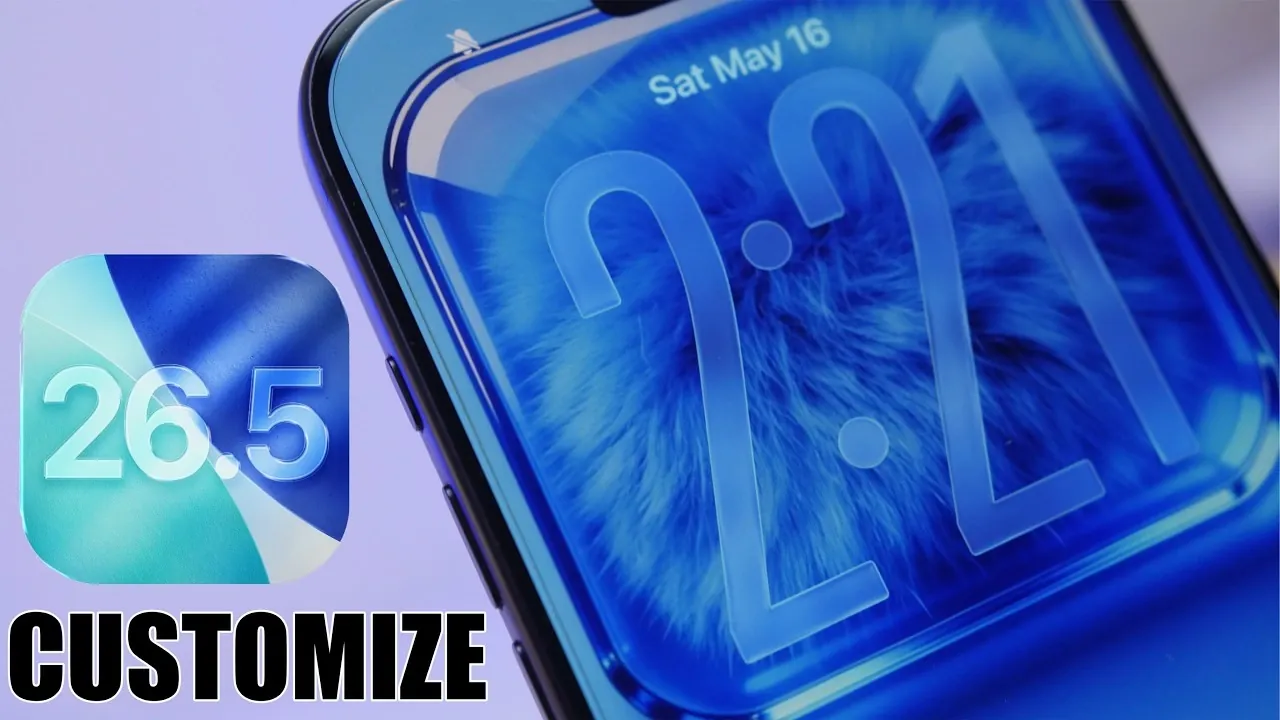
Apple’s iOS 26.5 introduces a robust suite of features aimed at redefining how users personalize their devices. With a focus on enhancing both functionality and aesthetics, this update enables you to craft an interface that reflects your style and meets your practical needs. Whether you’re optimizing for efficiency or adding a personal flair, iOS 26.5 provides the tools to make your device uniquely yours. The video below from iReviews gives us more details.

Home Screen Customization: Enhanced Flexibility and Control
The home screen in iOS 26.5 offers unprecedented flexibility, allowing you to design a layout that aligns with your preferences and daily workflow. Key enhancements include:
- Transparent Widgets: Achieve a minimalist aesthetic by integrating transparent widgets using apps like Mojo. These widgets deliver essential information at a glance without overwhelming your screen.
- Grouped App Sections: Simplify navigation by organizing apps into clusters. This feature ensures quick access to frequently used apps while maintaining a clean and structured layout.
- Customizable Widget Appearance: Adjust widget transparency, colors and borders to complement your wallpaper. The “Show Borders” option in Accessibility settings adds a refined touch by outlining widget elements.
For a cohesive design, consider pairing your widget arrangement with wallpapers that enhance the overall visual harmony. This approach ensures your home screen is both functional and visually appealing, creating a seamless user experience.
Lock Screen Customization: A Blend of Style and Utility
iOS 26.5 takes lock screen personalization to the next level, offering features that combine practicality with visual appeal. These include:
- Framed Wallpapers: Designed to integrate seamlessly with the clock and lock screen buttons, framed wallpapers add structure and elevate the overall aesthetic.
- Focus Modes: Tailor your lock screen to your current activity with Focus modes. Display unique icons or names for different settings, such as work, personal, or leisure, for effortless transitions throughout your day.
- Custom Wallpapers: Create dynamic wallpapers with up to 12 color options and animations. These interactive designs bring vibrancy and personality to your lock screen.
These features allow you to craft a lock screen that is not only visually distinct but also tailored to your specific needs, making sure a personalized and engaging interface.
Additional Features: Elevating the User Experience
Beyond lock and home screen customization, iOS 26.5 introduces several enhancements designed to refine the overall user experience. These updates include:
- Updated Control Center: The redesigned control center features outlined toggles, offering a sleek and modern appearance while improving navigation and usability.
- Adjustable Icon Sizes and Labels: Customize icon dimensions and text labels to create a cleaner, more organized interface that suits your preferences.
- Expanded Wallpaper Options: Choose from an array of new wallpaper styles, including bold animated designs and subtle framed options, to further personalize your device.
These additions provide even more ways to fine-tune your device’s look and feel, making sure it aligns with your unique style and functional requirements.
Personalization Meets Practicality
iOS 26.5 delivers a comprehensive set of tools that empower you to take full control of your device’s appearance and functionality. With features like transparent widgets, grouped app sections, framed wallpapers and Focus modes, this update offers a versatile platform for personalization. By exploring these options, you can create an interface that is cohesive, functional and visually appealing. Whether your priority is organization, aesthetics, or a balance of both, iOS 26.5 ensures your device becomes a true reflection of your individuality.
Source & Image Credit: iReviews
Disclosure: Some of our articles include affiliate links. If you buy something through one of these links, Geeky Gadgets may earn an affiliate commission. Learn about our Disclosure Policy.
