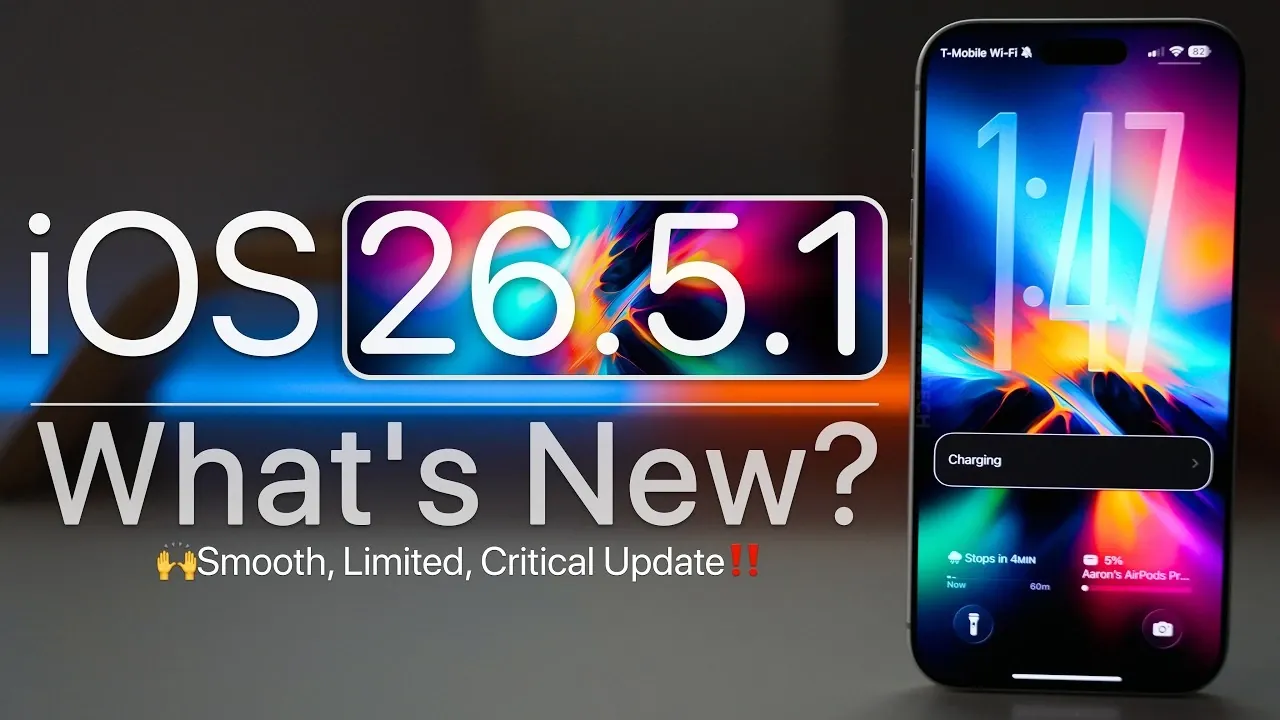
Apple has officially rolled out iOS 26.5.1, a focused update designed to address specific issues affecting the iPhone 17 series and iPhone Air. While this release does not introduce new features, it emphasizes critical bug fixes, performance improvements, and overall device stability. Below is a comprehensive look at what this update entails and how it impacts your device. The video below from Zollotech gives us more details on the update.

Who Can Install This Update?
This update is exclusively available for the following devices:
- iPhone 17 series
- iPhone Air
If you own one of these devices, you can download and install iOS 26.5.1 immediately. However, users currently running iOS 26.6 beta or newer versions will not receive this update. Additionally, older devices, even those listed on Apple’s developer website, are excluded from this release. This highlights Apple’s ongoing focus on optimizing its latest hardware for peak performance.
How to Install iOS 26.5.1
Installing the update is a straightforward process. Follow these steps to ensure a smooth installation:
- Navigate to Settings > General > Software Update on your device.
- Verify that you have between 13 GB and 20 GB of free storage available, depending on your device model.
- Connect your device to a reliable Wi-Fi network to avoid interruptions.
- Back up your data using iCloud or a computer to prevent potential data loss.
Once these steps are completed, the update should install seamlessly, making sure your device is up to date with the latest fixes and optimizations.
Key Bug Fixes
iOS 26.5.1 addresses several critical bugs reported by users, improving the overall functionality of supported devices. Key fixes include:
- Resolving a wired charging issue that caused failures when the battery was nearly depleted.
- Fixing a wallpaper vibrancy bug that resulted in inconsistent display quality.
- Enhancing system smoothness, reducing stuttering during navigation and app transitions.
- Partially addressing widget-related inconsistencies, though some minor issues persist.
These fixes are particularly beneficial for users who rely on wired charging or enjoy customizing their device’s appearance with wallpapers and widgets.
Performance Enhancements
This update brings noticeable improvements to system performance, making devices more responsive and efficient. Benchmark tests have highlighted the following enhancements:
- Smoother app transitions and improved responsiveness during multitasking.
- Optimized thermal management, making sure devices remain cooler during resource-intensive tasks.
These improvements are especially valuable for users who frequently run demanding applications or switch between multiple tasks.
Apple CarPlay: Mixed Results
iOS 26.5.1 includes adjustments aimed at improving Apple CarPlay functionality. However, some users have reported that connectivity issues persist. Apple has not confirmed whether these problems have been fully resolved, so occasional disruptions may still occur. If you rely heavily on CarPlay for navigation or media, it’s worth monitoring its performance after installing the update.
Security Updates
While Apple has not disclosed specific details about the security patches included in iOS 26.5.1, it is likely that the update addresses vulnerabilities to enhance device protection. Regular updates like this are essential for safeguarding your device against potential threats, even if the exact Common Vulnerabilities and Exposures (CVE) entries remain unspecified.
What’s Next for iOS?
Apple is already preparing for future updates, with several key releases on the horizon:
- iOS 26.6 beta 2: Expected to arrive soon, offering additional refinements and potential new features.
- iOS 27 beta 1: Anticipated to debut at WWDC 2026 on June 8, showcasing Apple’s next major software iteration.
- iOS 26.6 public release: Likely to roll out in early July, delivering broader improvements and stability enhancements.
These upcoming updates will continue to build on the foundation established by iOS 26.5.1, further refining the user experience.
Battery and Storage Impact
Initial reports indicate that iOS 26.5.1 does not significantly impact battery performance, maintaining consistency with previous versions. However, long-term usage will provide a clearer understanding of its effects. In terms of storage, the update does not consume additional space beyond its installation requirements, making sure efficient use of your device’s capacity.
Final Thoughts
iOS 26.5.1 is a targeted update that focuses on resolving critical bugs, enhancing performance and improving stability for the iPhone 17 series and iPhone Air. While some issues, such as Apple CarPlay connectivity, remain unresolved, the update represents a meaningful step forward in optimizing Apple’s latest devices. If you own a supported device, it is highly recommended to install this update to benefit from its improvements and ensure your device remains secure and efficient.
Enhance your knowledge on iOS 26.5.1 Update by exploring a selection of articles and guides on the subject.
- Why Apple is Rushing the iOS 26.5.1 Update to Your iPhone
- Don’t Skip It: Why iOS 26.5.1 Is a Crucial Update for Your iPhone
- Why Apple Just Dropped iOS 26.6 Beta 1 Right Before iOS 27
- Why You Should Wait Before Installing iOS 26.6 Beta
- Your iPhone Just Got Smarter: Everything New in the iOS 26.5 Beta 1
Source & Image Credit: zollotech
Disclosure: Some of our articles include affiliate links. If you buy something through one of these links, Geeky Gadgets may earn an affiliate commission. Learn about our Disclosure Policy.
