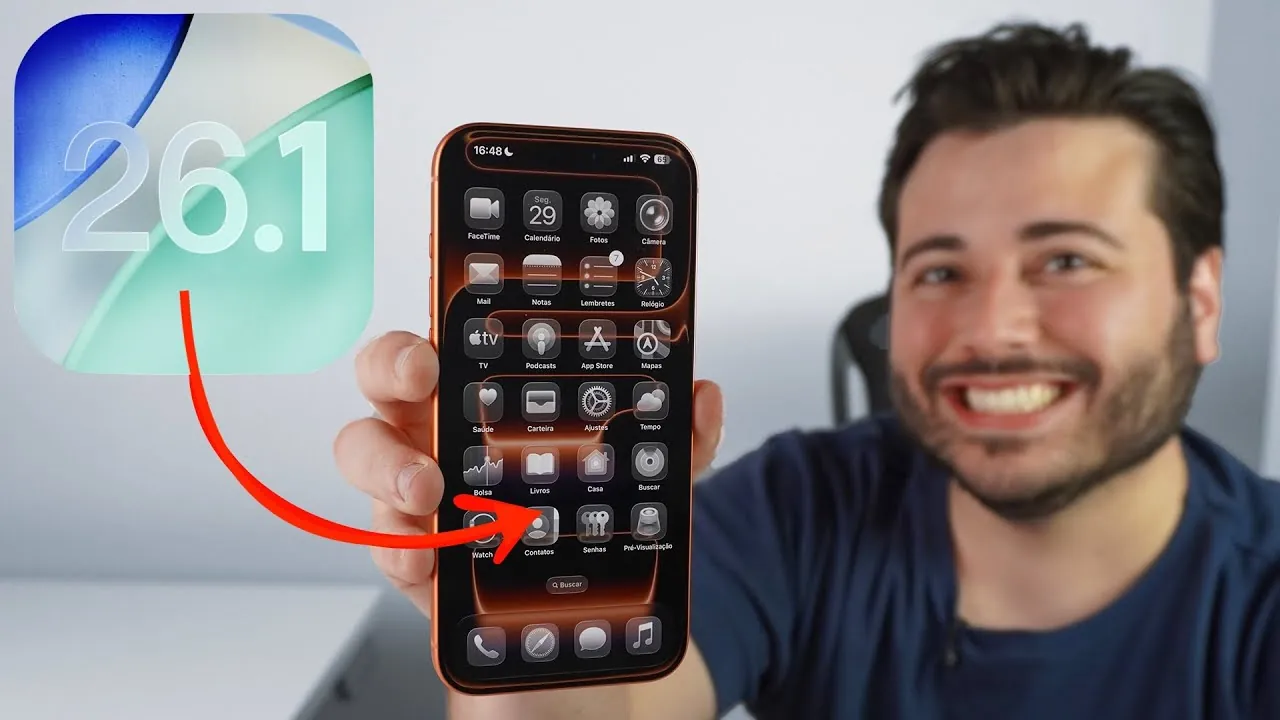
Apple has officially rolled out iOS 26.1, marking the first significant update to its iOS 26 operating system. This release is designed to address critical bugs, introduce new features, and enhance overall system stability. For users who experienced issues with iOS 26.0 or 26.0.1, this update aims to resolve those problems while delivering meaningful improvements to device functionality. It represents a balanced approach, combining fixes with thoughtful enhancements to elevate the user experience. The video below from Daniel About Tech gives us more details about the update and its range of features.

What’s New in iOS 26.1?
iOS 26.1 introduces a variety of updates that focus on improving usability, performance, and personalization. These features are designed to create a more seamless and efficient interaction with your device.
- Liquid Glass Display Options: A new customization feature allows users to toggle between “Clear” (transparent) and “Tinted” (opaque) modes for interface elements. This feature, though still in development, provides a fresh visual experience and greater control over the device’s appearance.
- Lock Screen Camera Access Control: Users can now disable the swipe-to-open camera feature on the lock screen. This update reduces accidental activations, enhancing lock screen usability and security.
- Timer Interface Update: The traditional stop button has been replaced with a “slide to stop” gesture. This design is reminiscent of the iconic “slide to unlock” feature, blending nostalgia with functionality for a more intuitive experience.
- Apple Music Enhancements: The mini-player now supports sliding gestures for skipping or replaying songs. Additionally, the Automix feature integrates seamlessly with AirPlay, ensuring smooth transitions during playback for a more immersive listening experience.
Language and Accessibility Improvements
Apple continues to prioritize inclusivity and accessibility in iOS 26.1, introducing updates that cater to a global audience and diverse user needs.
- Apple Intelligence Language Expansion: The system now supports additional languages, including Danish, Dutch, Norwegian, Portuguese (Portugal), Swedish, Turkish, Traditional Chinese, and Vietnamese. This expansion enhances the reach and utility of Apple’s language processing tools.
- AirPods Live Translation: Real-time translation capabilities have been extended to include Japanese, Korean, Italian, and both Traditional and Simplified Chinese. This feature makes international communication more accessible and convenient for users worldwide.
FaceTime and Audio Enhancements
FaceTime receives a notable upgrade in iOS 26.1, particularly in audio quality. Users in low-bandwidth environments will experience clearer sound, ensuring smoother communication during both personal and professional calls. This improvement underscores Apple’s commitment to enhancing connectivity and communication tools for its users.
Security and Connectivity Updates
Security and connectivity remain central to iOS 26.1, with updates designed to bolster protection and ensure reliable performance.
- Background Security Updates: Devices can now receive automatic, independent security patches without requiring a full system update. This feature ensures timely protection against emerging threats while minimizing disruption to the user experience.
- Connectivity Fixes: Persistent issues with Wi-Fi, cellular, and Bluetooth connectivity have been resolved. These fixes provide a more stable and consistent connection, enhancing the reliability of everyday device usage.
Bug Fixes and Interface Refinements
iOS 26.1 places significant emphasis on resolving bugs and refining the user interface, resulting in a smoother and more stable operating system.
- Battery Efficiency: The update addresses battery drain and overheating issues, improving overall performance and extending device longevity, even under heavy usage.
- Interface Design: Updates include a redesigned keypad in the Phone app with brighter, more legible numbers and an option to disable haptic feedback. The Photos app now features a revamped video scrubber for easier navigation, though some functionality, such as elapsed time display, has become less accessible.
- Performance Enhancements: System choppiness and lag have been significantly reduced, resulting in a more responsive and fluid user experience. While minor interface bugs persist, the overall stability and performance have seen marked improvement compared to earlier versions.
Should You Upgrade?
iOS 26.1 offers a well-rounded update that addresses critical issues while introducing features designed to enhance usability and functionality. From display customization options to expanded language support and automated security updates, this release delivers meaningful improvements across various aspects of the operating system. While minor imperfections remain, the update is a recommended choice for users seeking a more refined, stable, and feature-rich iOS experience.
Here is a selection of other guides from our extensive library of content you may find of interest on the iOS 26.1 Update.
- iOS 26.1 and 26.0.2 Updates: Features, Fixes, and Release Dates
- How to Prepare Your iPhone for the iOS 26.1 Update
- iOS 26.1 Update: Key Features, Battery Fixes, and Performance
- Everything You Need to Know About iOS 26.1 Before Updating
- iOS 26.1 Beta Features, Updates, and More
Source & Image Credit: Daniel About Tech
Disclosure: Some of our articles include affiliate links. If you buy something through one of these links, Geeky Gadgets may earn an affiliate commission. Learn about our Disclosure Policy.
