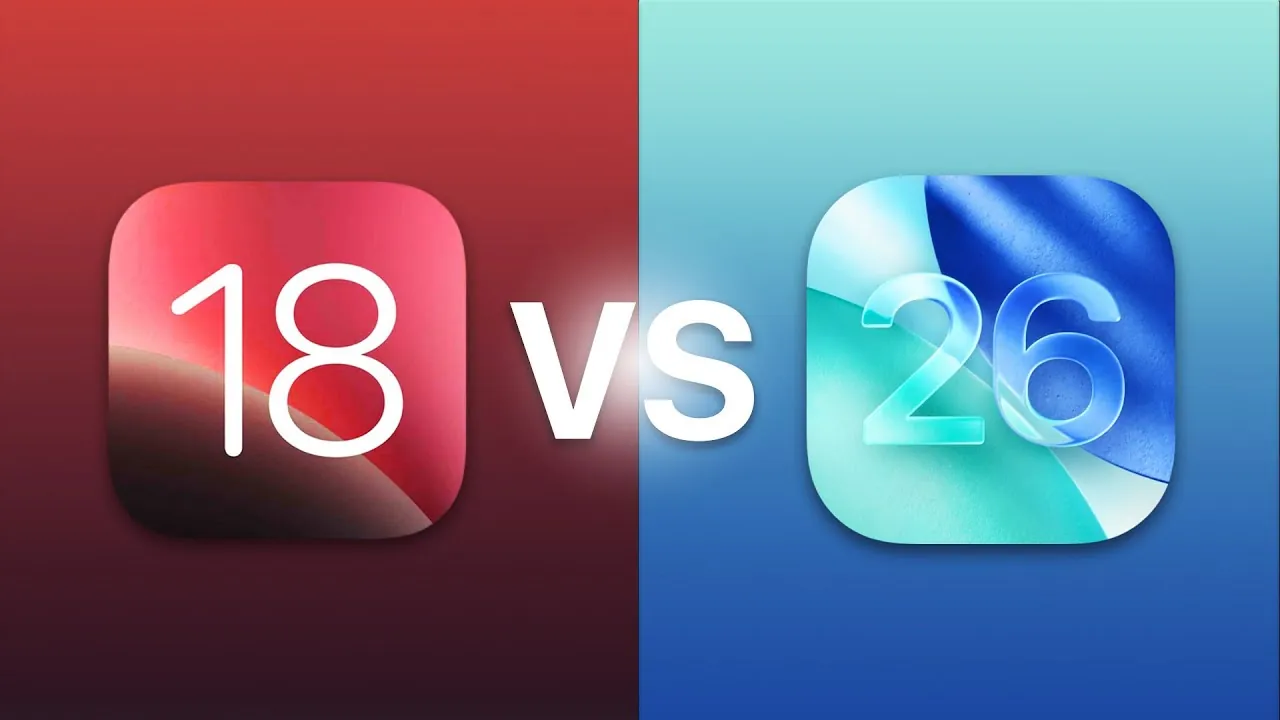
The transition from iOS 18 to iOS 26 represents a significant evolution in both design and functionality. Apple has focused on enhancing customization, accessibility, and minimalism, redefining the way users interact with their devices. Whether you are a casual user or a tech enthusiast, these updates introduce advanced features and cleaner visuals that elevate the overall user experience. Below is a detailed exploration of the key improvements that make iOS 26 a standout upgrade in a new video from AppleDsign.

Lock Screen: Dynamic Customization and Immersion
The lock screen in iOS 26 has undergone a transformation, offering a more dynamic and immersive interface. Key updates include:
- Dynamic Time Customization: Personalize the time display to seamlessly integrate with your chosen wallpaper, creating a cohesive visual experience.
- Spatial Scene Wallpapers: These 3D wallpapers add depth and interactivity, making your lock screen visually engaging and unique.
- Notification Integration: Notifications now adapt dynamically to the time display, making sure a clean and intuitive layout that avoids clutter.
Compared to the static and less customizable lock screen of iOS 18, these changes provide users with greater control over both aesthetics and functionality, making the lock screen a more personalized and immersive space.
Home Screen: Aesthetic Minimalism Meets Functionality
The home screen in iOS 26 introduces a sleek, modern design while improving usability. Key features include:
- Liquid Glass Icons: These polished, futuristic icons enhance the visual appeal of your interface, giving it a refined and modern look.
- Edit Wallpaper Feature: Customizing your home screen has become more intuitive, allowing users to effortlessly adjust wallpapers to match their preferences.
- Clear Icon Options: For those who prefer a minimalist aesthetic, these icons reduce visual clutter and make navigation more straightforward.
These updates mark a significant improvement over the more static and less customizable home screen of iOS 18, blending aesthetic minimalism with enhanced functionality.
Control Center: Accessibility and Functionality Redefined
The Control Center in iOS 26 has been redesigned to prioritize usability and accessibility. Enhancements include:
- Glossy Design: Subtle visual refinements improve readability and make the interface more visually appealing.
- New Features: Practical additions like background sounds and call recording expand the functionality of the Control Center.
- Accessibility Improvements: Features such as hover text and shareable accessibility options ensure the interface is inclusive for all users.
These updates represent a significant leap forward from the simpler, less feature-rich Control Center in iOS 18, making it a more versatile and user-friendly tool.
Screenshots: Smarter Tools for Better Productivity
Screenshots in iOS 26 have become more intelligent and versatile, offering tools that streamline productivity. Key improvements include:
- Visual Intelligence: Highlight specific content and perform image searches directly from your screenshots, saving time and effort.
- Loop Feature: This returning feature allows you to zoom in and share content more effectively, enhancing collaboration and communication.
These tools provide a more efficient way to manage visual content, offering a notable improvement over the static screenshot tools available in iOS 18.
Camera: Simplified Interface, Enhanced Control
The camera in iOS 26 has been refined to prioritize simplicity while maintaining robust functionality. Updates include:
- Streamlined Modes: The interface now focuses on video and photo modes, reducing complexity and making it easier to capture moments.
- Quick Access to Settings: Adjust resolution and frame rate directly from the camera interface, providing greater control without unnecessary steps.
By removing unnecessary elements, iOS 26 delivers a more user-friendly camera experience compared to the more cluttered interface of iOS 18.
Photos App: Smarter Organization with Collections
Managing your photo library is more intuitive in iOS 26, thanks to the introduction of the “Collections” tab. Key features include:
- Album Organization: Group and pin albums for easier access, allowing you to quickly find and manage your favorite photos.
- Streamlined Management: Navigate large photo libraries with ease, thanks to improved sorting and categorization tools.
This structured approach is a significant improvement over the less organized Photos app in iOS 18, making it easier to keep your memories well-organized.
Safari: A Cleaner, More Focused Browsing Experience
Safari in iOS 26 has been redesigned to offer a cleaner and more focused browsing experience. Key updates include:
- Liquid Glass Design: The sleek interface enhances visual appeal, creating a more enjoyable browsing experience.
- Streamlined Navigation: A cleaner layout reduces distractions and improves usability, allowing you to focus on your content.
These changes address the cluttered interface of earlier versions like iOS 18, making Safari a more efficient and user-friendly browser.
Settings: Simplified Navigation for Better Usability
The settings menu in iOS 26 has been restructured to improve accessibility and ease of use. Key changes include:
- Repositioned Search Bar: Now located at the bottom of the screen, the search bar is easier to access, especially on larger devices.
- Simplified Gestures: Navigate settings with intuitive gestures, reducing the time spent searching for specific options.
- Cleaner Visuals: A more organized layout enhances usability, making it easier to find and adjust settings.
These updates make the settings menu more user-friendly compared to the more complex layout in iOS 18, making sure a smoother experience for all users.
A Modernized User Experience
The progression from iOS 18 to iOS 26 highlights Apple’s commitment to delivering a modern, intuitive operating system. By focusing on customization, accessibility, and minimalism, iOS 26 offers a refined experience that caters to diverse user needs. From the dynamic lock screen to smarter tools for screenshots and photos, these updates ensure your device feels more intuitive, efficient, and visually engaging. Whether you are a long-time user or new to the Apple ecosystem, iOS 26 provides a compelling upgrade that enhances both form and function.
Enhance your knowledge on iOS 18 vs iOS 26 comparison by exploring a selection of articles and guides on the subject.
- Speed Test: iOS 26 vs. iOS 18
- Android 16 vs iOS 18 vs One UI 7: A Comprehensive Comparison
- iOS 18 Beta 2: The Hidden Details That Make All the Difference
- One UI 7, iOS 18, and Others Compared
- iOS 18 vs Android 15: What Sets Them Apart?
Source & Image Credit: AppleDsign
Disclosure: Some of our articles include affiliate links. If you buy something through one of these links, Geeky Gadgets may earn an affiliate commission. Learn about our Disclosure Policy.
