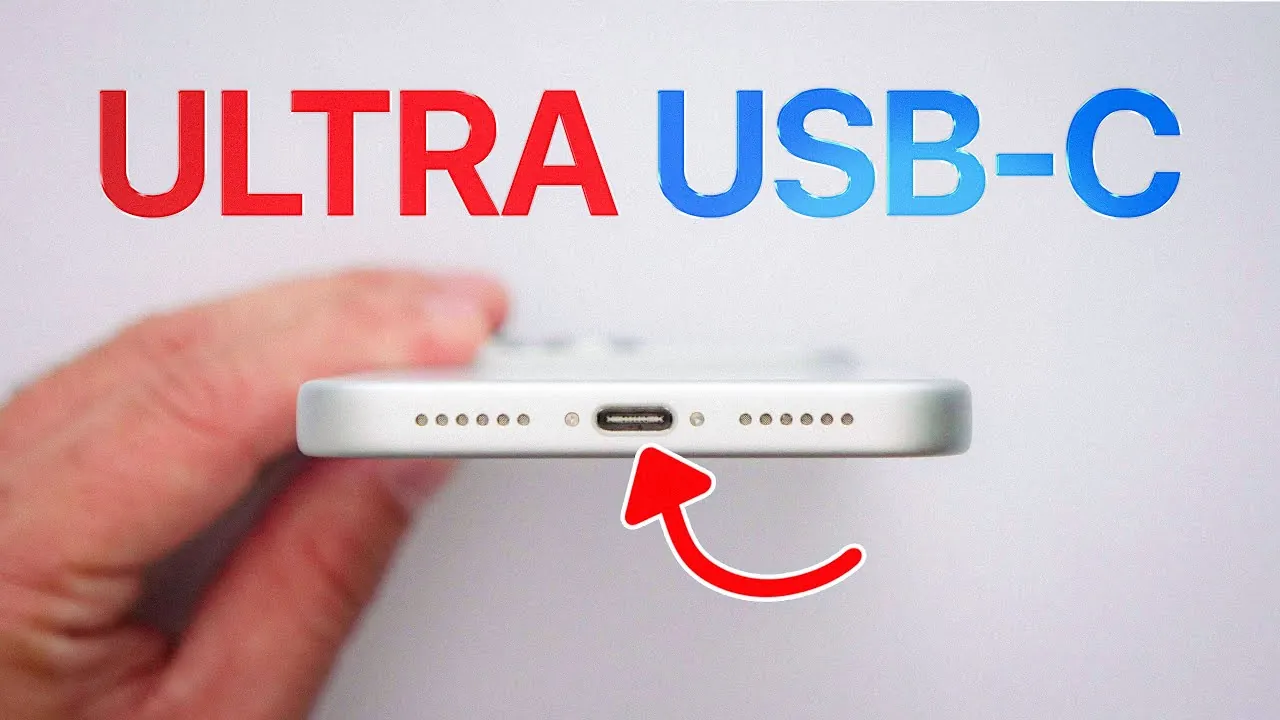
The integration of the USB-C port into iPhones marks a significant evolution in functionality and versatility. This addition goes beyond aesthetics, introducing a range of practical applications that enhance the iPhone’s utility. From emergency charging to faster data transfers, the USB-C port transforms your iPhone into a more adaptable and powerful device. In the video below, iDeviceHelp delves into five impactful ways this port can elevate your iPhone experience.

iPhone-to-iPhone Charging: A Practical Solution for Emergencies
One of the most innovative features of the USB-C port is its ability to assist iPhone-to-iPhone charging. Imagine a scenario where your iPhone battery is critically low, but a friend’s device has ample charge. With a USB-C cable, you can transfer power directly from their iPhone to yours. This capability is particularly valuable in situations where access to a power outlet is limited, such as during travel, outdoor activities, or emergencies. By allowing this direct power transfer, the USB-C port ensures you stay connected when it matters most, offering a simple yet effective solution to a common problem.
Powering Accessories with Ease
The USB-C port also allows your iPhone to serve as a power source for accessories, streamlining your tech setup. Devices like AirPods, an Apple Watch, or even smaller USB-C gadgets can be charged directly from your iPhone. For instance, if your AirPods run out of battery during a long commute, you can quickly recharge them using your iPhone, eliminating the need to carry multiple chargers. This feature is especially beneficial for users who are frequently on the move, making sure their essential devices remain operational without added bulk or inconvenience.
Enhancing Productivity with External Keyboards
For professionals and students alike, the USB-C port opens up opportunities to boost productivity by supporting external keyboard connectivity. By connecting a full-size keyboard to your iPhone, you can draft emails, edit documents, or take detailed notes with greater efficiency. This setup transforms your iPhone into a portable workstation, offering a seamless blend of mobility and functionality. Whether you’re working remotely, attending a lecture, or traveling, this feature provides a practical solution for tasks that require more than touchscreen input, making your iPhone a versatile tool for productivity.
Efficient File Transfers for Large Data
While wireless options like AirDrop are convenient, the USB-C port offers a faster and more secure method for transferring large files. By connecting your iPhone to another device with a USB-C cable, you can quickly move high-resolution videos, extensive photo libraries, or other sizable datasets. This capability is particularly advantageous for professionals working with media files or large datasets, as it reduces transfer times and ensures reliability. Whether you’re a photographer, videographer, or data analyst, the USB-C port simplifies the process of managing and sharing large files, enhancing your workflow.
A Versatile Port for Modern Needs
The USB-C port is more than just a charging interface—it’s a multifunctional gateway designed to meet the diverse demands of today’s users. Its ability to support power sharing, peripheral connectivity, and efficient data transfers makes it a valuable addition to the iPhone. This port reflects a broader trend in technology, where adaptability and user-centric design take precedence. By incorporating the USB-C port, Apple has equipped the iPhone with a tool that simplifies daily tasks, enhances productivity, and aligns with the needs of modern users.
Expand your understanding of USB-C iPhone with additional resources from our extensive library of articles.
- Dual USB-C + USB-A 3.2 High Speed Flash Drive (1TB) – StackSocial
- iPhone 14 to come with USB-C (Video)
- 280W Zeus USB-C GaN Charger (White) – StackSocial
- HyperGear Power Pack Pro+ Fast Charge 20,000mAh Power Bank
- Statik® MagStack™ Duo Apple Watch Charger + 60W USB-C Cable
Source & Image Credit: iDeviceHelp
Disclosure: Some of our articles include affiliate links. If you buy something through one of these links, Geeky Gadgets may earn an affiliate commission. Learn about our Disclosure Policy.
