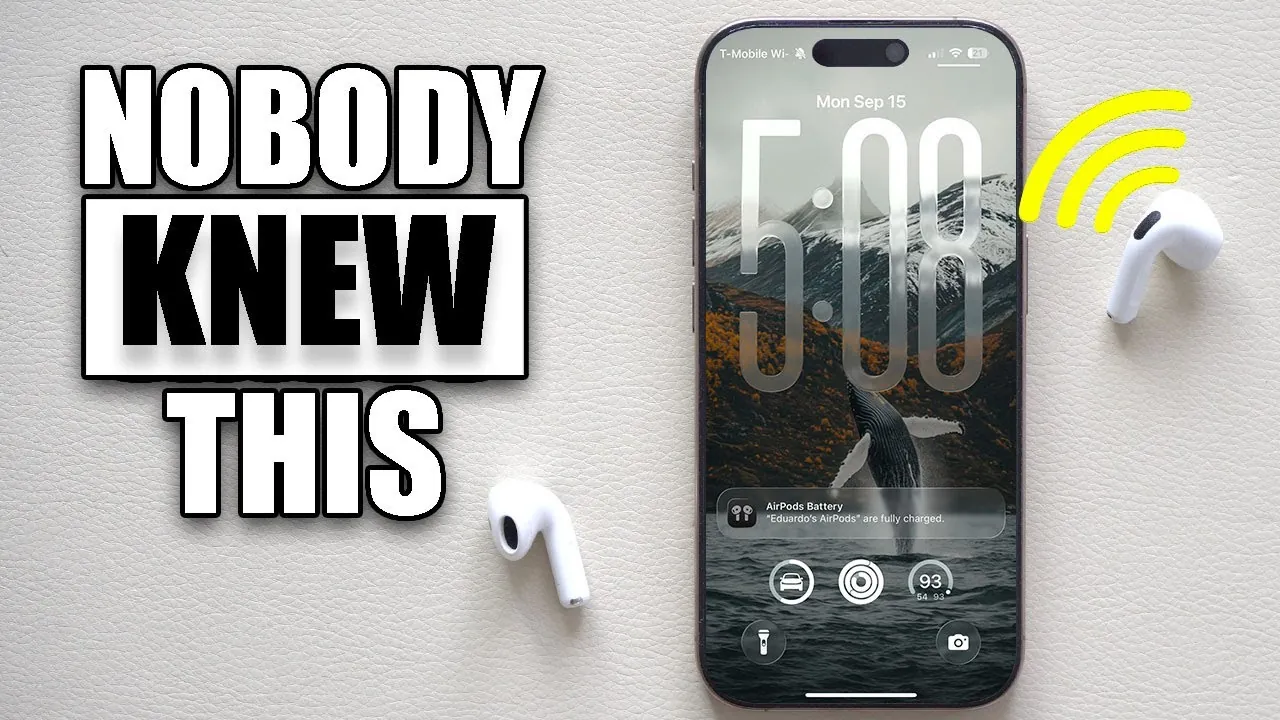
iOS 26 brings a host of innovative features and hidden settings designed to enhance your device’s functionality, improve efficiency, and provide greater customization options. While many of these features are not enabled by default, taking the time to explore and adjust them can significantly improve your overall experience. From smarter battery management to advanced CarPlay automation, these updates aim to make your device more intuitive and adaptable to your daily needs. The video below from HotshotTek gives us more details.

Enhanced Screenshot Features
Capturing and managing screenshots has become more efficient and versatile in iOS 26. These updates ensure that your screenshots are not only more useful but also less disruptive to your workflow:
- Disable CarPlay Screenshots: Avoid unnecessary duplicates when using navigation or apps in your vehicle, keeping your photo library clutter-free.
- HDR Screenshot Format: Capture screenshots with improved detail and vividness, making sure higher-quality visuals.
- Streamlined Workflow: Disable full-screen screenshot previews to maintain focus and avoid interruptions while multitasking.
- Apple Intelligence Integration: Automatically recognize objects, text, or products in your screenshots, adding functionality for tasks like shopping or research.
These features make managing screenshots more practical and less intrusive, allowing you to focus on what matters most.
Keyboard and Lock Screen Customization
iOS 26 introduces new ways to personalize your device, offering greater control over its appearance and functionality. Here’s what you can explore:
- Haptic Feedback: Enable tactile responses for key presses, enhancing typing accuracy and providing a more satisfying experience.
- Character Preview: Activate enlarged letter previews while typing to improve clarity and reduce errors.
- Lock Screen Adjustments: Customize the clock size and font to better reflect your personal style.
- Spatial Wallpapers: Add depth and dimension to your lock screen with 3D effects for a dynamic look.
- Blur Wallpaper for Always-On Display: Create a distraction-free background to improve focus and reduce visual clutter.
These customization options allow you to tailor your device to your preferences, making it uniquely yours.
Apple Wallet Enhancements
Managing your finances becomes more seamless and intuitive with the latest Apple Wallet updates. These features make it easier to stay organized and in control:
- Physical and Virtual Card Storage: Consolidate all your payment methods in one place for quick and easy access.
- Virtual Apple Pay Card Management: View and manage your virtual card details directly within the app, simplifying online transactions.
- Transaction Categorization: Correct and organize transaction categories for better insights into your spending habits.
These updates transform Apple Wallet into a more powerful tool for managing your financial life, offering convenience and clarity.
CarPlay Automation and Media Shortcuts
Driving becomes safer and more convenient with the new CarPlay features in iOS 26. These updates are designed to reduce distractions and streamline your commute:
- Media Playback Automation: Set shortcuts to automatically pause media when connecting to CarPlay, making sure your focus remains on the road.
- Streamlined Commutes: Use automation to simplify repetitive tasks, such as launching navigation or adjusting settings, for a smoother driving experience.
These enhancements make CarPlay a more intuitive and efficient tool for your daily drives.
Improved Phone and Call Features
iOS 26 introduces smarter tools to help you manage calls more effectively, reducing interruptions and improving connectivity:
- Advanced Spam Filtering: Apple Intelligence screens unknown callers, minimizing disruptions from spam or robocalls.
- Hold Assist: Receive notifications when a call on hold resumes, making sure you never miss an important conversation.
These features enhance your ability to stay connected while minimizing unnecessary distractions.
Safari and Accessibility Updates
Browsing and interface customization receive thoughtful improvements in iOS 26, making the experience more user-friendly:
- Classic Navigation Bar: Revert to the traditional top navigation bar layout for a familiar and comfortable browsing experience.
- Reduced Transparency: Simplify the interface by reducing transparency effects, creating a cleaner and more focused appearance.
These updates ensure that Safari and the overall interface are accessible and easy to navigate for all users.
AirPods Programming
iOS 26 adds new functionality to your AirPods, making them even more versatile:
- Camera Control: Program the AirPods stems to trigger camera actions, such as taking photos hands-free, for added convenience during photography.
This feature is particularly useful for capturing moments on the go without needing to touch your device.
Battery and Power Optimization
Battery management sees significant improvements in iOS 26, helping you get the most out of your device’s runtime:
- Adaptive Power Mode: Automatically optimize battery usage during high-drain periods to extend runtime and reduce the need for frequent charging.
- Detailed Battery Insights: Access a breakdown of app-specific battery consumption to identify and manage energy-intensive applications.
These tools provide greater control over your device’s power usage, making sure it lasts longer throughout the day.
Camera Lens Cleaning Alerts
iOS 26 introduces a small but impactful feature to help you maintain the quality of your photos:
- Lens Cleaning Notifications: Receive alerts when dirt or smudges are detected on your camera lens, preventing blurry images and making sure sharp, clear photos.
This addition ensures that your photography remains consistently high-quality, even in less-than-ideal conditions.
Explore the Full Potential of iOS 26
iOS 26 is packed with hidden settings and features that allow you to personalize your device, improve efficiency, and take advantage of innovative tools. From enhanced screenshot management and lock screen customization to smarter battery optimization and CarPlay automation, these updates are designed to make your device more intuitive and user-friendly. By exploring and allowing these settings, you can unlock the full potential of iOS 26 and create a tailored experience that meets your needs.
Gain further expertise in iOS 26 hidden settings by checking out these recommendations.
- 15 Hidden Features in iOS 26 You Need to Know About
- Hidden iOS 26 Features That Will Transform Your iPhone
- How iOS 26’s Hidden Features Transform Your iPhone
- iOS 26 Hidden Features Revealed
- Discover the Hidden Features of iOS 26
Source & Image Credit: HotshotTek
Disclosure: Some of our articles include affiliate links. If you buy something through one of these links, Geeky Gadgets may earn an affiliate commission. Learn about our Disclosure Policy.
