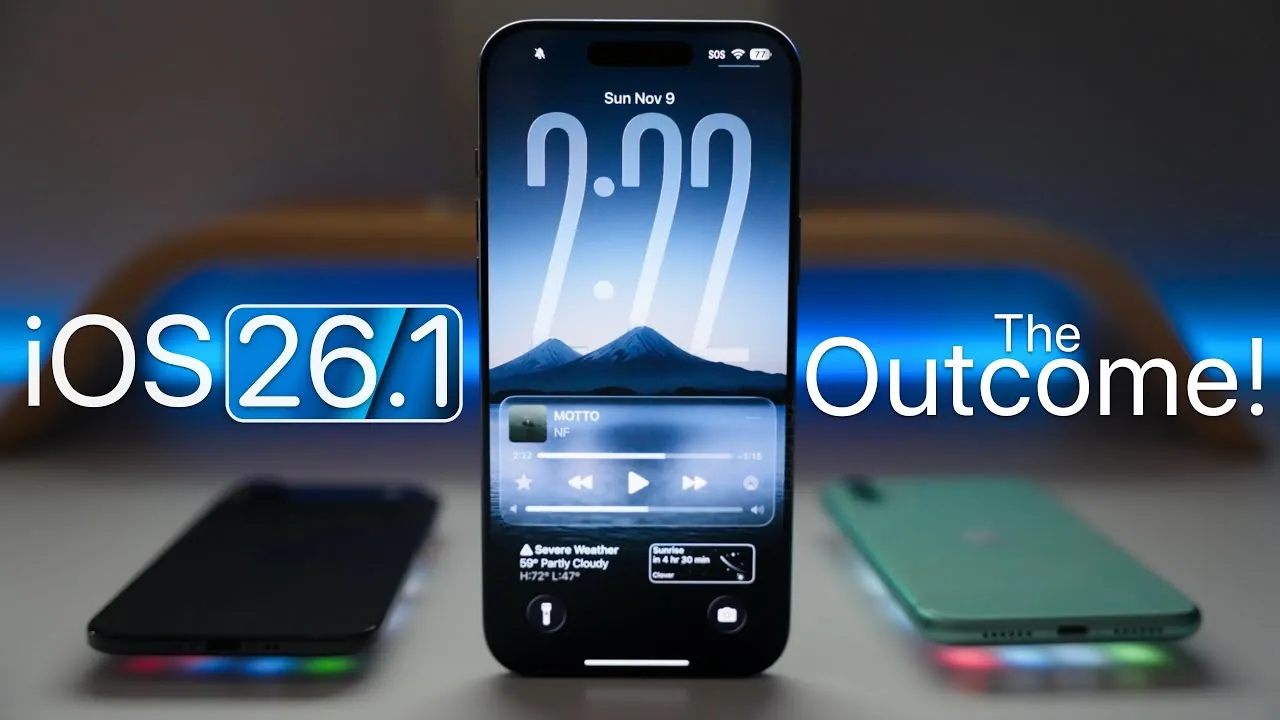
Apple’s release of iOS 26.1 brings a combination of meaningful enhancements and ongoing challenges. This update addresses critical issues such as battery performance and overheating while introducing new features like custom workouts and accessibility improvements. However, persistent bugs and interface glitches reveal areas that require further attention, leaving users with a mixed experience. The video below from Zollotech gives us more details about the most recent iOS software update, iOS 26.1.

Notable Features and Enhancements
iOS 26.1 introduces several features designed to improve functionality and cater to diverse user needs. These updates aim to enhance usability and provide a more personalized experience:
- Custom Workouts: Fitness enthusiasts can now create tailored workout routines directly within the Fitness app. These workouts sync seamlessly with activity rings, offering a more personalized fitness tracking experience. Additionally, Apple Watch users can participate in the Veterans Day challenge on November 11th by completing an 11-minute workout, promoting health and community engagement.
- Accessibility Enhancements: The Clock app now includes an option to disable the “slide to stop” alarm feature, addressing the needs of users with specific accessibility requirements. This small but impactful change demonstrates Apple’s commitment to inclusivity.
- Improved App Integration: Updates to the Nintendo Store app enhance browsing and activity tracking, making it easier for users to manage their gaming libraries. This improvement reflects Apple’s focus on optimizing third-party app experiences.
These features highlight Apple’s efforts to cater to a wide range of user preferences, from fitness enthusiasts to gamers and individuals with accessibility needs.
System Stability and Bug Fixes
Stability and performance improvements are central to iOS 26.1, addressing several longstanding issues that have affected user experience:
- Overheating Mitigation: Older devices benefit from reduced overheating, ensuring a more consistent and reliable performance during extended use. This fix is particularly valuable for users who rely on their devices for demanding tasks.
- CarPlay Connectivity: Connection issues with CarPlay have been largely resolved, providing a smoother and more dependable experience for drivers who use this feature for navigation and entertainment.
- Widget Stack Repairs: Problems with widget stacks, such as lag and unresponsiveness, have been addressed, restoring functionality for users who depend on this feature for quick access to information.
These fixes contribute to a more stable operating system, though some unresolved issues continue to hinder the overall experience.
Ongoing Challenges
Despite its improvements, iOS 26.1 is not without flaws. Several persistent issues continue to impact usability and system performance:
- UI Responsiveness: Stuttering on the home screen and widget pages remains noticeable, particularly on older devices. This detracts from the smooth user experience Apple aims to deliver.
- Keyboard Functionality: Autocorrect errors, misinterpreted key presses, and overlapping notifications disrupt typing, making everyday tasks more cumbersome.
- Control Center and App Library: Ghosting effects in the Control Center and delays in app library refreshes reduce the system’s overall polish and responsiveness.
- RAM Management Issues: Apps frequently reload in the background, hindering multitasking and frustrating users who rely on seamless transitions between applications.
These challenges suggest that further optimization is necessary to achieve the level of refinement users expect from Apple’s software.
Performance and Battery Life
Battery performance sees significant improvements in iOS 26.1, particularly on Pro Max models. Users report extended battery life, making the update a welcome change for those who depend on their devices throughout the day. Additionally, overheating has been noticeably reduced, benefiting older devices prone to thermal issues during prolonged use.
However, gaming performance presents a mixed picture. While some users experience smoother gameplay, others report occasional lags in graphically demanding titles. Benchmarks indicate consistent performance gains, but real-world results vary depending on device models and usage patterns. This inconsistency highlights the need for further optimization to meet the expectations of gamers and power users.
User Reactions: A Divided Response
The reception to iOS 26.1 has been varied, reflecting the update’s strengths and weaknesses. Positive feedback emphasizes:
- Improved battery life and reduced overheating, particularly on older devices.
- Practical new features, such as custom workouts and alarm customization, enhance usability.
At the same time, users have voiced concerns about:
- UI stuttering and keyboard glitches that disrupt everyday tasks.
- Inconsistent gaming performance, especially in graphically intensive applications.
- ProMotion fluidity issues, which affect multitasking and app navigation on supported devices.
This divided response underscores the update’s dual nature, offering tangible benefits while leaving room for improvement in key areas.
Looking Ahead
iOS 26.1 represents a step forward, addressing critical issues like battery drain and overheating while introducing valuable new features. However, persistent bugs and interface inconsistencies highlight the need for further refinement. For most users, the update provides meaningful improvements, but those seeking a flawless experience may need to wait for future iterations. As Apple continues to refine its software, user feedback will remain a crucial factor in shaping the direction of upcoming updates.
Expand your understanding of the iOS 26.1 update with additional resources from our extensive library of articles.
- iOS 26.1 Update: Key Features, Battery Fixes, and Performance
- What’s New in iOS 26.1? Apple’s Latest Update
- Everything You Need to Know About iOS 26.1 Before Updating
- iOS 26.1 Review: Design Enhancements and What They Mean
- iOS 26.1 and 26.0.2 Updates: Features, Fixes, and Release Dates
Source & Image Credit: Zollotech
Disclosure: Some of our articles include affiliate links. If you buy something through one of these links, Geeky Gadgets may earn an affiliate commission. Learn about our Disclosure Policy.
