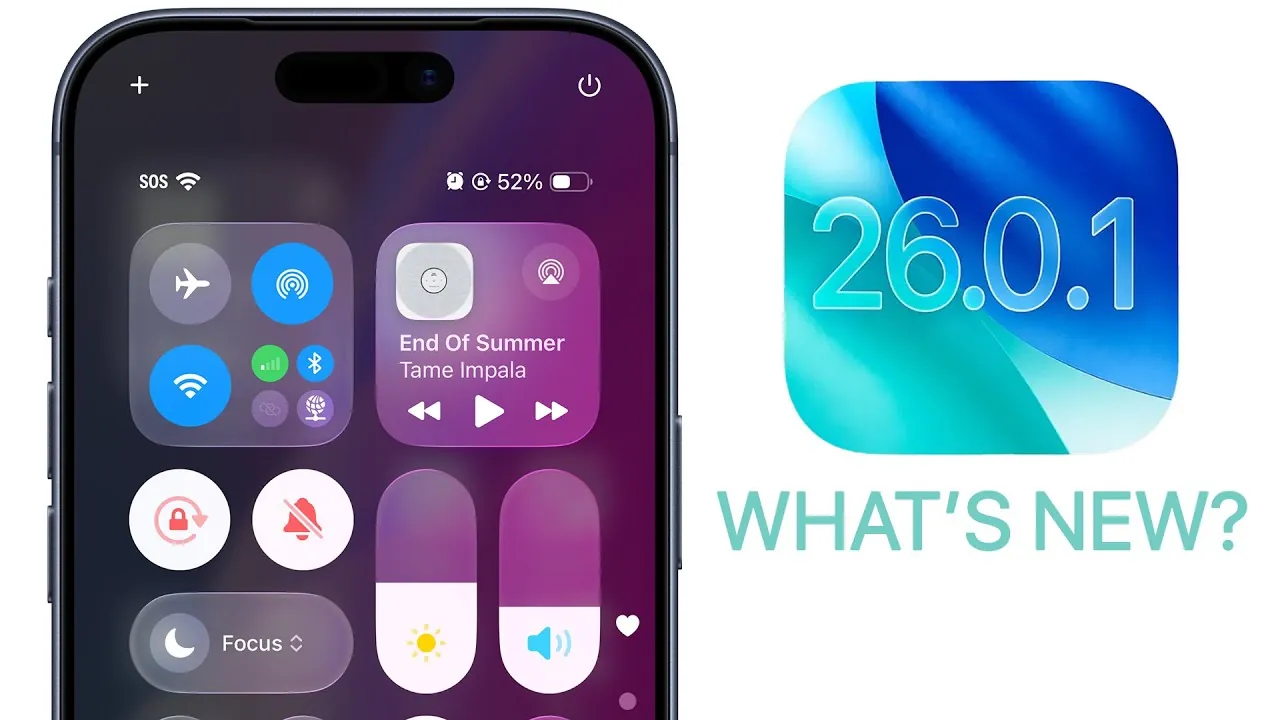
Apple has officially rolled out iOS 26.0.1, a targeted update designed to address critical bugs, enhance security, and improve overall device performance. If you own an iPhone 17 or iPhone Air and have experienced issues since upgrading to iOS 26.0, this update aims to resolve many of those problems. Below is a detailed breakdown of what this update offers and why it’s essential for your device. The video below from Brandon Butch gives us more details on the update.

Bug Fixes: Enhancing Stability and Usability
The primary focus of iOS 26.0.1 is to resolve bugs that have disrupted the user experience since the release of iOS 26.0. These fixes are particularly important for making sure of a smoother and more reliable performance across devices. Key issues addressed in this update include:
- Wi-Fi and Bluetooth disconnection problems, which were frequently reported by iPhone 17 and iPhone Air users.
- Cellular network issues caused dropped calls and inconsistent data connectivity.
- Camera glitches, such as visual distortions in photos taken under specific lighting conditions on iPhone 17 models.
- App icon display errors, where custom tints left icons blank after being applied.
- VoiceOver accessibility issues disabled the feature for some users after updating to iOS 26.0.
These fixes are critical for users who rely on stable connectivity, seamless app performance, and accessibility features in their daily routines. By addressing these bugs, Apple ensures a more consistent and reliable experience for its users.
Security Patch: Protecting Your Device
iOS 26.0.1 also introduces a significant security patch to address a vulnerability in the font parser. While Apple has not disclosed the full technical details, this vulnerability could potentially lead to app crashes or memory corruption. By resolving this issue, the update strengthens your device’s defenses against potential threats and ensures your personal data remains secure.
Installing this update is a proactive step to protect your device from emerging security risks. Regular updates like this one are essential for maintaining the integrity of your device’s software and safeguarding your information.
Performance and Battery Life: Subtle Improvements
Although iOS 26.0.1 does not include major performance overhauls or battery life enhancements, the resolution of underlying bugs can lead to subtle improvements. For instance:
- Fixing connectivity issues may reduce unnecessary power consumption, potentially extending battery life.
- Addressing app crashes and glitches can result in smoother overall performance.
These incremental changes contribute to a more efficient and reliable user experience, even if they are not immediately noticeable. Over time, these optimizations can make a meaningful difference in how your device performs during daily use.
Compatibility and Future Updates
If you are currently running the iOS 26.1 beta, this update will not be available to you, as it is a lower version. However, the fixes introduced in iOS 26.0.1 are expected to be integrated into future iOS 26.1 beta releases. For users on the stable release track, updating to iOS 26.0.1 is highly recommended to ensure your device operates at its best.
Looking ahead, Apple has announced that iOS 26.1 is scheduled for release in late October 2025. This upcoming update is expected to include additional bug fixes and new features, further refining the iOS experience. Staying current with these updates ensures you benefit from the latest improvements while maintaining compatibility with evolving software.
Why Updating Matters
Installing iOS 26.0.1 is a straightforward way to resolve common issues such as connectivity problems, camera glitches, and accessibility challenges. Additionally, the included security patch is crucial for protecting your device from potential vulnerabilities. Regular updates not only enhance your device’s performance but also ensure its security, keeping your data safe and your iPhone running efficiently.
If you own an iPhone 17 or iPhone Air, this update is particularly important, as it addresses several device-specific problems. By staying up to date with Apple’s software releases, you can enjoy a more stable, secure, and optimized experience with your device.
Gain further expertise in iOS 26.0.1 Update by checking out these recommendations.
- iOS 26.0.1 Update: Apple’s Fix for Battery Drain and More
- Apple’s iOS 26.0.1 Coming Soon: Key Fixes Explained
- iOS 26.1 Review: Design Enhancements and What They Mean
- How to Fix iPhone Battery Drain and Overheating in iOS 26
- iOS 26.1 Beta: Key Updates and Improvements Explained
Source & Image Credit: Brandon Butch
Disclosure: Some of our articles include affiliate links. If you buy something through one of these links, Geeky Gadgets may earn an affiliate commission. Learn about our Disclosure Policy.
