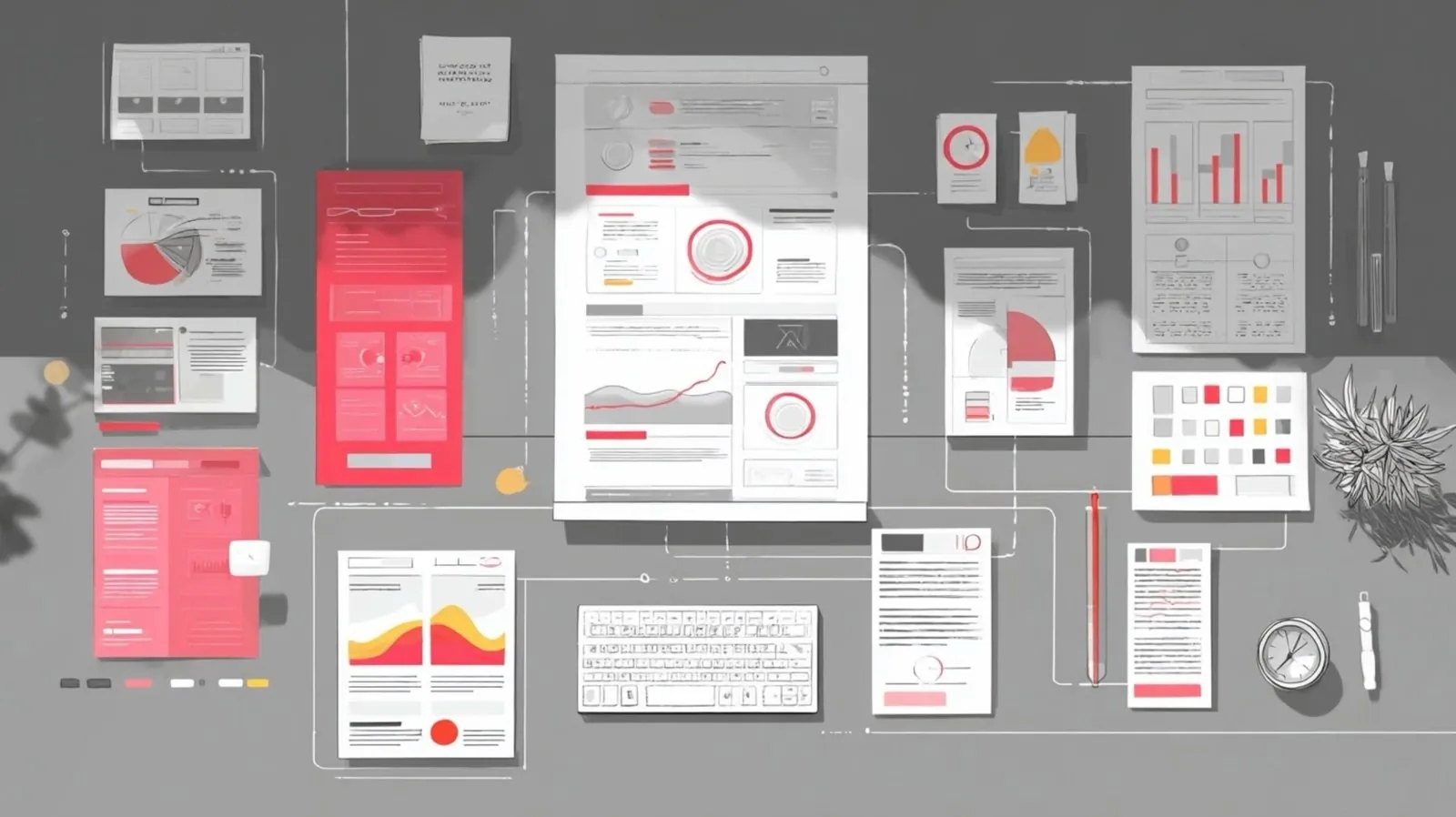
AI-driven applications are making significant contributions to creative and UI design by addressing both technical and artistic challenges. Nate Jones highlights how platforms like Google Stitch, Remotion and Blender MCP are reshaping workflows in this space. For example, Google Stitch employs natural language processing to produce detailed UI designs, minimizing the need for repeated handoffs between design and development teams. This approach not only reduces inefficiencies but also allows designers to dedicate more time to refining their concepts.
Explore how Google Stitch enhances collaboration through markdown-based features, discover how Remotion integrates coding with video production for scalable outputs and understand how Blender MCP streamlines 3D modeling with automated asset management. This analysis provides actionable insights into the practical applications of AI in design, offering a closer look at how these technologies can support and expand creative workflows.
Google Stitch: Redefining UI Design with AI
TL;DR Key Takeaways :
- AI-powered tools like Google Stitch, Remotion and Blender MCP are transforming creative workflows by emphasizing speed, accessibility and iterative processes.
- Google Stitch simplifies UI design by using natural language inputs to generate high-fidelity designs, reducing handoffs between design and development.
- Remotion treats video production as code, allowing customizable and scalable video creation through natural language inputs and React components.
- Blender MCP streamlines 3D modeling by automating tasks like object placement and material application, making the process more intuitive and efficient.
- AI tools lower barriers to entry for creative work, allowing designers to focus on creativity, decision-making and refinement while automating repetitive tasks.
Google Stitch is transforming user interface (UI) design by using natural language processing to generate high-fidelity designs. Instead of relying on traditional, time-intensive design methods, you can simply describe your vision using plain language or voice commands. The tool then produces multiple screens with logical user flows, significantly reducing the need for back-and-forth handoffs between design and development. Seamlessly integrated with coding tools, Stitch bridges the gap between creative ideation and technical execution.
Key features of Google Stitch include:
- Design Markdown Files: Export design systems to enable collaborative and iterative workflows, minimizing miscommunication and delays.
- Free Accessibility: Offers up to 350 generations per month, making it an affordable and scalable option for designers at all levels.
By simplifying the design process, Google Stitch enables you to focus on creativity, efficiency, and collaboration, making sure that your ideas are brought to life with precision and speed.
Remotion: Bridging Code and Video Production
Remotion introduces a new approach to video production by treating it as code. Using natural language inputs, you can describe the video you envision and the tool generates React components for fully customizable and programmable video creation. This approach is particularly valuable for motion graphics, product demonstrations and data visualizations, where flexibility and precision are key.
Benefits of Remotion include:
- Automation: Handles repetitive and time-consuming tasks, allowing you to focus on creative direction and storytelling.
- Scalability: Enables cost-effective video production without requiring advanced editing software or extensive technical expertise.
Whether you’re an individual creator or part of a larger team, Remotion streamlines the video production process, making it easier to produce high-quality, engaging content that aligns with your creative vision.

Explore further guides and articles from our vast library that you may find relevant to your interests in AI design.
- 20 Essential AI Design Patterns for Developers and Innovators
- Best AI Tools Comparison, 14 Winners for Notes, Images & Video
- OpenAI Code Intro : Figma Links & Cloud Tasks in Codex for Teams
- How to Create Stunning Presentations & Websites with Gamma AI
- Google Stitch Leak : Gemini AI Design Agent & React Export
- How to create vector graphics using AI
- Pencil AI Design Tool Creates Editable UI Layouts with Style Guides
- Best AI Presentation Creation Tools : Skywork AI vs Gamma AI
- Google Stitch Update : MCP Server, Agent Skills, and CLI Support
- Best AI Tools, Apps & Software for Maximum Productivity Daily
Blender MCP: Simplifying 3D Modeling with AI
Blender MCP is transforming the complex world of 3D modeling by introducing automation and natural language inputs. With this tool, you can automate tasks such as object placement, material application and lighting adjustments, allowing you to focus on the creative aspects of 3D design rather than technical challenges. This makes the process more accessible to both beginners and experienced designers.
Highlights of Blender MCP include:
- Integration with Asset Libraries: Access a wide range of customizable assets through platforms like Polyhaven and SketchFab, enhancing your creative options.
- Ease of Use: Streamlines workflows, reducing the learning curve and making 3D modeling more intuitive and efficient.
Whether you’re prototyping a concept or creating detailed, polished scenes, Blender MCP simplifies the workflow, allowing you to bring your ideas to life with greater ease and efficiency.
The Shift Toward Command-Line Creativity
The rise of tools like Google Stitch, Remotion and Blender MCP highlights a broader trend in creative workflows: the growing adoption of command-line interfaces and natural language inputs. These tools allow you to execute complex tasks by describing them in simple terms, reducing operational overhead and accelerating prototyping. By automating repetitive processes, they free you to focus on decision-making, refinement, and creative intent, making sure that your vision remains at the forefront of the design process.
Implications for Designers
AI-powered tools are lowering the barriers to entry for creative work, making it faster and more cost-effective to develop prototypes and minimum viable products (MVPs). However, your role as a designer remains indispensable. While AI excels at handling repetitive and operational tasks, your expertise ensures that the final product is polished, cohesive and aligned with the intended purpose. This shift allows you to dedicate more time to judgment, intent, and refinement, ultimately elevating the quality of your work.
Broader Trends in Creative Workflows
The integration of AI into creative workflows is providing widespread access to access to advanced design capabilities. Entry-level tasks are becoming more accessible, while the potential for achieving excellence remains unchanged. This trend mirrors developments in software development, where command-line tools have long been valued for their efficiency and scalability. As AI continues to evolve, it will likely further enhance the creative process, empowering you to achieve more with less effort while maintaining the integrity of your vision.
Key Takeaways
AI-driven tools like Google Stitch, Remotion and Blender MCP are transforming creative workflows by making design, video production and 3D modeling faster, more accessible and cost-effective. These tools simplify operational tasks, allowing you to focus on the creative and strategic aspects of your work. While AI enhances efficiency, your human expertise remains critical for making sure high-quality outcomes. By embracing these technologies, you can unlock new possibilities in creative design, streamline your processes and elevate the impact of your work.
Media Credit: AI News & Strategy Daily | Nate B Jones
Disclosure: Some of our articles include affiliate links. If you buy something through one of these links, Geeky Gadgets may earn an affiliate commission. Learn about our Disclosure Policy.
