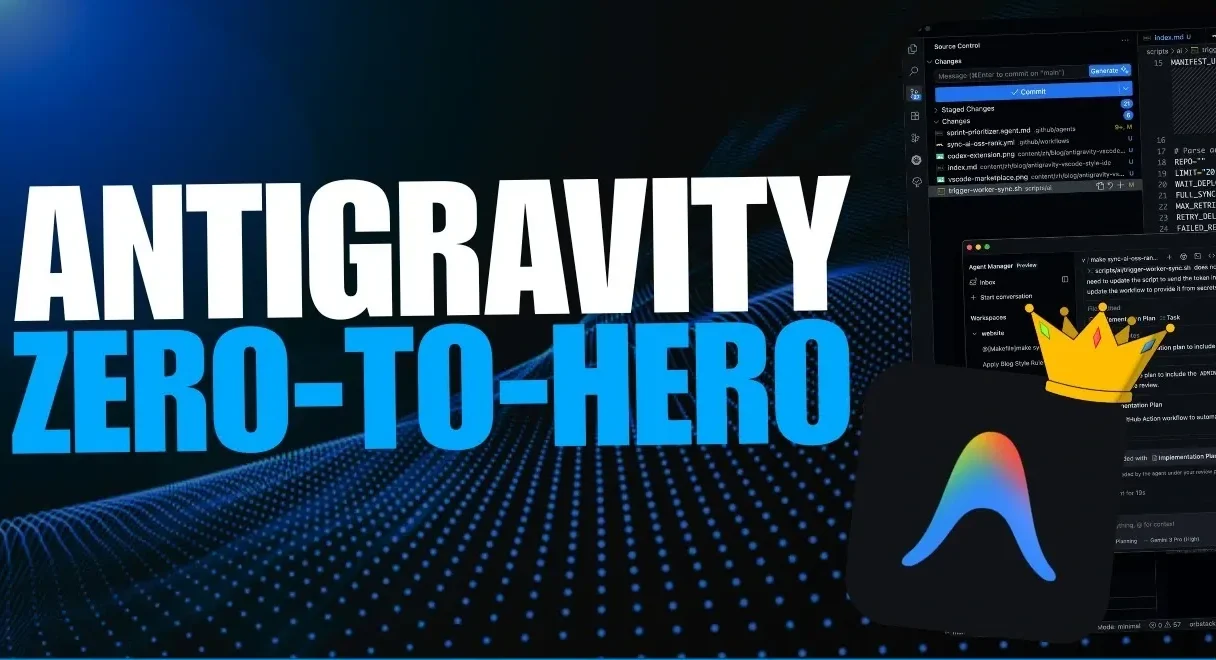
What if you could delegate your most tedious tasks to a team of AI agents, each working in perfect harmony to get the job done? That’s the promise of Google’s Antigravity, an advanced platform redefining how we approach coding, automation, and workflow management. In this breakdown, World of AI walks through how Antigravity’s multi-agent systems and AI-driven features can simplify even the most complex projects, from automating data entry to orchestrating multi-step workflows. Built on the powerful Gemini 3 framework, this platform holds the potential to transform your productivity, but only if you know how to unlock its full capabilities. Whether you’re a developer or a professional juggling repetitive tasks, understanding how to use Antigravity could be the key to reclaiming your time and energy.
This step-by-step guide will show you how to tap into Antigravity’s most innovative features, like real-time task visualization, web-based automation, and customizable workflows. You’ll discover how to coordinate specialized AI agents to tackle intricate processes with precision, while also learning how to tailor the platform to your unique needs. From managing large datasets to streamlining online tasks, Antigravity offers a level of flexibility and efficiency that’s hard to match. By the end, you’ll not only grasp the basics but also gain insights into how this platform can transform the way you work. The possibilities are as exciting as they are endless, what will you create with it?
Key Features of Google Antigravity
TL;DR Key Takeaways :
- Google’s Antigravity is an advanced AI-powered Integrated Development Environment (IDE) built on the Gemini 3 framework, designed to enhance coding, task automation, and workflow management.
- Key features include multi-agent orchestration, data manipulation, and web-based automation, allowing users to streamline complex tasks and repetitive processes efficiently.
- The Agent Manager allows seamless coordination of multiple AI agents with specialized roles, integrating with tools like GitHub, Slack, and Google Sheets for enhanced productivity.
- Customization options, such as creating tailored workflows and integrating external servers, allow users to adapt Antigravity to their specific needs and maximize its utility.
- Real-time visualization and dynamic feedback provide actionable insights into task execution, making sure transparency, minimizing errors, and improving overall efficiency across industries.
Antigravity distinguishes itself from traditional IDEs by integrating innovative AI tools that simplify complex tasks. At its foundation, the platform uses multi-agent systems and advanced task execution models, including Gemini 3 Pro and Sonnet 4.5. These systems empower users to delegate tasks to specialized agents, making sure both precision and efficiency in execution. Some of the standout features include:
- Task Planning and Execution: Antigravity’s AI-driven task planning allows you to execute intricate workflows with remarkable speed and accuracy, optimizing processes for maximum efficiency.
- Data Manipulation: Automate tasks such as data entry, dataset cleaning, and large-scale data management. This is particularly useful for handling tools like Google Sheets, where repetitive tasks can be streamlined.
- Web-Based Automation: Simplify repetitive online tasks, such as form submissions or web scraping, by integrating directly with your browser for seamless automation.
These features make Antigravity a versatile and powerful tool, whether you are managing simple automations or tackling complex, multi-layered projects.
Agent Manager: Coordinating Multi-Agent Systems
One of Antigravity’s most innovative components is the Agent Manager, which enables the coordination of multiple AI agents, each with distinct roles and responsibilities. These agents specialize in tasks such as coding, research, or drafting emails, working collaboratively to complete even the most complex workflows.
For example, you can assign one agent to collect data, another to analyze it, and a third to compile the findings into a comprehensive overview. This seamless coordination extends across various platforms, integrating with tools like GitHub, Slack, and Google Sheets. By automating these workflows, you can save valuable time and focus on strategic decision-making, rather than getting bogged down by repetitive tasks.
Google Gemini Antigravity, Plan Tasks and Run Workflows Fast
Here are more guides from our previous articles and guides related to Google’s Antigravity that you may find helpful.
- Google Antigravity IDE Gemini 3 & Browser Control Guide 2026
- Antigravity: AI Design, Testing & Task Management
- Google Antigravity vs Cursor, Gemini 3 Pro AI Coding Review
- Gemini 3 Pro Support in Antigravity, Google DeepMind’s Agent IDE
- Gemini 3 Powers Agent-First Development in Google Antigravity
- Google Antigravity Guide : Features, Editor, Agents & Browser
- Google Antigravity, a Local IDE with Agentic Coding Tools
- 7 Awesome Google Antigravity Features That Give Vibe Coders An
- How Google Antigravity Uses Gemini 3 for Free AI Coding
- Antigravity IDE Guide to Task Planning, Debugging, and Code
Customization for Tailored Solutions
Antigravity’s customization options allow you to adapt the platform to meet your specific needs. Users can create custom rules, workflows, and integrate external servers like Pine Cone to enhance functionality. Additionally, the platform supports the development of customizable blueprints (Gemini MD) and skill sets (Skills MD), allowing you to design specialized solutions for unique challenges.
For instance, if your work involves frequent prototyping of applications, you can configure agents to handle tasks such as receipt scanning, data transcription, or financial analysis. This level of flexibility ensures that Antigravity complements your workflow, rather than forcing you to adapt to its structure. By tailoring the platform to your requirements, you can maximize its utility and efficiency.
Real-Time Visualization and Feedback
Transparency and actionable insights are central to Antigravity’s design. The platform includes an artifacts feature that provides real-time visualization of tasks and workflows, allowing you to monitor progress and identify potential bottlenecks. This feature ensures that you remain informed about the status of your projects at all times.
Dynamic feedback further enhances this capability by offering actionable insights into agent actions and task execution. For example, if an agent encounters an issue during data manipulation, the system immediately flags the problem, allowing you to address it without delay. This real-time feedback loop not only improves efficiency but also ensures that errors are minimized, leading to more reliable outcomes.
Practical Applications Across Industries
The versatility of Antigravity makes it a valuable tool across a wide range of industries. Developers can use it to prototype applications, such as creating a finance app that scans receipts and transcribes data into structured formats. Similarly, professionals in other fields can automate repetitive tasks, such as generating overviews, managing email campaigns, or conducting research.
By integrating seamlessly with platforms like Slack and GitHub, Antigravity ensures that your workflows remain connected and efficient. Whether you are automating data entry, orchestrating a multi-agent system for research, or managing complex projects, the platform provides the tools you need to succeed. Its adaptability makes it an indispensable resource for professionals seeking to enhance productivity and streamline operations.
Tips for Maximizing Antigravity’s Potential
To fully use the capabilities of Antigravity, it is essential to provide clear and detailed prompts. Specific instructions enable the AI to deliver more accurate and relevant outputs, making sure that tasks are completed efficiently and effectively. Additionally, the platform’s feedback mechanisms can be used to refine prompts and workflows iteratively. Consider the following tips:
- Provide detailed instructions, such as specifying the type of analysis required. For example, instead of saying “analyze data,” you could specify “identify trends in sales data over the past quarter.”
- Use dynamic feedback to fine-tune your prompts and improve task outcomes over time. This iterative approach ensures that the platform aligns with your objectives.
By adopting these practices, you can ensure that Antigravity delivers optimal results and aligns seamlessly with your workflow.
Exploring the Future of Productivity
Google’s Antigravity is more than just an IDE; it is a comprehensive platform designed to automate tasks, manage workflows, and enhance productivity. By understanding its core features, such as multi-agent orchestration, data manipulation, and real-time visualization, you can unlock its full potential and transform the way you work. Whether you are a developer prototyping applications or a professional automating repetitive tasks, Antigravity offers the tools and flexibility to meet your needs. Embrace its capabilities today to achieve greater efficiency and innovation in your projects.
Media Credit: WorldofAI
Disclosure: Some of our articles include affiliate links. If you buy something through one of these links, Geeky Gadgets may earn an affiliate commission. Learn about our Disclosure Policy.
