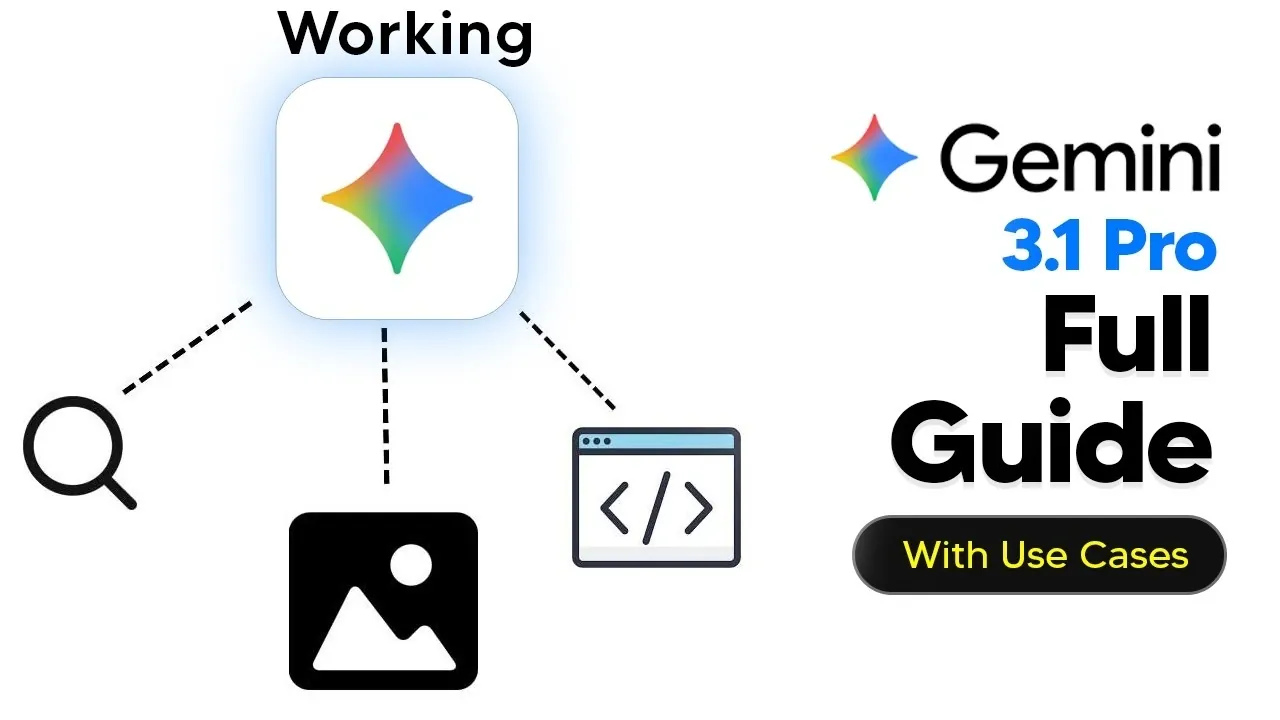
Google Gemini 3.1 Pro introduces advanced features that expand its capabilities in multimodal reasoning, image analysis, and 3D visualizations. According to AI Grid, this version includes Agentic Vision for detailed image interpretation, interactive simulations for exploring dynamic systems, and options for creating and editing 3D visualizations. These updates provide users with structured methods to approach complex tasks and analyze outcomes across disciplines like education and research.
This guide explains how to work with Gemini 3.1 Pro’s functionalities, including combining visual and textual data for multimodal reasoning and using interactive simulations to test real-time adjustments. You will also learn practical workflows, such as creating 3D animations for presentations or analyzing satellite imagery for research projects. Each section focuses on applying these features effectively to enhance your projects and problem-solving approaches.
Google Gemini 3.1 Overview
TL;DR Key Takeaways :
- Advanced Features: Google Gemini 3.1 Pro introduces innovative tools like Agentic Vision, 3D visualizations, and interactive simulations, enhancing multimodal reasoning and creative problem-solving.
- Agentic Vision: This feature combines visual reasoning with code execution for precise image analysis, benefiting industries like medical diagnostics and satellite imagery interpretation.
- 3D Visualizations and Simulations: Users can create and manipulate 3D objects and dynamic models, ideal for education, prototyping, and real-time experimentation.
- Practical Applications: Gemini 3.1 Pro supports diverse use cases, including terrain modeling, satellite image analysis, road mapping, and educational simulations.
- Optimization Strategies: To maximize its potential, users should refine prompts, use the AI Studio, and experiment with dynamic interactions for enhanced outputs.
Key Features of Gemini 3.1 Pro
Gemini 3.1 Pro introduces a range of advanced functionalities that distinguish it from other AI models. Its standout features include:
- Agentic Vision: A sophisticated tool for precise and iterative image analysis, combining visual reasoning with code execution for enhanced accuracy.
- Multimodal Reasoning: Seamless integration of visual and textual data to enable comprehensive and efficient problem-solving.
- 3D Visualizations: Tools for creating and manipulating 3D objects and animations, ideal for simulations, prototyping, and educational purposes.
- Interactive Simulations: Dynamic models with adjustable parameters that allow real-time experimentation and learning.
These features collectively position Gemini 3.1 Pro as a versatile tool for tackling complex challenges across various domains.
Agentic Vision: Transforming Image Analysis
Agentic Vision is one of the most powerful tools within Gemini 3.1 Pro, designed to handle intricate image analysis tasks with precision. By combining visual reasoning with code execution, this feature enables users to perform tasks such as cropping, zooming, annotating, and interpreting complex visuals. For example, researchers analyzing satellite imagery or medical professionals examining diagnostic scans can rely on Agentic Vision to minimize errors and improve task reliability. Its ability to process and interpret intricate visual data makes it an indispensable tool for industries requiring high levels of accuracy.
Gemini 3.1 Pro For Beginners : All New Features Explained
Uncover more insights about Google Gemini 3 Pro in previous articles we have written.
- Google’s Secret Gemini 3 Pro GA Models Leaked
- Gemini 3.5 Models Tested on Alamarina and Google AI Studio
- Google Gemini 3 Pro Guide for 2025: Easy Steps for New Users
- Gemini 3 Pro Overview : Advanced Reasoning, AI Studio & Vertex AI
- Gemini 3.1 Pro vs Gemini 3 Pro: Benchmark Score Gains Explained
- Gemini 3.0 Pro Beginner Guide, Features, and Simple Workflows
- Hidden Google Gemini 3 AI Features for Faster Work in 2026
- Google Gemini Vision Update Shifts from Passive to Active
- Google Gemini 3.0 Pro & Nano Banana Pro Launch Imminent
- Google AI Tools Overview from Gemini to NotebookLM
Multimodal Reasoning: Integrating Visual and Textual Intelligence
The multimodal reasoning capabilities of Gemini 3.1 Pro allow it to seamlessly interpret and analyze both visual and textual data. This feature is particularly valuable for tasks such as identifying objects in images, analyzing patterns in datasets, or solving real-world problems like terrain mapping. For educators and researchers, this capability ensures a holistic approach to problem-solving by integrating multiple data types. Whether you are developing educational tools or conducting advanced research, multimodal reasoning enhances efficiency and accuracy in tackling complex challenges.
3D Visualizations: Bringing Concepts to Life
Gemini 3.1 Pro’s 3D visualization tools, supported by its Canvas feature, enable users to create and manipulate 3D objects and animations. These tools are particularly beneficial for educators, developers, and designers who need to illustrate complex concepts or prototype ideas. For instance, you can design animations of mechanical systems, generate 3D cityscapes, or fine-tune scientific models. Additionally, the ability to visualize coding outputs in real time makes this feature invaluable for creative and technical projects. By bridging the gap between abstract ideas and tangible representations, 3D visualizations empower users to communicate and innovate effectively.
Interactive Simulations: Dynamic Learning and Experimentation
Interactive simulations are a standout feature of Gemini 3.1 Pro, allowing users to create dynamic models with adjustable parameters. These simulations are ideal for exploring real-time changes and conducting hands-on experimentation. For example, you can simulate traffic flow in urban areas, model the effects of climate change on ecosystems, or create bird flock simulations to study behavioral patterns. By allowing users to interact with and modify variables, this feature fosters a deeper understanding of complex systems and enhances both educational and research experiences.
Practical Applications of Gemini 3.1 Pro
The versatility of Gemini 3.1 Pro makes it suitable for a wide range of applications across various fields. Here are some practical use cases:
- Terrain and City Modeling: Generate detailed 3D maps of urban landscapes or natural terrains for planning, analysis, and visualization.
- Satellite Image Analysis: Process and interpret satellite imagery for environmental monitoring, disaster management, or urban development projects.
- Road Mapping: Develop accurate road maps using step-by-step problem-solving capabilities and multimodal reasoning.
- SVG Animations: Create scalable vector graphics for web development, educational content, or interactive presentations.
- Educational Simulations: Build interactive models to teach complex scientific, mathematical, or engineering concepts effectively.
These applications highlight the adaptability of Gemini 3.1 Pro in addressing diverse challenges and advancing innovation in multiple domains.
Strategies for Maximizing Gemini 3.1 Pro
To fully use the capabilities of Gemini 3.1 Pro, consider the following strategies:
- Ensure the Pro tab is selected to access advanced features such as Agentic Vision and 3D visualizations.
- Use the AI Studio for extended reasoning tasks, tool execution, and enhanced problem-solving capabilities.
- Refine prompts and settings to improve the accuracy and relevance of coding, image analysis, and visualization outputs.
- Experiment with environmental controls and dynamic interactions to create more engaging and informative simulations.
By adopting these strategies, you can optimize your use of Gemini 3.1 Pro and unlock its full potential for your projects.
Limitations to Consider
While Gemini 3.1 Pro offers innovative features, it is important to be aware of its limitations. The model may occasionally make errors in tool selection or reasoning, requiring users to adjust prompts or settings. Additionally, features such as 3D visualizations and interactive simulations may require further refinement to achieve optimal results. Understanding these limitations can help you navigate potential challenges and make informed decisions when using the tool.
Unlocking the Potential of Gemini 3.1 Pro
Google Gemini 3.1 Pro is a versatile and powerful AI model that redefines possibilities in coding, image analysis, 3D visualizations, and interactive simulations. By understanding its features, practical applications, and strategies for effective use, you can harness its capabilities to tackle complex challenges with confidence. Whether you are a developer, educator, or creator, Gemini 3.1 Pro enables you to innovate, solve problems, and bring your ideas to life with precision and creativity.
Media Credit: TheAIGRID
Disclosure: Some of our articles include affiliate links. If you buy something through one of these links, Geeky Gadgets may earn an affiliate commission. Learn about our Disclosure Policy.
