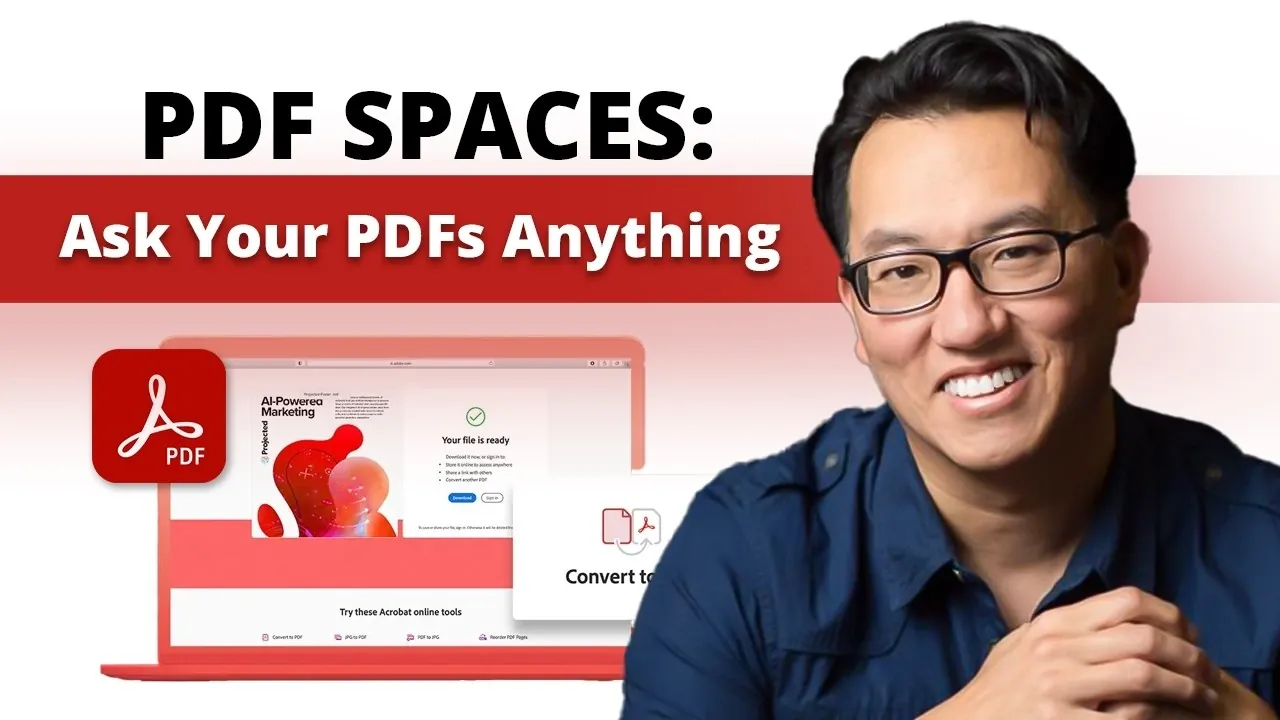
What if your documents could do more than just sit in folders, gathering digital dust? Imagine turning a static PDF or Word file into a dynamic, AI-powered workspace that not only organizes your content but also generates insights, answers questions, and even adapts to your specific needs. By transforming traditional PDF files into interactive knowledge hubs, PDF Spaces redefines how we interact with information, making it faster and more intuitive to extract value from even the most complex documents. Whether you’re a professional drowning in reports or a student navigating dense research papers, this tool promises to transform the way you work.
In this overview, Kevin Stratvert and team explain how PDF Spaces combines AI-driven insights, role-based personas, and seamless collaboration tools to create a smarter, more efficient way to manage your files. From breaking down lengthy contracts into digestible summaries to customizing outputs like training modules or presentations, the possibilities are vast. You’ll also discover how this feature enables users to ask questions, uncover actionable insights, and share curated workspaces, all without needing advanced technical skills. By the end, you might just rethink what your documents are truly capable of.
What Are PDF Spaces?
TL;DR Key Takeaways :
- Adobe PDF Spaces transforms static documents into dynamic, AI-powered workspaces, allowing users to organize, analyze, and collaborate on various file types efficiently.
- Key features include AI-generated insights, detailed summaries, role-based AI personas, and the ability to ask specific questions for quick answers.
- The platform supports diverse applications, such as breaking down complex documents, creating educational resources, and managing personal or professional projects.
- Collaboration tools allow users to share curated workspaces with others, even without an Adobe subscription, while maintaining control over access and permissions.
- PDF Spaces integrates with cloud storage services, offers customization options, and is available through an Adobe Acrobat Studio subscription with early access pricing and a free trial.
PDF Spaces is an innovative feature that converts traditional documents into interactive, AI-driven environments. It supports a wide range of file types, including PDFs, Word documents, PowerPoint presentations, and even web pages. By uploading your files, you can engage with the content in ways that go beyond traditional reading or editing. Key functionalities include:
- Asking specific questions about the content for quick answers.
- Receiving AI-generated insights and detailed summaries.
- Exploring curated overviews to grasp key points faster.
This eliminates the need for time-consuming manual analysis, allowing you to extract actionable insights quickly and efficiently. By transforming static documents into interactive spaces, PDF Spaces enables users to interact with their files in a more meaningful and productive way.
AI-Powered Capabilities
At the core of PDF Spaces lies its advanced AI-driven functionality, which enhances how you understand and use content. The tool offers:
- Concise, accurate summaries of uploaded documents.
- Actionable insights tailored to your specific needs.
- Transparency through citations, making sure accuracy and reliability of information.
Additionally, conversational AI capabilities allow you to ask follow-up questions, allowing deeper exploration of the material. This feature is particularly useful for navigating complex documents, as it simplifies the process of extracting meaningful information. By using AI, PDF Spaces ensures that you can focus on decision-making rather than spending time deciphering dense or lengthy files.
Use Acrobat PDF Spaces to Turn Your Files into an AI Knowledge Hub
Unlock more potential in AI knowledge hubs by reading previous articles we have written.
- Obsidian & Cursor AI Knowledge and Workflow Management
- Use Recall AI Note-Taking for Improved Knowledge Management
- RAG vs CAG : Solving Knowledge Gaps for Smarter AI Workflows
- How to Use Recall AI for Smarter Knowledge Management
- How to Build a Second Brain with AI for Better Knowledge
- Grokipedia vs Wikipedia: AI Encyclopedia Key Differences
- Recall AI Note App: The Future of Knowledge Management
- Complete Guide to Integrating AI into Obsidian for Smarter Notes
- Add Infinite Knowledge to Your AI Projects with the Free Wikipedia API
- Obsidian AI Tools: The 2025 Guide to Smarter Workflows
Role-Based AI Personas
PDF Spaces introduces role-based AI personas to align with specific tasks and workflows. These personas are designed to cater to diverse professional and personal needs. Default options include roles such as “Analyst” or “Instructor,” which are tailored to common scenarios like data analysis or educational content creation. For greater flexibility, users can create custom personas to suit unique objectives. This adaptability ensures that the AI provides relevant responses and outputs, making it a versatile tool for applications ranging from business analysis to academic research. By aligning the AI’s capabilities with your goals, PDF Spaces enhances productivity and relevance in every interaction.
Applications and Use Cases
PDF Spaces is particularly valuable for workflows that involve managing and analyzing large volumes of documents. It simplifies tasks such as:
- Breaking down complex contracts or legal documents into digestible insights.
- Extracting key points from research papers, reports, or whitepapers.
- Creating training modules, onboarding materials, or educational resources.
For personal use, PDF Spaces can assist with understanding rental agreements, summarizing user manuals, or organizing personal projects. By turning static documents into interactive workspaces, it assists knowledge sharing and decision-making across a wide range of scenarios. This makes it an indispensable tool for anyone looking to streamline their document-heavy tasks.
Collaboration and Sharing
Collaboration is a cornerstone of PDF Spaces. The platform allows you to share curated workspaces with others, complete with AI-generated insights and summaries. Recipients can interact with the content and the AI assistant without needing their own Adobe Acrobat subscription. To ensure secure and efficient collaboration, you can customize sharing settings to control access and permissions. This feature is particularly useful for team projects, client presentations, or educational collaborations, as it enables seamless sharing of knowledge and insights while maintaining control over sensitive information.
Subscription and Integration
PDF Spaces is available as part of an Adobe Acrobat Studio subscription, which is distinct from other Adobe plans. The subscription includes additional tools such as Adobe Express Premium and the Acrobat AI Assistant, offering a comprehensive suite of features for document management and analysis. For new users, Adobe provides early access pricing and a free trial to explore the platform’s capabilities. Integration with popular cloud storage services like Google Drive and Dropbox further enhances convenience, allowing you to upload and manage files directly from these platforms. This seamless integration ensures that your documents are always accessible and organized.
Customization and Flexibility
PDF Spaces offers significant customization options to meet diverse user needs. You can upload up to 100 files per workspace, providing ample room for organizing and analyzing your documents. The tool also supports the creation of tailored outputs, such as quizzes, training modules, or presentations. Whether you’re preparing a business proposal, designing a learning resource, or managing a personal project, PDF Spaces adapts to your specific requirements. This flexibility makes it a versatile solution for both professional and personal applications, making sure that you can maximize the value of your documents.
Limitations
While PDF Spaces offers robust capabilities, it does have certain limitations. The AI’s responses are confined to the content you provide, meaning it cannot access external information. This ensures that insights and summaries remain focused and relevant but may require you to upload comprehensive materials for thorough analysis. Additionally, the tool’s effectiveness depends on the quality and clarity of the uploaded documents. Poorly formatted or incomplete files may limit the AI’s ability to generate accurate insights. Despite these constraints, PDF Spaces remains a powerful tool for extracting value from well-prepared documents.
Enhancing Document Interaction
Adobe Acrobat Studio’s PDF Spaces redefines how you interact with documents by transforming them into interactive, AI-powered knowledge hubs. With features like AI-driven insights, role-based personas, and collaborative tools, it streamlines workflows, enhances understanding, and supports informed decision-making. Whether you’re managing professional projects or tackling personal tasks, PDF Spaces offers a powerful and flexible solution for extracting value from your documents. By using its capabilities, you can unlock new levels of productivity and efficiency in your document management processes.
Media Credit: Kevin Stratvert
Disclosure: Some of our articles include affiliate links. If you buy something through one of these links, Geeky Gadgets may earn an affiliate commission. Learn about our Disclosure Policy.
