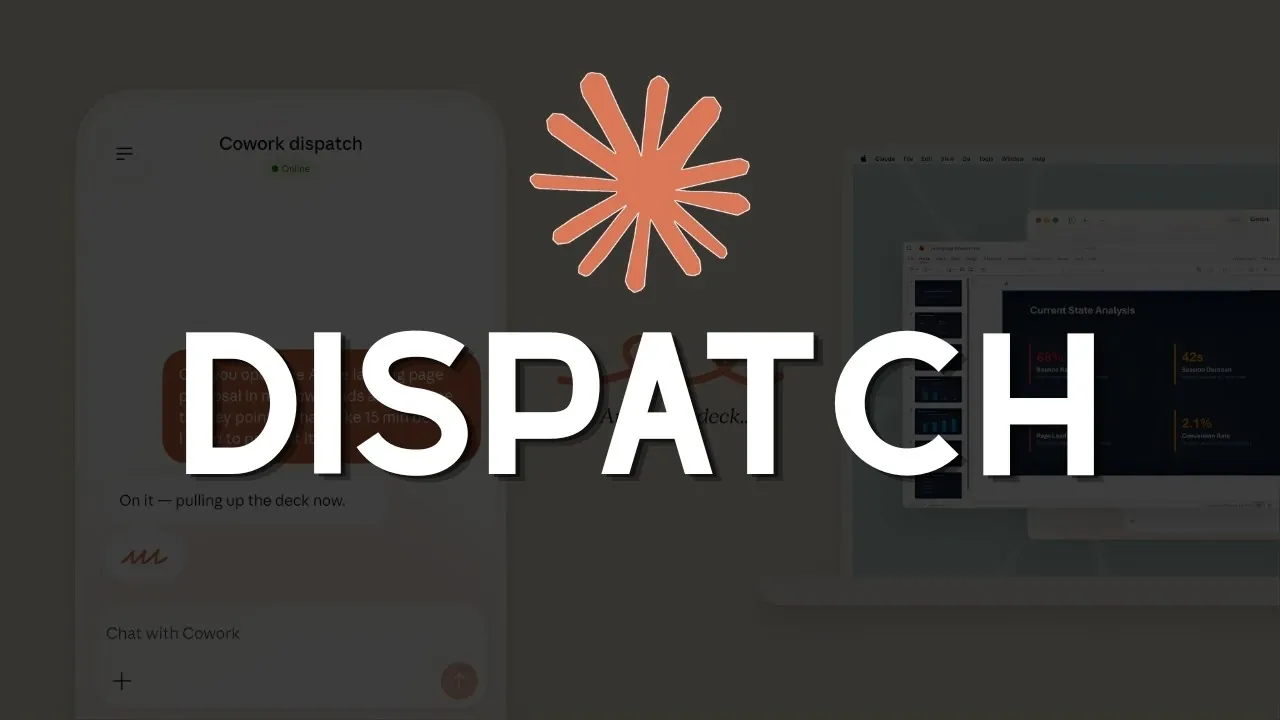
Anthropic has introduced “Dispatch,” a feature within its Cowork platform that connects desktop AI systems with mobile devices to enable remote access and management. According to Prompt Engineering, Dispatch operates through user-defined permissions, allowing actions such as retrieving desktop files or initiating browser-based tasks from a phone while making sure sensitive data remains protected. For instance, users can remotely access a document or manage plugin-based workflows without being physically present at their primary workstation.
Explore how Dispatch supports remote productivity by allowing document access and task execution across devices. Gain insight into its operational constraints, such as its reliance on an active desktop connection and examine the security measures involved in permission management. Additionally, understand the potential for future updates that could address current limitations and expand its capabilities within the Cowork platform.
What is Claude Dispatch?
TL;DR Key Takeaways :
- Anthropic’s Dispatch feature connects desktop AI assistants with mobile devices, allowing remote access to system files, plugin management and browser control for enhanced productivity and flexibility.
- Dispatch requires activation on both desktop and mobile Cowork platforms, allowing users to assign tasks, retrieve files and manage browser actions remotely with user-defined permissions for security.
- Key limitations include the need for an active desktop connection, single-threaded task handling and the absence of scheduled task execution or proactive notifications.
- Security considerations involve potential exposure to malicious content and unauthorized access, which can be mitigated by carefully managing permissions and restricting folder access.
- Currently available to Max Plan users, Dispatch is designed for knowledge workers needing remote access, with future updates planned to address multitasking and proactive notifications.
Dispatch is designed to bridge the gap between your desktop AI assistant and mobile device, allowing seamless interaction across platforms. This feature allows you to assign tasks, retrieve files and control browser actions directly from your phone, making it particularly useful for professionals who need uninterrupted access to desktop resources while away from their primary workstation.
By allowing mobile-driven interactions with your desktop AI, Dispatch simplifies workflows and enhances efficiency. Whether you are retrieving a document, running a plugin, or managing browser-based tasks, this feature provides a unified solution for maintaining productivity on the go. Its ability to integrate desktop and mobile platforms ensures that you can stay connected to your work environment, regardless of your location.
How Dispatch Works
To use Dispatch, you must activate it on both the desktop and mobile versions of the Cowork platform. Once enabled, the feature allows you to:
- Assign tasks remotely: Direct your desktop AI assistant to perform specific tasks from your mobile device.
- Access desktop files: Retrieve and manage files stored on your desktop, making sure you have the resources you need at your fingertips.
- Control browser actions: Initiate plugin-based operations or manage browser tasks remotely for streamlined workflows.
Dispatch operates with user-defined permissions, giving you control over which files and folders the AI can access. This ensures that sensitive data remains secure while still allowing for robust remote functionality. By tailoring permissions to your specific needs, you can strike a balance between accessibility and security.

Below are more guides on Claude Ai from our extensive range of articles.
- Claude Cowork Features, Google Drive and Gmail Integrations
- Claude Opus 4.6 vs GPT 5.2 : Benchmarks, Context & Workflow AI Tools
- ChatGPT vs Claude vs Gemini vs Perplexity: Best Uses
- Claude Opus 4.6 vs GPT 5.2 : Professional Tasks Results
- Claude Code Marketing Guide 2026 : Landing Pages, Emails & Paid Ads
- Claude Cowork : AI Desktop Automation Assistant for macOS
- New Claude Excel Skills : Audit Models & Clean Spreadsheet Data
- Build an AI Social Network Machine with Claude Code & Blotato
- New Claude Code Remote Control Feature Released By Anthropic
- Claude Cowork AI Automation Tool for Files, Sheets, Docs & Browser Tasks
Key Limitations
While Dispatch offers a range of benefits, it also has some notable limitations that may affect its usability in certain scenarios:
- Active Desktop Requirement: Your desktop must remain powered on and connected to the internet for Dispatch to function. This dependency limits its utility during extended periods of inactivity or power outages.
- Single-Threaded Conversations: Dispatch can only handle one task at a time, which may hinder multitasking for users managing complex workflows or multiple simultaneous operations.
- No Scheduled Tasks: The feature currently lacks support for proactive notifications or scheduled task execution, requiring manual intervention for initiating tasks.
These constraints highlight areas where Dispatch could evolve to better meet the needs of its users, particularly those who rely on multitasking or automated workflows.
Security and Privacy Considerations
Security is a critical aspect of any remote access tool and Dispatch is no exception. The feature operates over Anthropic’s cloud-based network, with permissions that you control. However, this setup introduces potential risks, such as:
- Exposure to malicious content: Interactions with browser-based tasks or external plugins could expose your system to harmful web content.
- Unauthorized access: Improperly managed permissions could lead to unauthorized access to sensitive files or data.
To mitigate these risks, you should carefully define folder access and permissions. For example, granting the AI access only to specific directories can help protect sensitive data while maintaining functionality. Regularly reviewing and updating permissions is also recommended to ensure ongoing security.
Who Can Use Dispatch?
Dispatch is currently available exclusively to Max Plan users, with plans to extend access to Pro Plan users in the future. To take advantage of this feature, you must ensure that both your desktop and mobile Cowork apps are updated to the latest versions. This ensures compatibility and provides access to all of Dispatch’s capabilities, allowing you to fully integrate it into your workflow.
Practical Applications
Dispatch is particularly valuable in scenarios where remote access to desktop resources is essential. Some practical use cases include:
- Document retrieval: Access important files stored on your desktop while traveling or working remotely.
- Task delegation: Assign coding, data analysis, or other tasks to your desktop AI assistant from your mobile device.
- Browser management: Control browser-based operations remotely, such as running plugins or managing online workflows.
These examples illustrate how Dispatch can enhance productivity for knowledge workers who require flexibility and mobility in their daily tasks.
Strategic Implications
The introduction of Dispatch aligns with Anthropic’s broader strategy to create a multi-agent system for knowledge work. By integrating desktop and mobile platforms, Anthropic aims to position itself as a leader in AI-driven productivity tools. This move also places Dispatch in competition with other “open cloud” solutions, emphasizing user-centric design and intentional feature development.
Anthropic’s focus on seamless integration and practical functionality underscores its commitment to addressing the evolving needs of knowledge workers. By offering tools like Dispatch, the company is working to redefine how professionals interact with AI in their workflows.
Future Developments
Anthropic has outlined plans to address some of Dispatch’s current limitations in future updates. Potential improvements include:
- Multi-threaded conversations: Allowing multitasking by allowing Dispatch to handle multiple tasks simultaneously.
- Proactive notifications: Introducing support for scheduled task execution and real-time alerts to streamline workflows.
These enhancements could significantly expand Dispatch’s appeal and functionality, making it an even more powerful tool for productivity. However, users should also anticipate potential pricing adjustments as Anthropic evaluates operational costs, including token subsidies, to sustain these developments.
Dispatch represents a meaningful advancement in AI-driven productivity, offering a robust solution for remote access and control. By understanding its capabilities and limitations, you can make informed decisions about integrating this feature into your workflow. With careful management of permissions and an awareness of its constraints, Dispatch can help you enhance productivity and streamline your tasks, whether you’re at your desk or on the move.
Media Credit: Prompt Engineering
Disclosure: Some of our articles include affiliate links. If you buy something through one of these links, Geeky Gadgets may earn an affiliate commission. Learn about our Disclosure Policy.
