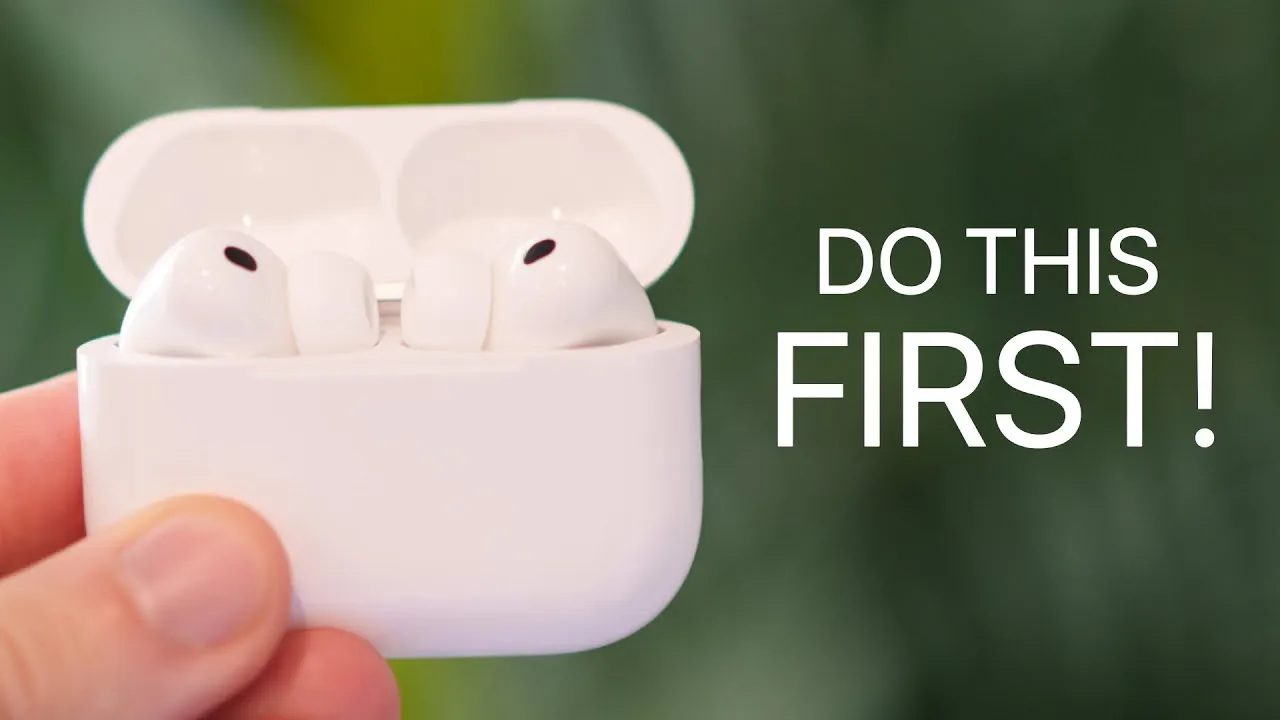
The AirPods Pro 3 introduce a range of advanced features designed to enhance your audio experience and integrate seamlessly into your daily life. Whether you’re a first-time user or upgrading from a previous model, these steps will help you set up, customize, and optimize your device. From achieving the perfect fit to exploring innovative features like heart rate monitoring and live translation, this guide ensures you get the most out of your AirPods Pro 3. The video below from Brandon Butch gives us more details on how to get the most out of your AirPods Pro 3.

1. Ensure a Perfect Fit
A proper fit is crucial for comfort, sound quality, and effective noise cancellation. The AirPods Pro 3 include an extra-extra-small ear tip size, making them suitable for users with smaller ears. Use the Ear Tip Fit Test on your iPhone to determine the best fit. A secure fit not only improves audio performance but also ensures the AirPods stay in place during workouts or daily activities.
2. Pairing Made Easy
Connecting your AirPods Pro 3 to your Apple devices is a simple process. Open the case near your iPhone and follow the on-screen instructions. The case now features a haptic button for quick pairing and resetting. Double-tap the button to enter pairing mode or triple-tap for a factory reset. These steps ensure a smooth and reliable connection across all your Apple devices.
3. Use as a Camera Remote
One of the standout features of the AirPods Pro 3 is their ability to function as a remote control for your iPhone’s camera. This feature is perfect for capturing group photos or recording videos without needing to touch your phone. Enable this functionality in your settings and enjoy the convenience of hands-free photography.
4. Monitor Your Heart Rate
The AirPods Pro 3 are the first in the lineup to include a built-in heart rate sensor. This feature syncs seamlessly with your Apple Watch and fitness apps, allowing you to monitor your heart rate during workouts or throughout the day. It’s an invaluable tool for fitness enthusiasts who want to track their health metrics without needing additional devices.
5. Take Advantage of Durability
With an IP57 rating, the AirPods Pro 3 are resistant to dust, sweat, and water. Whether you’re at the gym, on a hike, or caught in the rain, these earbuds are built to withstand tough conditions. Charging is equally versatile, with support for MagSafe, Apple Watch chargers, and Qi wireless chargers, making sure you can power up your AirPods wherever you are.
6. Optimize Audio and Noise Control
The AirPods Pro 3 deliver significantly improved audio quality. The active noise cancellation is now twice as effective as the previous model, while the new adaptive audio feature intelligently blends noise cancellation and transparency mode for a seamless listening experience. Additionally, personalized spatial audio customizes sound to your unique ear shape, offering an immersive and tailored audio experience.
7. Record with Precision
The AirPods Pro 3 feature advanced microphone technology, making them ideal for video recordings, voice memos, or calls. Adjust the microphone input settings on your device to ensure clear and precise audio capture in any situation, whether you’re recording content or participating in virtual meetings.
8. Manage Battery Life
Stay informed about your battery levels with features like low and full charge notifications. Add a battery widget to your home or lock screen for quick access to this information. These tools help you ensure your AirPods are always charged and ready to use when you need them.
9. Explore Live Translation
The beta live translation feature offers real-time language translation through the AirPods and the Translate app. This functionality is particularly useful for travelers or multilingual communication, allowing seamless interactions across different languages.
10. Never Lose Your AirPods
The new U2 chip enhances the Find My functionality, offering 1.5 times more range than previous models. You’ll also receive notifications if you leave your AirPods behind, making it easier to keep track of them and avoid misplacing them.
11. Use for Hearing Assistance
The AirPods Pro 3 can double as a hearing aid for users with mild to moderate hearing loss. Take a hearing test and adjust the settings to personalize this feature. It’s a discreet and practical solution for improving hearing in various environments.
12. Use Accessibility Features
Apple continues to prioritize accessibility with features like one-AirPod noise cancellation, press speed adjustments, and head gestures. Spatial audio head tracking adds another layer of customization, making sure the AirPods Pro 3 are accessible to a wide range of users with diverse needs.
13. Customize Notifications
Manage Siri notifications to reduce distractions. You can limit app notifications or enable replies directly through the AirPods. This feature keeps you informed while minimizing interruptions, allowing you to stay focused on your tasks.
14. Protect Your Hearing
Monitor your headphone audio levels in the Health app to safeguard your hearing over time. Enable reduced loud audio to limit exposure to high volumes, promoting long-term hearing health and preventing potential damage.
15. Enroll in Beta Updates
For early access to new features, consider enrolling in the AirPods beta program. This allows you to test upcoming functionalities before their official release, giving you a preview of future innovations and enhancements.
16. Try Live Listen
The Live Listen feature amplifies sounds from another room, making it easier to hear conversations or other audio. This functionality is particularly helpful in specific scenarios, such as meetings, lectures, or even casual conversations in noisy environments.
17. Explore the Redesigned Case
The updated case design makes it easier to remove the AirPods while also offering improved durability. These thoughtful changes enhance the overall user experience, ensuring convenience and reliability in everyday use.
18. Unlock the Full Potential
The AirPods Pro 3 are packed with features that cater to a wide range of needs, from fitness tracking to accessibility. By following this guide, you can unlock their full potential and enjoy a personalized, innovative audio experience that integrates seamlessly into your lifestyle.
Gain further expertise in AirPods Pro 3 by checking out these recommendations.
- How to Use Apple AirPods Pro 3: Features, Tips, and Tricks
- AirPods Pro 3 Review: Features, Specs, and Why They’re Worth It
- AirPods Pro 3: Everything We Know About the Next-Gen Earbuds
- Apple AirPods Pro 3: Everything You Need to Know
- AirPods Pro 3 Leaks: New Features, Design, and Release Date
Source & Image Credit: Brandon Butch
Disclosure: Some of our articles include affiliate links. If you buy something through one of these links, Geeky Gadgets may earn an affiliate commission. Learn about our Disclosure Policy.
