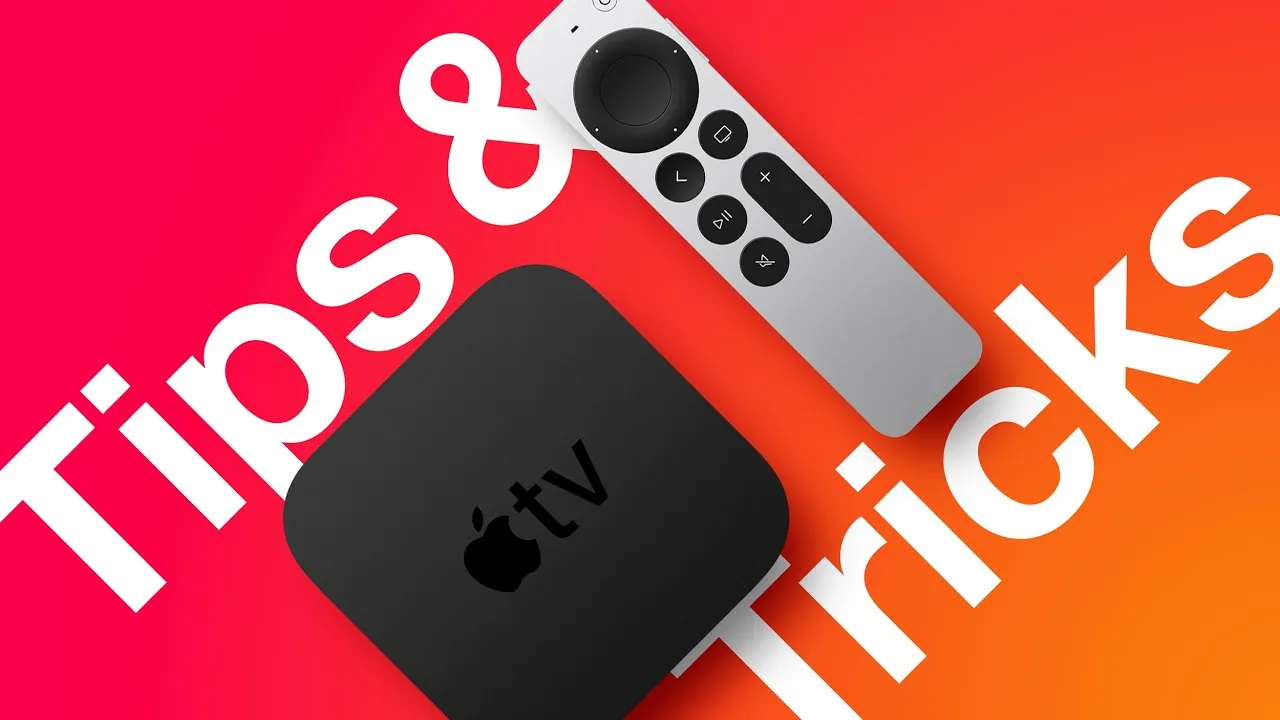
Apple’s tvOS 26 introduces a variety of features and enhancements aimed at refining your Apple TV experience. With updates ranging from personalized profiles to advanced accessibility options, this version is designed to make your interactions more intuitive, efficient, and tailored to your preferences. Whether you’re a casual viewer or a tech enthusiast, these features offer something valuable for everyone. The video below from MacRumors shows USA. raneg of tips and tricks to help us get the most out of the Apple TV.

Liquid Glass Design: A Sleek Visual Upgrade
tvOS 26 debuts the Liquid Glass Design, a significant visual enhancement to the Apple TV interface. This update introduces sleeker playback controls, refined buttons, and a more intuitive control center. The Apple TV app itself has been redesigned to showcase content in a more polished and engaging way. These changes ensure that your viewing experience is not only seamless but also visually appealing, complementing the high-quality content on your screen.
User Profiles: Effortless Personalization
Switching between user profiles has never been easier. With tvOS 26, Apple TV can now automatically recognize and switch to the correct profile when it wakes. This means personalized content recommendations, watchlists, and settings are instantly available for each user. Additionally, you can manually set a default profile or switch profiles through the settings menu. This feature ensures that every member of your household enjoys a tailored experience, making Apple TV more versatile and user-friendly.
App Integration: Simplified Access
A new API introduced in tvOS 26 allows app developers to integrate logins directly with Apple accounts. This eliminates the need to repeatedly enter credentials, offering seamless access to your favorite apps and services. By reducing the hassle of logging in, this feature enhances convenience and ensures a smoother user experience.
Audio Enhancements: Default Third-Party Speakers
For those using third-party speakers such as Sonos or Bose, tvOS 26 now allows you to set them as your default audio output. This ensures consistent, high-quality sound without the need to manually select your preferred speaker each time you watch something. Whether you’re streaming a movie or listening to music, this feature guarantees a hassle-free and immersive audio experience.
FaceTime Updates: Smarter Communication
FaceTime on Apple TV receives a major upgrade in tvOS 26. The interface now features larger contact posters for easier navigation, along with live translation and real-time captions. These enhancements make communication more accessible, particularly for multilingual households or users with hearing impairments. Whether you’re catching up with friends or participating in a virtual meeting, these updates ensure a smoother and more inclusive experience.
Screen Saver Customization: Personalize Your Display
Screen savers in tvOS 26 are now more customizable than ever. You can select specific categories, such as nature scenes or cityscapes, or hide those you prefer not to see. Additionally, each user profile can have its own screen saver preferences, allowing everyone in your household to enjoy a unique visual experience. This feature adds a personal touch to your Apple TV, making it feel truly yours.
Accessibility Features: Inclusive and Practical
tvOS 26 introduces several accessibility improvements to make Apple TV more user-friendly. A new remote shortcut allows you to reduce screen brightness, which is particularly useful in low-light settings. Additionally, a sleep timer lets you schedule automatic shutdowns for both your TV and Apple TV, promoting energy efficiency and convenience. These updates ensure that Apple TV remains accessible to all users, regardless of their needs or preferences.
Keyboard Improvements: Faster and Easier Typing
Typing on Apple TV has been significantly improved with the option to switch from the traditional linear keyboard layout to a grid format. This change speeds up text entry, making it easier to search for content, input credentials, or interact with apps. Whether you’re entering a password or searching for a movie, this feature simplifies the process and saves time.
Color Calibration: Precision at Your Fingertips
Achieving accurate color tones on your TV is now easier with the iPhone-based color calibration feature. By using your iPhone’s camera, you can fine-tune your TV’s color output for a more precise and visually satisfying display. This feature ensures that your viewing experience is optimized for both accuracy and enjoyment.
Content Previews: Customizable “Up Next” Queue
The “Up Next” queue in tvOS 26 can now be customized to appear on the top shelf of your Apple TV interface. This allows you to prioritize your favorite content while avoiding irrelevant recommendations. By streamlining your viewing experience, this feature ensures that your Apple TV is tailored to your preferences.
Picture-in-Picture Mode: Multitask with Ease
Picture-in-Picture mode in tvOS 26 lets you watch content in a small, movable window while navigating menus or using other apps. Whether you’re catching up on a show, following a tutorial, or checking the weather, this feature makes multitasking effortless and efficient.
Additional Tips for Apple TV Users
- Use your iPhone as a remote control or to locate a misplaced Apple TV remote for added convenience.
- Enable captions during late-night viewing to enjoy your content without disturbing others.
- Explore the App Store for apps that enhance your Apple TV experience, from fitness programs to educational tools.
- Take advantage of AirPlay to stream content directly from your iPhone, iPad, or Mac to your Apple TV.
Elevate Your Apple TV Experience
tvOS 26 brings a host of updates designed to enhance usability, personalization, and accessibility. From the visually stunning Liquid Glass Design to the convenience of user profiles and advanced accessibility features, these improvements ensure that Apple TV continues to set the standard for home entertainment. Explore these features today to unlock the full potential of your Apple TV and elevate your viewing experience.
Uncover more insights about Apple TV Tips in previous articles we have written.
- Apple TV Just Got Smarter: The New Features in tvOS 26
- Apple TV SECRETS REVEALED: Prepare to Be Amazed!
- iPhone 15 tips and tricks for Apple’s latest iOS
- How to Turn Your Apple TV Into a Gaming Emulator
- iOS 18.3.2 Update: Key Features and Post-Update Tips
Source & Image Credit: MacRumors
Disclosure: Some of our articles include affiliate links. If you buy something through one of these links, Geeky Gadgets may earn an affiliate commission. Learn about our Disclosure Policy.
