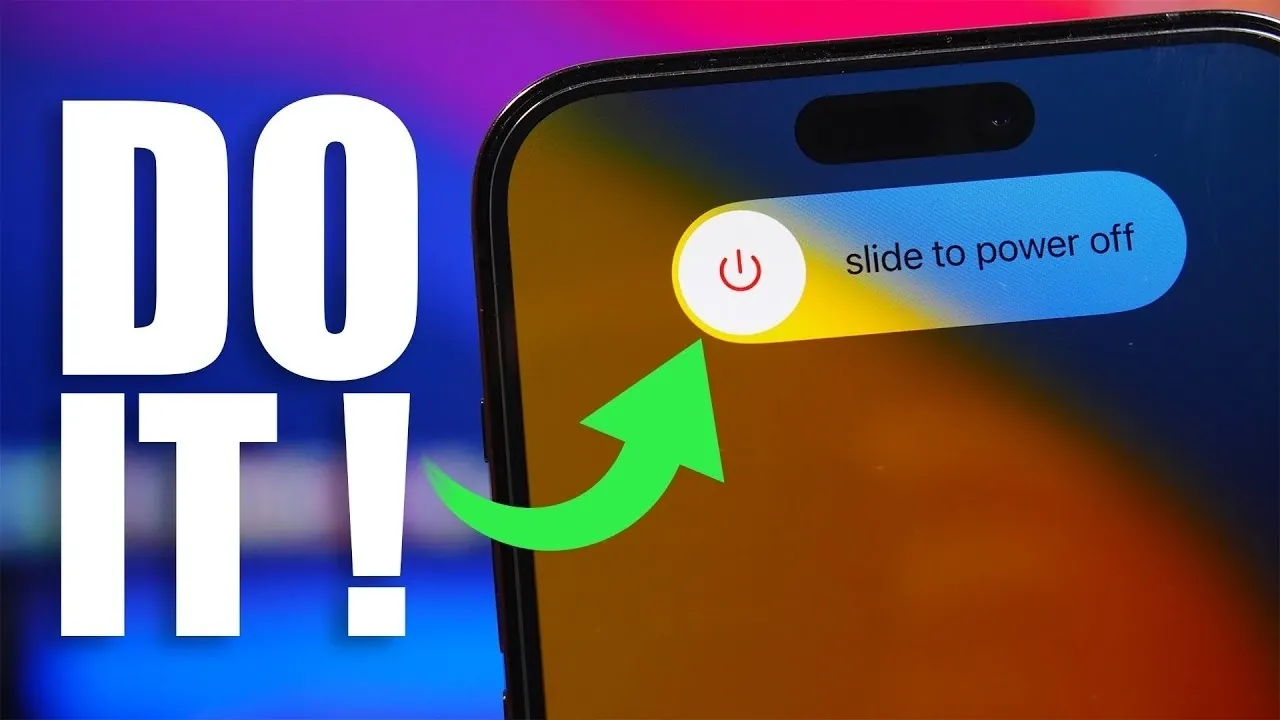
Powering down your iPhone for just five minutes may seem like an insignificant action, but it can have a meaningful impact on its performance, security, and overall functionality. This simple habit addresses common technical issues that accumulate over time, making sure your device operates efficiently and securely. Here’s a closer look at how this small step can make a noticeable difference in your iPhone’s performance and longevity. The video below from iReviews gives us more details.

Boosting Performance
Restarting your iPhone clears temporary cached files and resets its RAM, which can become cluttered with data from background apps and processes. Over time, this accumulation can lead to slower performance, app crashes, or delayed responses. A quick reboot refreshes the system, restoring speed and responsiveness. For example, if apps are taking longer to load or your device feels sluggish, powering it down and back on can often resolve these issues. By making this a regular practice, you can ensure your iPhone continues to run smoothly, even as it ages.
Enhancing Security
Regularly shutting down your iPhone can serve as a proactive measure to protect it from potential security threats. Cybersecurity experts recommend this practice because it disrupts unauthorized processes, such as malware or spyware, that may be running in the background. This is particularly important if you frequently connect to public Wi-Fi networks or download third-party apps, as these activities increase your exposure to cyber risks. A simple restart interrupts these potential threats, providing an added layer of protection for your personal data and sensitive information.
Optimizing Storage Space
Temporary files and cached data can quietly consume valuable storage space on your iPhone, often without your knowledge. Restarting your device clears these unnecessary files, which can free up 2-3 GB of space in many cases. This is especially beneficial for users with limited storage capacity, as it ensures there’s enough room for essential apps, photos and updates. By incorporating regular restarts into your routine, you can keep your device’s storage optimized without the need for manual file management.
Improving Battery Accuracy
Your iPhone’s battery performance naturally degrades over time and its charge level readings may become less accurate. Restarting your device helps recalibrate the battery, making sure it provides more precise charge information. This practice can also prevent unexpected shutdowns and improve charging efficiency. By taking this small step, you can extend your battery’s lifespan and reduce the likelihood of needing a costly replacement. Regular restarts are a simple yet effective way to maintain your battery’s health and reliability.
Resolving Connectivity Issues and System Glitches
Minor glitches, such as unresponsive apps, Wi-Fi or Bluetooth connectivity problems and other system errors, are common but can be frustrating. Restarting your iPhone can resolve these issues by resetting network settings and clearing temporary system errors. For instance, if your device struggles to maintain a stable Bluetooth connection or fails to detect Wi-Fi networks, a quick reboot can often restore normal functionality. This habit ensures your iPhone remains reliable and free from persistent technical hiccups.
Incorporating This Habit for a Better Experience
Turning off your iPhone for just five minutes once a week is a simple yet effective way to maintain its performance, security, and overall health. By addressing performance slowdowns, enhancing security, freeing up storage, recalibrating the battery and resolving minor glitches, this habit ensures your device operates efficiently and reliably. Make this small action part of your routine to enjoy a smoother, faster and more secure iPhone experience.
Take a look at other insightful guides from our broad collection that might capture your interest in iPhone performance optimization.
- How to Optimize Your iPhone with iOS 26.3 Settings
- 10 Habits to Avoid for Better iPhone Performance
- Best Tips to Fix iOS 26 Battery Drain Issues
Source & Image Credit: iReviews
Disclosure: Some of our articles include affiliate links. If you buy something through one of these links, Geeky Gadgets may earn an affiliate commission. Learn about our Disclosure Policy.
